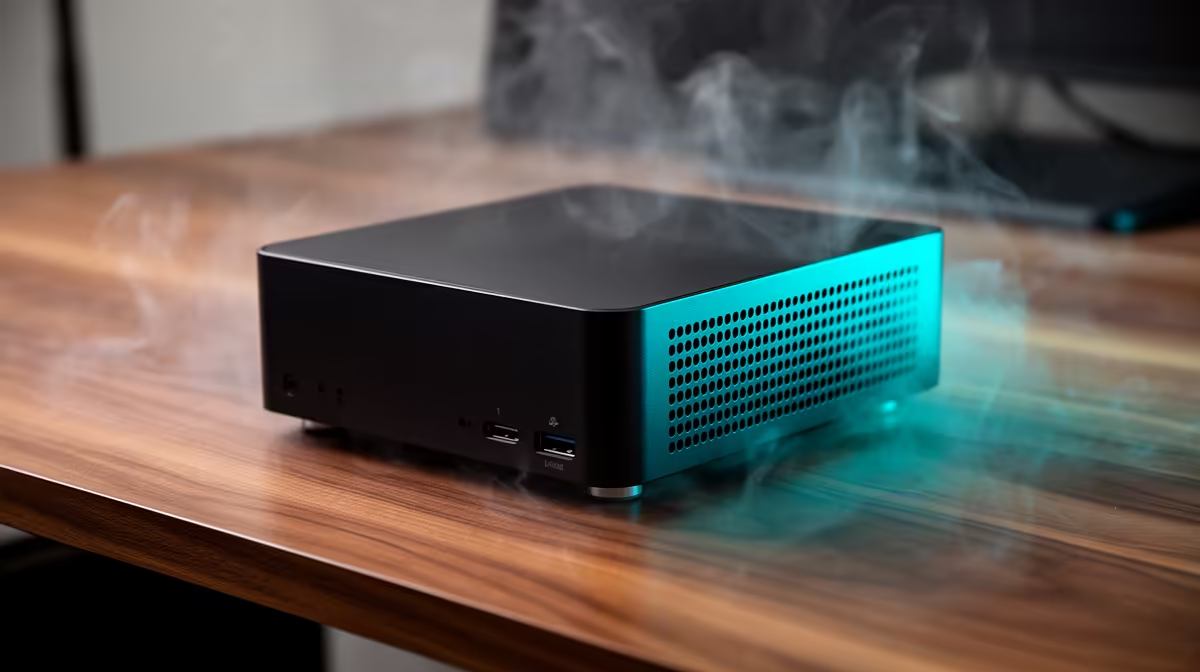
Yes, the UM750L 16GB/1TB at R4,600 makes sense for a student or home developer who wants a small always-on coding box that can also handle lighter gaming from the same desk. It gives you 16GB memory and 1TB storage, so your editor, browser tabs, launchers, and project files have more breathing room than an entry setup, and a future RAM kit upgrade path is easier to plan around than replacing the whole machine.
Why a mini PC works for mixed use
The Minisforum NAB6 Lite i5 8GB/512GB at R4,150 is the leaner choice for someone who mostly writes code, runs web tools, streams, and plays lighter titles. Its 8GB memory and 512GB storage are modest, but the low price makes it a sensible always-on starter machine for a compact desk.
The NINKEAR M7 16GB/512GB at R4,650 is a stronger balance when programming is the daily job and gaming is the evening extra. You still get 16GB memory, which matters when a browser, IDE, terminal, and game launcher are open together, while 512GB storage keeps the setup simple if you do not hoard large installs.
SA student desk and home server shelf
For a small room, res desk, or home server shelf, the NINKEAR M8 16GB/1TB at R8,350 gives a cleaner long-term setup because the 1TB storage can hold school work, code projects, media, and selected games without turning the desk into a cable mess. The GEEKOM A8 Max 32GB/1TB at R12,900 is the heavier option when you want 32GB memory for more demanding multitasking.
Ready to choose the right mini pc?
Start the gaming room shortlist with Minisforum NAB6 Lite i5 8GB/512GB at R4,150, especially if does always mini make sense points you toward its listed spec.