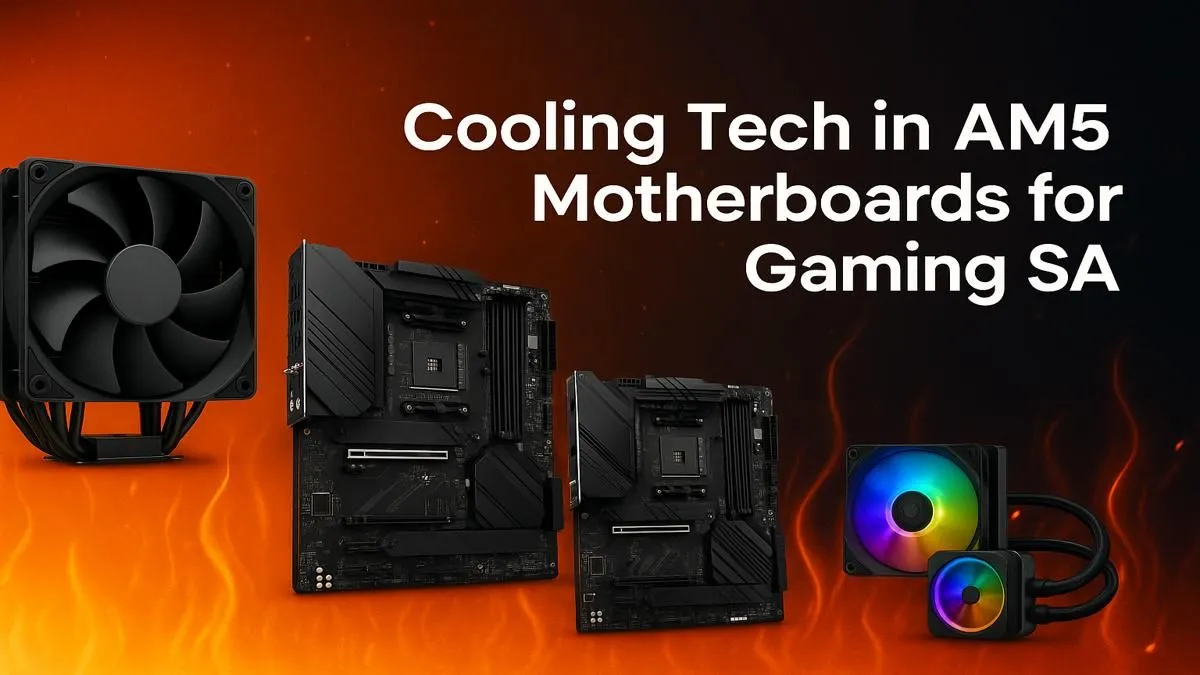
So, you’ve got a shiny new AMD Ryzen CPU, ready to blaze through the latest titles. But as you push your rig in a heated Warzone match, you notice stuttering. What gives? It might not be your CPU or GPU. Your motherboard could be overheating. Effective AM5 motherboard cooling isn't just a "nice-to-have" anymore; it's a critical part of unlocking stable, top-tier performance for your entire system. Let's dive into keeping those temps down. ❄️
Why Your AM5 Motherboard's Temperature Matters
Modern Ryzen processors are powerful... and power-hungry. This power flows through your motherboard's Voltage Regulator Modules (VRMs), which get incredibly hot under load. If they overheat, they can throttle performance to protect themselves, causing those frustrating frame drops. Proper AM5 motherboard cooling ensures your components get stable power, letting your CPU boost higher and for longer.
Think of it as the foundation of your PC's performance. A shaky, overheating foundation will cause problems for everything built on top of it.
Key Cooling Features on Modern AM5 Boards
When you're shopping for a new board, don't just look at PCIe slots and RGB. The thermal design is paramount for a high-performance gaming rig. Here’s what to look for.
VRM Heatsinks: The Bigger, The Better
The most important cooling feature on any AM5 motherboard is the VRM heatsink. These are the chunky metal blocks surrounding the CPU socket. They draw heat away from the power delivery components.
- Entry-Level Boards: Often have smaller, simpler heatsinks. Fine for budget CPUs.
- Mid-Range Boards: This is the sweet spot. Boards like those in the popular AMD B650 chipset range typically feature substantial heatsinks that offer excellent cooling for most gaming needs.
- High-End Boards: Enthusiast-grade motherboards, such as the upcoming AMD X870 series, often have massive, finned heatsinks, sometimes connected by heat pipes, for maximum thermal dissipation during extreme overclocking.
A board with robust VRM cooling is a smart investment for the longevity and stability of your PC.
Case Airflow 101 ⚡
For optimal AM5 motherboard cooling, aim for positive air pressure inside your case. This means having slightly more intake fan airflow than exhaust. It helps push cool air over your motherboard components, like the VRMs and chipset, while also keeping dust buildup to a minimum. Two front intake fans and one rear exhaust is a classic, effective setup!
Chipset and M.2 Cooling
Don't forget the other hot spots! The motherboard chipset also generates heat and usually sits under its own heatsink. Additionally, fast NVMe SSDs can get toasty and throttle. Most modern AM5 boards, including the anticipated value-focused B850 motherboards, come with at least one M.2 heatsink to keep your drive running at peak speed. Ensuring these areas have good airflow is a key part of a holistic cooling strategy.
The Verdict: Better Cooling for Better Gaming 🚀
Choosing a motherboard with excellent thermal design is no longer an enthusiast-only concern. For any serious South African gamer, solid AM5 motherboard cooling is the key to unlocking consistent, stutter-free performance from your Ryzen processor.
By paying attention to VRM heatsinks and ensuring good case airflow, you create a stable platform that won't let you down when the action heats up. It's the smartest upgrade you can make for a reliable and powerful gaming rig.
Ready to Build a Cooler, Faster Rig?
The right motherboard is the foundation of a stable, high-performance PC. A board with superior cooling ensures you get every bit of power you paid for. Explore our massive range of AM5 motherboards and find the perfect core for your new build.