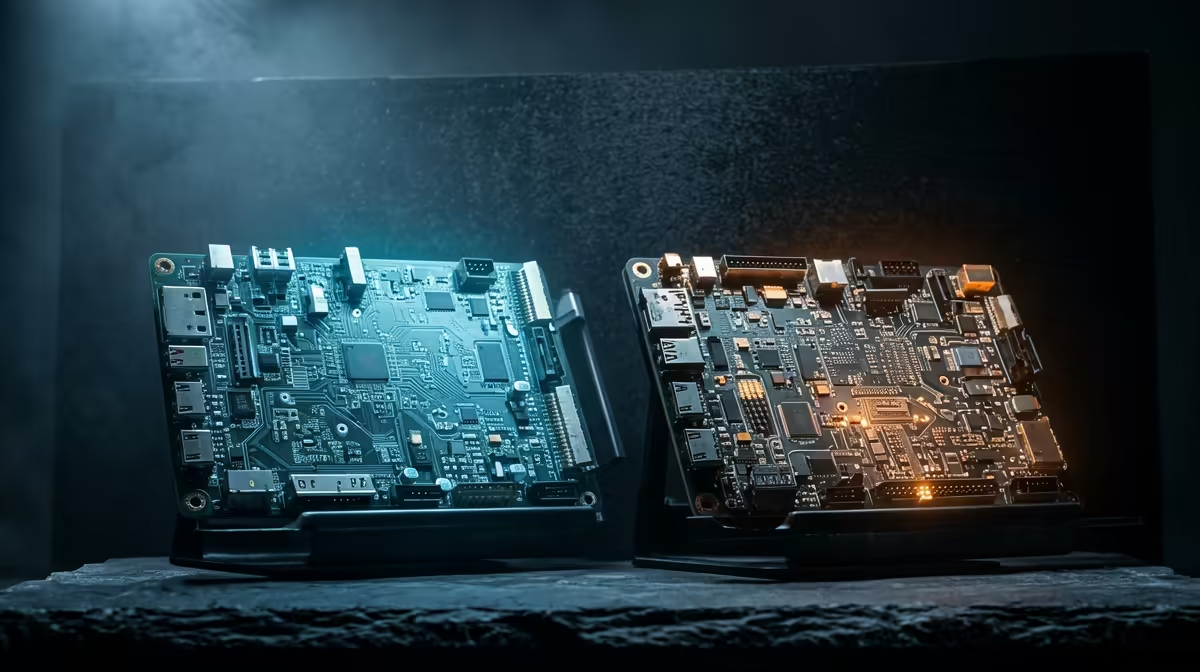
Two boards dominate the entry to electronics and coding, and they are not really competitors at all. They solve different problems. Arduino versus Raspberry Pi for learning is the question of whether you want to master a microcontroller that runs a single program with absolute timing precision, or a full Linux computer that boots an operating system and juggles many tasks at once. Pick the wrong one for your goal and you will spend weeks fighting the tool instead of learning from it.
Quick Answer
Choose Arduino if your goal is hands-on electronics: sensors, motors, real-time control and battery projects that run for weeks. Choose Raspberry Pi if you want to learn Linux, Python, networking, web servers or anything involving cameras and machine learning. They complement each other, and most people who stick with the hobby end up owning both.
What Each Board Actually Is
The difference starts at the deepest level. An Arduino is a microcontroller board. It runs one program, written in C or C++, directly on the chip with no operating system underneath it. When you power it on, your code starts instantly and runs forever in a loop. There is nothing else competing for the processor, which makes its behaviour completely predictable.
A Raspberry Pi is a single-board computer. It boots a full Linux operating system from a microSD card, runs a desktop or a command line, connects to the internet, and can run dozens of programs at the same time. It is, in every meaningful sense, a small computer rather than a chip you program.
That single distinction drives almost every practical difference between them, from how you write code to how long a battery lasts to what kinds of projects make sense on each.
Real-Time Control Versus Raw Computing
Arduino wins decisively on timing. Because there is no operating system deciding what runs when, an Arduino responds to an input within a handful of clock cycles, every single time, with no surprises. If you are spinning a motor at an exact speed, reading a sensor on a strict schedule, or controlling a servo where a few microseconds matter, that determinism is everything.
The Raspberry Pi is far more powerful on raw computation, often dozens of times faster, but it pays for that with unpredictable timing. Linux is constantly switching between tasks behind the scenes, so an interrupt that should fire instantly can occasionally be delayed by milliseconds. For playing a video or running a Python script that does not care about microsecond accuracy, that is invisible. For precise hardware control, it is a real limitation.
When Determinism Matters
If your project is a quadcopter flight controller, a 3D printer mainboard, or anything where late timing means physical failure, you want the microcontroller. This is exactly why so many real-time devices use an Arduino-class chip even when a more powerful computer sits nearby.
When Computing Power Matters
If your project recognises faces in a camera feed, hosts a small website, logs data to a database, or talks to cloud services over the internet, the Pi is the natural home. Asking an Arduino to do these things is possible only in the most stripped-down form, and usually not worth the pain.
Power and Portability
An Arduino sips power. A simple sensor node can run for weeks or months on batteries, and some designs sleep so deeply they last far longer. There is no operating system to keep awake, so when the chip has nothing to do, it draws almost nothing.
A Raspberry Pi needs a steady, fairly substantial power supply because it is running a full operating system the whole time. That makes it a poor fit for a battery-powered device left in a field or a wearable, and a good fit for anything that lives plugged into the wall. If portability and battery life sit at the centre of your project, that alone often decides the question.
The Learning Curve and What You Take Away
Arduino has the gentler on-ramp into electronics. The IDE is simple, the sketch structure is rigid in a helpful way, and most beginners get an LED blinking or a sensor reading within their first session. You learn how electricity, components and code meet, which is foundational knowledge that carries into every other board afterwards.
The Raspberry Pi teaches you computing rather than electronics. You learn Linux, the command line, Python, file systems and networking, all transferable skills that look very much like what professionals use daily. It is a slightly steeper start because you are learning an operating system as well as your project, but the payoff is broad. A good kit and a quality microSD card make the first hours far smoother, and the maker boards and add-ons in the smart home and DIY electronics range cover the sensors and modules most starter projects need.
A Note on the Latest Boards
The line between the two has started to blur. Newer Arduino-branded boards now pair a Linux-capable processor with a separate real-time microcontroller on the same board, aiming to give you both worlds at once. That is an exciting direction, but for a first board it is more than most learners need. Start with one clear tool, learn it well, and grow into hybrids later once you understand why both halves exist.
Which One Should You Buy First?
If you are drawn to physical things, building circuits, wiring sensors, making something move, start with Arduino. The feedback is immediate and the electronics fundamentals you pick up are permanent. If you are drawn to software, coding, automating tasks, building anything that lives on a network, start with the Raspberry Pi. Either way you are not locked in. Keeping a tidy set of jumper leads, breadboards and storage on hand makes the early experiments painless, and the electronics and accessories best sellers are a sensible place to stock the basics.
Frequently Asked Questions
Can an Arduino connect to the internet like a Raspberry Pi?
Only with add-on modules, and even then it handles networking far more crudely. The Pi has built-in Wi-Fi and Ethernet and treats the internet as a native part of the system, which makes it the right choice for any networked project.
Do I need to know programming before starting?
No. Arduino is a common first taste of C or C++, and the Raspberry Pi is a popular way to learn Python. Both are designed for people starting from zero, with huge libraries of beginner tutorials.
Which is cheaper to get into?
A basic Arduino starter kit is usually the lower-cost entry, since the Pi also needs a power supply, a microSD card and often a case. But both sit firmly within hobby budgets in Rand.
Can I use both together in one project?
Yes, and many advanced builds do exactly that. The Pi handles the heavy computing and networking while an Arduino handles the precise real-time control, talking to each other over a simple connection.
Will skills transfer between the two?
Some do. Wiring, basic electronics and how sensors behave carry across. The coding differs, since Arduino leans on C and C++ while the Pi favours Python and Linux, but the problem-solving mindset is the same on both.