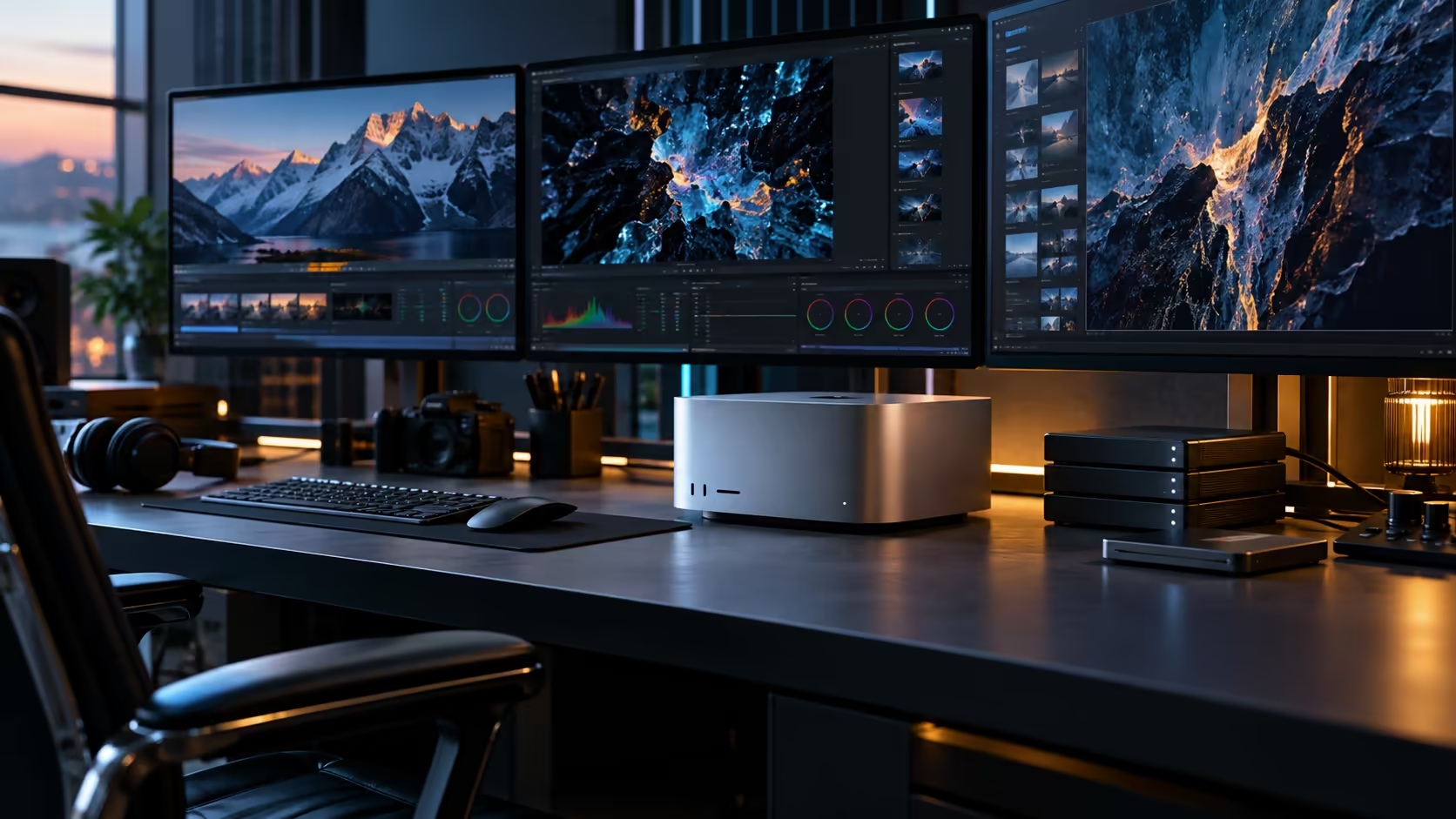
Put two editors on one Mac Studio M5 Ultra instead of buying each a separate machine, and the 96GB and 1TB question stops being about a single person's project. It becomes a question of how many people that pool can actually serve well before either number runs thin.
Quick Answer
Shared across two or three people's concurrent work, 96GB of unified memory generally holds while 1TB of internal storage is the figure that runs out first, often within weeks rather than months. Whether pooling several users onto one Mac Studio M5 Ultra beats buying each of them a separate M5 Max comes down to how much of their real work actually overlaps in time. The machine is R108,999.
👥 The concurrency question nobody asks before buying
Most buying guides size a machine against one person's heaviest project. A shared Mac Studio M5 Ultra has to be sized against several people's overlapping sessions instead.
Two editors grading separate timelines at the same time, or an editor and an AI-assisted colourist working simultaneously, draw on the identical 96GB pool rather than each getting a dedicated share of it. macOS doesn't partition memory by user session, so the honest test is running your actual team's overlapping workload together, not each person's project measured alone and simply summed, and that combined figure is what should decide the purchase, not either person's number in isolation.
💾 Why storage becomes the bottleneck first in a shared setup
A single 1TB drive dividing between multiple people's active projects fills at a multiple of the rate it would for one person alone.
Camera-original footage, AI model files and render caches from two or three concurrent projects compound quickly against a single 1TB budget. This is the number that actually forces a decision in a shared setup, well before the 96GB memory pool becomes the limiting factor, and it's the reason external and networked storage stop being optional the moment more than one person relies on the same machine rather than a nice-to-have for later.
⚖️ One Ultra for a team versus separate machines per person
This is the real decision a shared purchase forces, and it has a clean way to think about it.
If your team's heaviest sessions rarely overlap in time, one person renders while another reviews footage, a shared M5 Ultra with its 96GB pool can serve both without either feeling short of memory, since the pool is only fully stressed when demand actually collides. If your team's heaviest work routinely happens at the same time, several editors grading simultaneously during a delivery crunch, separate M5 Max machines per person avoid the contention a single shared pool creates during exactly the moments it matters most.
There's a middle case worth naming too: a small team where one person's work is consistently the heaviest, an AI-assisted colourist, say, while everyone else's needs are lighter and occasional. Here a single shared Ultra, with the heavy user given priority during crunch periods, often beats splitting the same budget across several lighter machines that would each sit under-used most of the working week.
🗂️ A storage tier built for shared, not solo, use
Splitting storage by role matters even more once more than one person depends on it.
Internal storage for macOS, shared applications and whichever projects are actively open right now. External Thunderbolt 5 drives assigned per person or per active project, so one person's footage doesn't compete for space with another's. A diskless NAS built out with your own drives for anything delivered and closed out, so the fast internal and external tiers stay clear for current work rather than slowly filling with jobs nobody is touching anymore.
🇿🇦 Support stakes rise with every additional person relying on the machine
A fault on a shared halo workstation doesn't just cost one person their day; it stalls everyone depending on it at once.
A South African warranty holder turns that fault into a same-day phone call and drop-off, typically resolved within 3 to 5 days. The same fault on privately imported hardware means the entire team waits out an international repair while whatever work was scheduled for that machine has nowhere else to go, which is a very different risk profile once three people's output depends on one box rather than one person's.
📆 Testing the overlap assumption before you commit to one machine
Don't guess at how much your team's work actually collides in time. Track it for a full 14 days first.
Note down, honestly and specifically, which hours each person spent on genuinely heavy work, rendering, grading, running a model, over a normal working fortnight. If those windows rarely coincide, a shared Ultra is very likely the more efficient buy for the team. If they cluster around the same delivery deadlines every time, that clustering is exactly when a shared pool would have felt tightest, and it's far better to discover that from two weeks of honest notes than from a missed client deadline.
Frequently Asked Questions
Can two people share one Mac Studio M5 Ultra without running into memory limits?
Often yes, provided their heaviest work rarely happens at the exact same time. If their sessions routinely overlap, the shared 96GB pool can feel tight during that overlap even though it comfortably serves one person alone.
Does storage or memory run out first on a machine shared by a team?
Storage, almost always. A single 1TB drive divided between several people's active projects fills far faster than the 96GB memory pool gets stressed.
Is one Mac Studio M5 Ultra cheaper than buying separate machines for a small team?
It can be, but only if the team's heaviest work genuinely doesn't overlap in time. Where work does overlap, separate machines avoid the contention a shared pool creates and may be worth the extra cost.
What's the first storage upgrade a shared setup should make?
External Thunderbolt 5 drives assigned per person or per project, so individual workloads stop competing for the same internal 1TB the moment more than one person relies on the machine.
How do I decide between one shared Ultra and several separate machines?
Track your team's actual heavy-work hours for a couple of weeks. If those hours rarely overlap, one shared machine usually wins on cost and simplicity. If they consistently collide, separate machines avoid the contention that overlap would create.
Ready to work out whether one shared Mac Studio M5 Ultra suits your team?
Map your team's overlapping workload before choosing between one shared machine and several smaller ones.