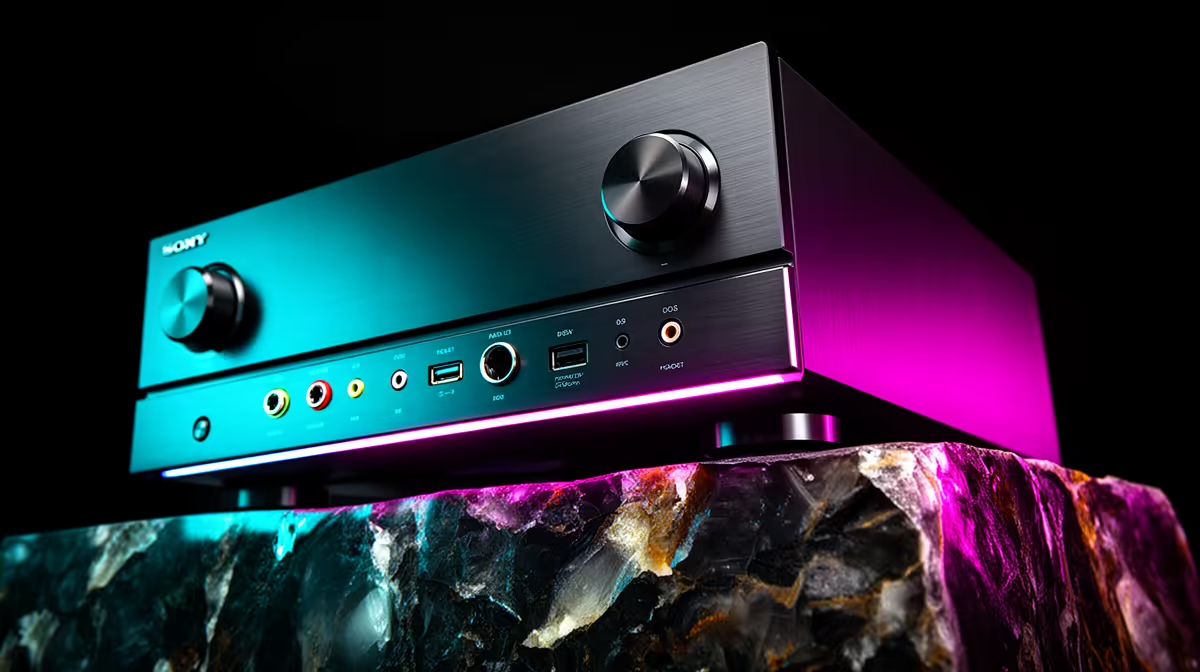
An AVR unit is worthwhile for switching between a console and PC when one display and speaker system must handle several inputs cleanly. It adds little when a monitor already has enough ports and audio comes from a headset. Compatibility with resolution, refresh rate and audio formats decides the result.
Draw the signal path first
The factpacks provide no verified AVR option or selling price. Check current Evetech availability for HDMI inputs and outputs, supported display modes, audio formats, gaming features, speaker connections, control options, physical size and warranty. A unit may pass a resolution while limiting refresh rate or another feature.
Connect the console and PC using their intended cables, then test each display mode and audio output. Switch sources during a game, video and desktop session. Watch for blank screens, delayed handshakes, incorrect colour, audio dropouts and lip-sync problems. Confirm that sleep, restart and input selection remain predictable for every household user.
Allow ventilation around the receiver and label cables before placing it in furniture. Keep speaker wiring secure and never connect loads outside manufacturer guidance. An AVR earns its space when it replaces repeated cable changes and supports the exact gaming modes without compromise. If the desk uses one headset and two monitor inputs, direct switching may remain simpler and quieter.
Switching console and PC sources? > Ask Evetech to compare current displays, cables and home-theatre options.