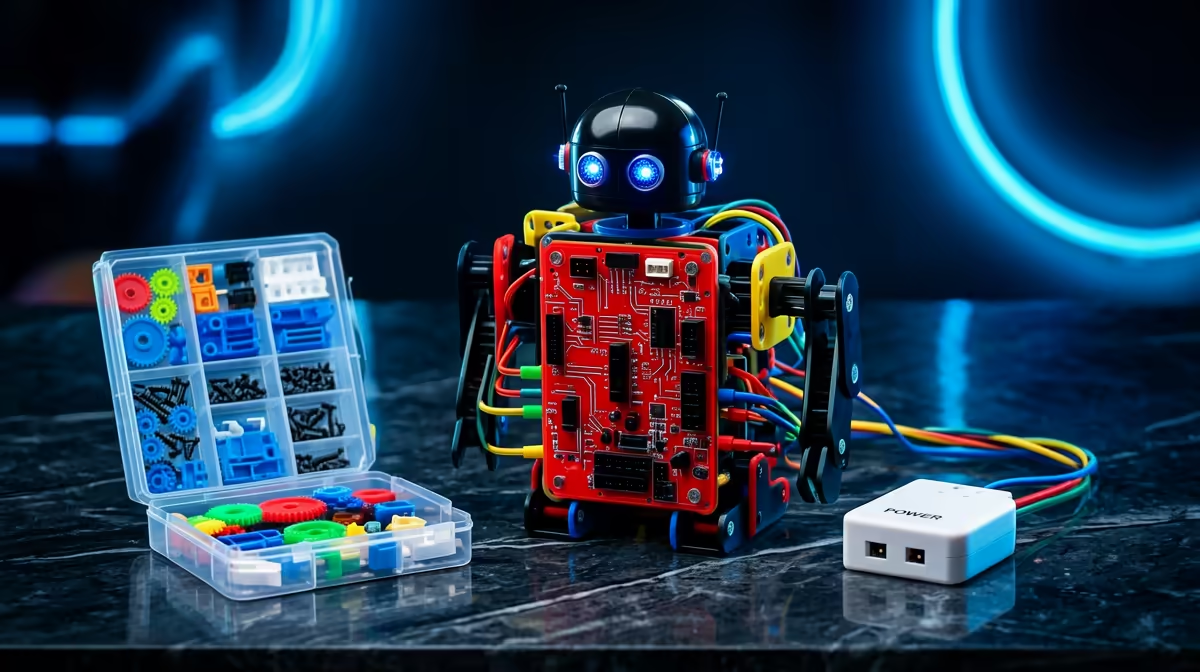
Coding and Robotics is now a gazetted subject across South African schools, sitting alongside maths from Grade R and adding to natural sciences and technology from Grade 4 onward. That single curriculum change turns a back-to-school STEM kit from a nice-to-have gift into a purchase that genuinely backs up what your child covers in class. The trick is matching the kit to the grade, not buying the flashiest box on the shelf.
Quick Answer
Buy by grade band, not by hype. Grades R to 3 learn through unplugged play and simple block-based robots; Grades 4 to 6 move to programmable microcontrollers and block coding; Grades 7 to 9 take on real text-based code and sensors. A sensible first kit lands in the R800 to R2,500 range, with capable robotics sets reaching R3,000 and up for older kids.
Why the curriculum makes this an easy January call
The Department of Basic Education phased Coding and Robotics in over several years and the latest gazette formally added it to the National Curriculum Statement for Grades R to 9. For the youngest grades the subject is woven into mathematics; from Grade 4 it joins natural sciences and technology. The curriculum is built around clear strands: robotics skills using microcontrollers programmed in block-based platforms, application skills like text editing and spreadsheets, and digital citizenship covering safe internet use.
That structure tells you exactly what a useful kit looks like at each stage. A box that teaches drag-and-drop block coding and a physical robot maps directly onto the robotics strand. A kit that only flashes lights with no programming layer does not. When the spend has to earn its place in a tight January budget alongside uniforms and stationery, buying to the curriculum is how you make every rand count.
Match the kit to the grade
Grades R to 3: tactile and screen-light
At Foundation Phase the goal is sequencing and cause-and-effect, not syntax. Look for chunky, durable robots driven by button sequences or simple block apps on a tablet. Floor robots that follow a programmed path, magnetic building sets, and screen-free coding games all fit. Avoid anything that demands fluent reading or fiddly assembly. Budget around R600 to R1,500 here, and prioritise build quality over feature count because these take real punishment from small hands.
Grades 4 to 6: block coding meets hardware
Intermediate Phase is where a programmable robot earns its keep. Kits that pair a microcontroller with a block-based coding app, such as Scratch-style environments, let children write actual logic and watch a motor or sensor respond. Light sensors, line-following, and basic obstacle avoidance teach loops and conditionals in a hands-on way. This is the sweet spot for a build-and-code kit in the R1,500 to R3,000 band, and the broader smart and connected gear that pairs with these projects is worth browsing through the smart home and appliances range.
Grades 7 to 9: real code and sensors
Senior Phase moves toward text-based programming and more capable boards. Arduino-compatible kits, more advanced robotics platforms, and sets that introduce Python or C-style coding suit this age. Expect more components, breadboards, and the freedom to build projects beyond the instructions. Spend tends to climb to R2,500 and above as the parts count and capability grow, but the learning ceiling rises with it.
What to check before you pay
Software matters as much as the plastic. Confirm the coding app runs on the device you already own, whether that is an Android tablet, a Windows laptop or an iPad, because a kit tied to hardware you do not have is a frustrating gift. Check that spare parts and additional sensors are available so the kit grows rather than gathers dust.
Durability is non-negotiable for younger children, and expandability is the value play for older ones. A kit that accepts extra modules outlasts a sealed toy by years. Battery type is a small but real factor too: rechargeable packs save a fortune over disposable cells across a school year of tinkering, and the cables, chargers and spares that keep projects running are easy to top up from the accessories best sellers.
Common mistakes SA parents make
The biggest one is buying up. A flashy senior-phase robotics set handed to a Grade 2 child sits unused because the coding demands fluent reading and patience the curriculum has not built yet. Buy for the grade your child is in now, not the grade you hope they reach.
The second is ignoring the app. A beautiful robot with a clunky or region-locked app that will not install on your tablet is dead weight. The third is treating the kit as a one-off toy rather than a platform. The kits that pay off are the ones that accept new sensors and projects term after term, turning a single January purchase into years of curriculum-aligned learning.
Frequently Asked Questions
Is Coding and Robotics actually compulsory in SA schools now?
The subject has been gazetted into the National Curriculum Statement for Grades R to 9, phased in over several years. It sits within mathematics in the early grades and joins natural sciences and technology from Grade 4, so a curriculum-aligned kit supports real classwork.
What grade should my child be in before a coding robot is useful?
Even Grade R children benefit from screen-light sequencing toys. Programmable robots with block coding suit Grades 4 to 6 best, while text-based coding kits with Arduino-style boards fit Grades 7 to 9.
How much should I budget for a first STEM kit?
A solid starter sits between R800 and R2,500. Foundation Phase kits can come in under R1,500, while capable robotics sets for older children reach R3,000 and beyond.
Do I need a specific device to run the coding app?
Usually yes. Most kits pair with an app on Android, Windows or iPad. Confirm the app supports a device you already own before buying, since this is the most common reason a kit goes unused.
Will one kit last more than a year?
The right one will. Choose a kit that accepts extra sensors and modules so it expands with your child's grade, rather than a sealed toy that has one trick and then sits in a cupboard.