Quick Answer
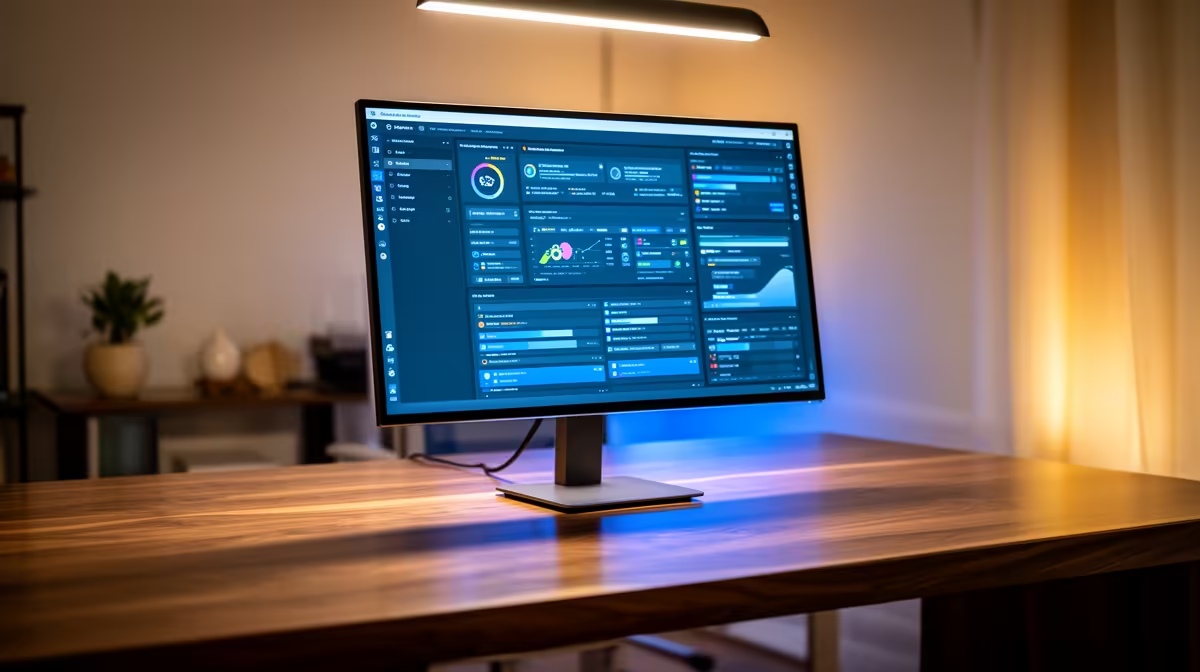
For Springs remote workers, the Dell U2724DE (27", IPS, 4K UHD, USB-C 90W PD) at ~R8,500 is the top pick for a home-office 1440p-and-above setup — it powers your laptop while acting as your display and ships from Evetech within 2 business days to Springs. If budget is tighter, the LG 27GP850-B at ~R5,500 gives 165Hz QHD for a dual work-and-gaming screen.
Why 1440p Makes Sense for Remote Work in Springs
Spring's growing remote-worker community needs displays that handle eight-plus hours of screen time comfortably. A 27" IPS 1440p panel gives you enough vertical space to have two documents side-by-side without zooming out. Text antialiasing is noticeably sharper than 1080p, reducing eye strain over long days. For video calls on Zoom or Teams, any 1440p monitor with a built-in USB hub (Dell U2724DE, ASUS ProArt PA279CV) simplifies cable management at a home desk.
Remote-Work Features Worth Paying For
USB-C Power Delivery: the Dell U2724DE delivers 90W through USB-C — enough to charge most 15" work laptops. That cuts one charger from your desk. KVM switches (built into some LG and Dell models) let you share keyboard and mouse between a work laptop and personal machine. An adjustable stand with tilt, swivel, and height range is worth R500–R1,000 more on paper but saves your neck over three years of remote work. Matte anti-glare coatings matter more than gloss when you're near a window in the Gauteng sun.
ZAR Price Tiers for 1440p Monitors
1440p 144Hz IPS entry (27"): R4,000–R5,500 — AOC Q27G2S, MSI MAG 274QRF. 1440p 165Hz IPS mid (27"): R5,500–R7,500 — LG 27GP850-B, Samsung G5. USB-C professional monitors (27–32"): R7,500–R10,000 — Dell U2724DE, ASUS ProArt PA279CV. All stocked at Evetech with national shipping.
FAQ
Does USB-C charging on a monitor work with any laptop?
USB-C PD charging works with laptops that support USB-C charging — most modern Lenovo ThinkPads, Dell XPS, HP Pavilion, and MacBooks do. Check your laptop charger: if it's USB-C, the monitor can replace it. If it's a barrel connector, USB-C PD won't work and you'll still need the separate charger.
Is a 144Hz refresh rate useful for remote work or just gaming?
144Hz makes cursor movements, scrolling, and window animations noticeably smoother even outside gaming. For most spreadsheet and document work 75Hz is sufficient, but if you multitask across many windows or do video editing, the extra refresh rate reduces motion blur on fast scroll.
What's the best 1440p monitor under R6,000 for a Springs home office?
The LG 27GP850-B at ~R5,500 is the strongest pick — 165Hz, 1ms IPS, and both HDMI 2.0 and DisplayPort 1.4. MSI's MAG 274QRF-QD is close at ~R5,200 with a 165Hz Rapid IPS panel. Both are available at Evetech with free shipping on orders over R2,000.
work laptop has a single USB-C port, choose a monitor with USB-C PD above 65W — the Dell U2724DE at 90W handles even power-hungry 15" laptops on a single cable.