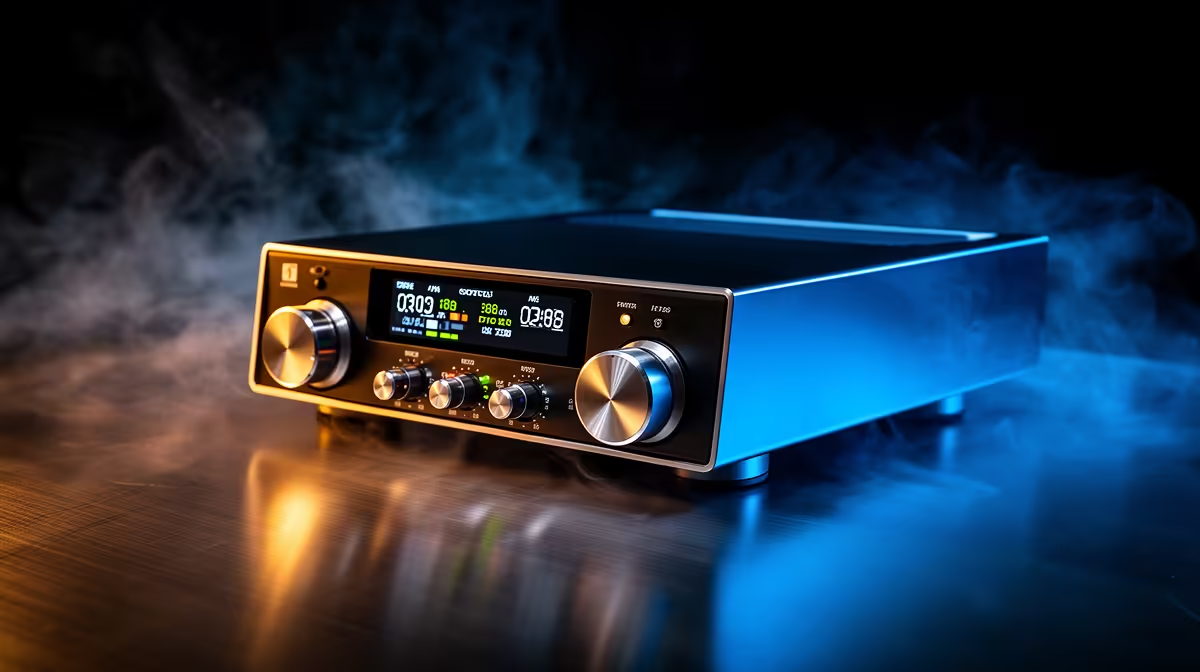
The single most useful upgrade for any SA creator recording at home is a proper audio interface, and the one that suits the most people is the Focusrite Scarlett 2i2 4th Gen. It turns a bare microphone into a clean, broadcast-grade signal, and it does so without the hiss and lag that plague plugging a mic straight into a laptop. Whether you record voiceovers in a Cape Town flat or track guitars in a Joburg bedroom, this is the box that sits between the mic and the computer.
Quick Answer
For most home studios the Focusrite Scarlett 2i2 4th Gen is the best all-round audio interface, with 69dB of mic-pre gain and 24-bit/192kHz conversion that handles voice, podcasting and music. If you want the sharpest measured specs and a colour metering screen, the MOTU M2 is the step-across alternative. Both are two-channel USB-C interfaces.
What An Audio Interface Actually Does
A microphone produces a weak signal that a computer's built-in audio cannot handle cleanly. An audio interface does three jobs at once: it amplifies the mic through a quiet preamp, converts the analogue signal to digital with proper converters, and feeds your headphones with near-zero latency so you hear yourself in time while recording. Skip it and you fight noise, lag, and thin sound on every take.
The two inputs on both interfaces here are XLR/TRS combo jacks, so each socket takes either a microphone over XLR or an instrument over a quarter-inch jack. That covers a podcast host plus a guest, or a vocalist plus a guitar, on the same box.
The Focusrite Scarlett 2i2 4th Gen
The 2i2 earns the default recommendation because it gets the basics right and adds genuinely useful touches. Its preamps deliver up to 69dB of gain, which is enough to drive quieter dynamic microphones to a healthy level without running out of headroom. Conversion tops out at 24-bit/192kHz, far beyond what voice or music actually needs, so you are never the limiting factor.
The 4th Gen's standout extra is Air mode, a switch that adds a subtle high-frequency lift modelled on Focusrite's classic ISA preamps. It flatters vocals and acoustic instruments with a brighter, more open character. There is also an auto-gain feature that sets a sensible level for you, handy if metering is new to you. The bundled software, including Ableton Live Lite, a Focusrite plugin suite, and a Splice Sounds subscription, means you can record and process the day it arrives.
The MOTU M2 Alternative
The M2 is the choice for anyone who cares about the numbers on the spec sheet. Its converters post a wider dynamic range, around 120dB against the Scarlett's 111dB, and its THAT-branded preamps are clean and uncoloured. Gain tops out around 60dB, slightly less than the Scarlett, which only matters with very low-output microphones. Its headline feature is a full-colour LCD that meters your input and output levels at a glance, which is genuinely better than the Scarlett's halo ring lights for catching a clipping signal before it ruins a take. It also adds MIDI in and out, useful if you run a keyboard controller.
The trade-off is a thinner software bundle and a sound that is deliberately neutral rather than flattering. If you want the interface to add character, the Scarlett does; if you want it to add nothing and stay out of the way, the M2 does that better.
Latency: Why It Matters More Than You Think
Both interfaces achieve very low round-trip latency over USB-C, and the MOTU M2 is measured at around 2.5ms at 96kHz with a small buffer. That figure might sound abstract, but the practical effect is that you hear yourself through the headphone output without any noticeable delay. Recording vocals while hearing a slow digital echo of your own voice is disorienting enough to affect your performance, so latency is not a spec to ignore when comparing budget interfaces. Direct monitoring, which routes the mic signal straight to the headphone output before the computer touches it, sidesteps the issue entirely and both interfaces offer it.
Which One For Your Room
Pick the Scarlett 2i2 4th Gen if you are recording voice or podcasts and want Air mode's vocal lift, the larger software bundle, and the most forgiving setup. Pick the MOTU M2 if you are tracking music where measured accuracy and clear metering matter more than colour. Either way, the interface is only as good as what you monitor on, so budget for a closed-back set; the headphones and headsets range at Evetech covers studio-suitable options. For a sense of what other SA creators are buying, the headset best sellers list at Evetech is a useful reference before you settle on a pair.
Software and driver stability
One practical advantage of both the Scarlett and the M2 is their driver reliability. Both are class-compliant on modern operating systems, meaning Windows and macOS recognise them without custom driver installation. The Scarlett also ships with dedicated Focusrite Control software for adjusting monitoring mix and routing, while the M2 is managed through standard OS audio settings with no companion app required. Neither interface needs a restart or complex setup when you move from one computer to another, which matters when you work across a home machine and a laptop. That out-of-the-box reliability is often underrated compared to headline specs, but it saves real time in a working studio.
Frequently Asked Questions
Do I really need an audio interface, or is a USB mic enough?
A USB mic is fine for casual calls and basic podcasting. An interface gives you a better preamp, true latency-free monitoring, and the freedom to swap microphones, which is why it remains the standard for serious home recording.
How much gain do I need?
For most condenser and dynamic mics, the Scarlett's 69dB is ample. Very low-output dynamic mics benefit from more gain, which is one reason the Scarlett edges the MOTU M2's roughly 60dB on paper.
Is 192kHz conversion worth it?
It is far more resolution than voice or music requires; most people record at 48kHz comfortably. It is reassuring headroom rather than a daily benefit, and both interfaces offer it.
What is Air mode on the Scarlett?
Air mode adds a subtle high-frequency boost modelled on Focusrite's ISA preamp. It brightens vocals and acoustic instruments. It is optional, so you can record flat when you prefer.
Can I plug a guitar straight into these?
Yes. Both interfaces have combo inputs with an instrument setting, so a guitar or bass connects over a quarter-inch jack on the same sockets that take a microphone over XLR.