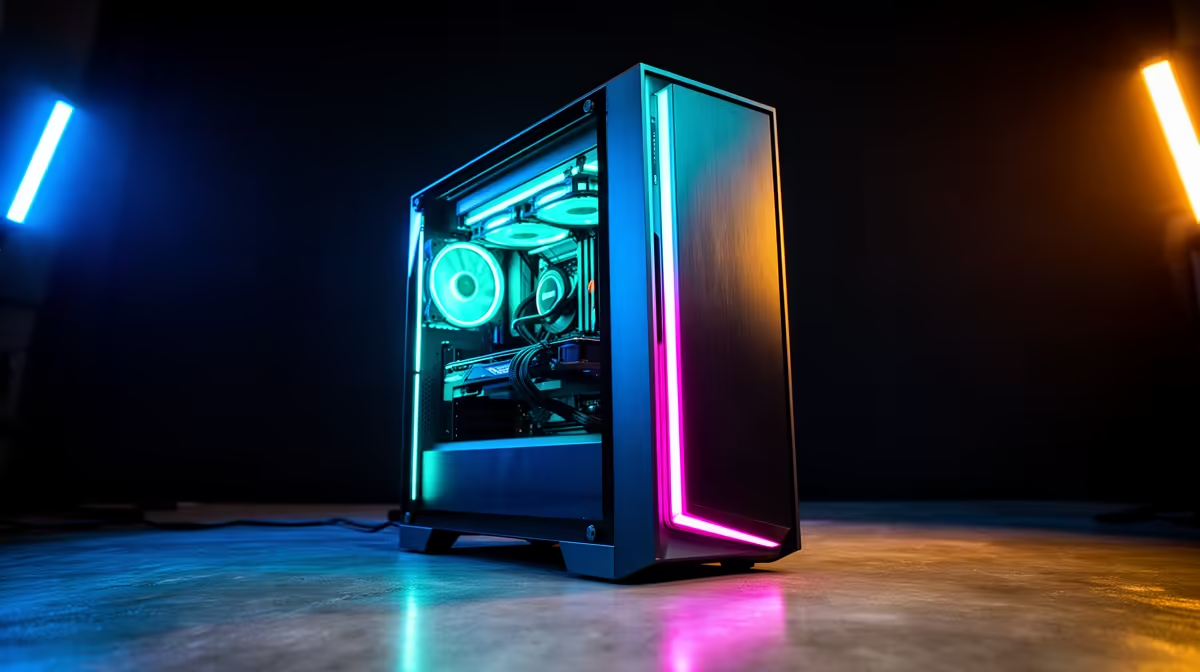
Running AI on your own machine means no monthly fee, no data leaving your desk, and no server deciding what you can ask. The good news is that a capable budget PC setup to run local AI privately does not require an exotic build. A modest GPU with enough VRAM, or even a decent CPU with plenty of system RAM, is enough to run small quantised models entirely offline. You trade a little raw speed for privacy and zero ongoing cost.
Quick Answer
For private local AI on a budget, target at least 6GB to 8GB of VRAM to run quantised 3B and 4B models smoothly. No GPU? You can still run these models on the CPU alone if you have enough system RAM, just more slowly. Either way, the model lives on your machine and your prompts never leave it.
Why Run AI Locally at All
Three reasons drive people to local AI: privacy, cost, and control. Everything you type stays on your own hardware, which matters for sensitive notes, client work, or personal data. There is no subscription, so once the hardware is paid for, usage is free. And you choose which model to run and how, without a provider changing the rules. The price is convenience and ceiling: local models are smaller and slower than the giant cloud services, but for many everyday tasks they are more than good enough.
The Two Budget Paths
Path one: a small GPU
The smoothest budget route is any card carrying 6GB to 8GB of VRAM. That is enough to load a quantised 3B or 4B parameter model fully into the graphics card's memory, where it runs fast and responsively. Quantisation shrinks the model's memory footprint with minimal quality loss, which is exactly what makes these models fit on affordable cards. An entry to mid-range GeForce RTX in this VRAM band is the heart of a budget local-AI machine.
Path two: CPU and system RAM only
If a dedicated GPU is out of reach right now, you are not locked out. Small quantised models run on the CPU alone, drawing on system RAM instead of VRAM. The catch is speed: responses generate noticeably slower, word by word rather than instantly. For this path, 16GB of system RAM covers the basics and 32GB gives you room to breathe. It is the slower but genuinely cheaper entry point, and a sensible way to learn before committing to a GPU.
Specifying the Rest of the Build
VRAM or RAM does the heavy lifting, but a few other parts keep the experience smooth.
A modern multi-core CPU helps even on the GPU path, since it handles loading the model and the surrounding tooling. A fast NVMe SSD makes a real difference: model files are sizeable -- often several gigabytes each -- and a quick drive cuts load time from minutes to seconds. And 16GB of system RAM is the practical floor regardless of which path you take, because the operating system and your other apps need room alongside the model.
Software Side, Briefly
The hardware is only half the picture. Free local-AI runners make loading and chatting with a downloaded model genuinely simple, handling the quantised model files and giving you a clean interface. You download a model once and run it offline thereafter. This is what turns a modest budget PC into a private AI assistant without any recurring spend.
What Each Model Size Can Actually Do
It helps to know what you get at the budget end so your expectations match the hardware. Quantised 3B and 4B models are genuinely useful for a lot of everyday tasks: drafting and rewriting text, summarising notes, answering general questions, brainstorming, and light coding help. They are not going to match the largest cloud models on complex reasoning or long, intricate tasks, and they can occasionally get facts wrong, so treat them as a capable assistant rather than an oracle.
If you later step up to 12GB or more of VRAM, you open the door to 7B and 8B models, which are noticeably sharper and handle more nuanced requests. That is the natural upgrade path: start small to prove the workflow fits your life, then step up the GPU once you know which tasks you lean on most.
Privacy in Practice
Local AI's privacy advantage is real, but worth understanding clearly. Because the model runs on your own machine, your prompts and the responses stay on your hardware and never travel to a remote server. There is no usage logged elsewhere, no terms-of-service question about how your inputs are handled, and the whole thing works with the network disconnected once the model is downloaded. For client notes, personal journals, sensitive research, or anything you simply would rather not put through a third party, that offline guarantee is the entire appeal, and it is something no cloud service can match.
Matching It to Your Budget
Decide honestly how much speed you need. If you want quick, fluid responses, prioritise an 8GB-VRAM GPU and build around it. If you are experimenting, cost-conscious, or just want privacy for light tasks, the CPU-plus-RAM path gets you started for less and can be upgraded with a GPU later. Ready-built systems in the AI PC range cover the GPU path well, and the best selling PCs give a feel for price-to-performance at the budget end.
Frequently Asked Questions
How much VRAM do I need to run local AI on a budget?
6GB to 8GB of VRAM comfortably runs quantised 3B and 4B parameter models, which suits most everyday local AI tasks. More VRAM lets you run larger models, but it is not necessary for a budget private setup.
Can I run local AI without a graphics card?
Yes. Small quantised models run on the CPU using system RAM, with 16GB as a workable minimum and 32GB preferred. Responses are slower than on a GPU, but the model still runs entirely offline and privately.
Does local AI really keep my data private?
Yes. When a model runs on your own machine, your prompts and the model's responses never leave your hardware. Nothing is sent to a remote server, which is the main reason people choose local AI over cloud services.
What is quantisation and why does it matter for budget builds?
Quantisation compresses a model so it uses less memory with only a small quality trade-off. It is what allows capable 3B and 4B models to fit on affordable 6GB to 8GB GPUs instead of needing expensive high-VRAM cards.
What can a small 3B or 4B model actually do?
Plenty of everyday tasks: drafting and rewriting text, summarising notes, answering general questions, brainstorming, and light coding help. They will not match the largest cloud models on complex reasoning, so treat them as a capable assistant rather than a flawless authority.
Is there any ongoing cost to running local AI?
No subscription. Once you have paid for the hardware, running local models is free, since you are using your own electricity and compute rather than a paid cloud service.