By eight, a child crosses an important line: they can take a kit out of the box, follow an online tutorial, and build something working without an adult hovering over every step. That independence reshapes the best coding kit for an 8-year-old, because now the question is not whether they can read the instructions but which platform gives them the right mix of building, coding and room to grow. The BBC micro:bit, the Makeblock mBot and the Sphero each answer that differently.
Quick Answer
For most eight-year-olds the Makeblock mBot is the best all-round starting point: you build the robot with a screwdriver, then code it in Scratch and watch it move within an hour. Choose a Sphero if you want coding with zero assembly, or the BBC micro:bit if you want the cheapest, most open platform that bridges into text-based Python later. All three suit age eight; they differ in build, depth and price.
What Changes At Age Eight
An eight-year-old reads well enough to follow a written or video tutorial, has the fine motor control to assemble parts with a screwdriver, and has usually done some block coding at school. That combination unlocks kits that were too fiddly or too text-heavy at six. The child can now own more of the process: building the hardware, writing the program, testing it, and fixing what does not work.
The right kit at this age has two qualities. It reaches a satisfying result quickly enough to keep a young attention span engaged, and it has enough depth to stay interesting for a year or two rather than gathering dust after a weekend. Each of the three contenders balances those differently.
The Makeblock mBot
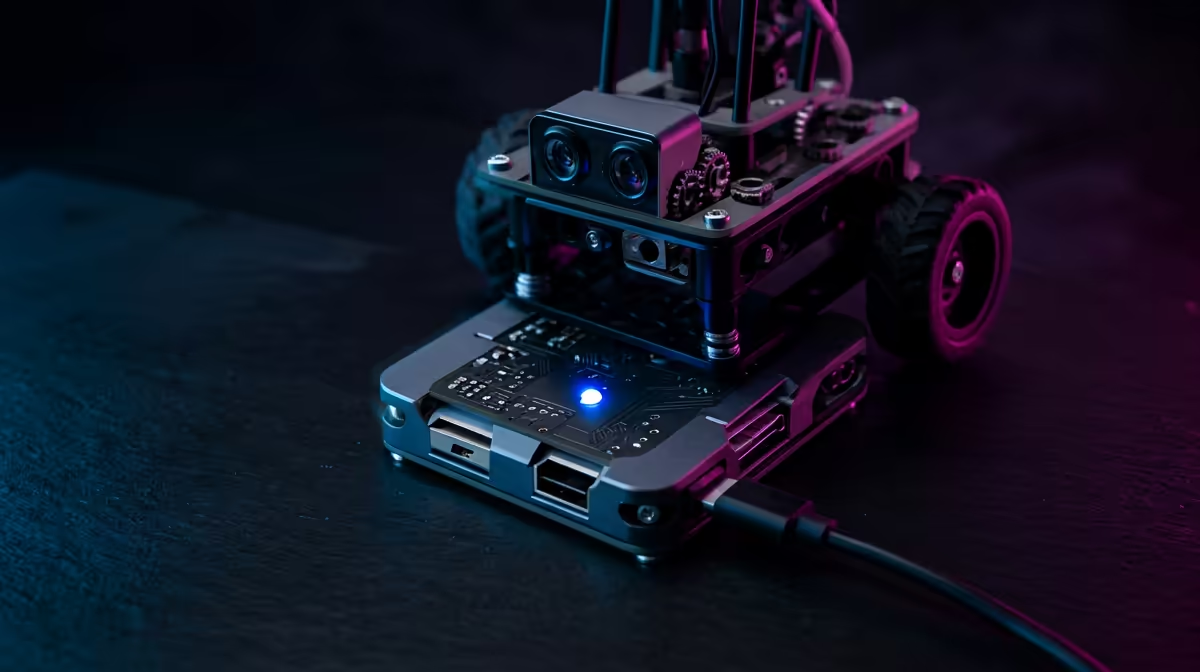
The mBot is the bridge robot: a chassis, motors and sensors that snap and screw together, then run Scratch-style code in the mBlock app. The appeal at eight is the speed to a result. A child can assemble it and have it moving, line-following or avoiding obstacles within about an hour, and the Scratch-compatible interface means anyone who has touched block coding at school can start immediately.
Why It Suits This Age
It hits the sweet spot of hands-on building plus accessible coding. The child experiences cause and effect physically, the robot turns because they told it to, while learning real programming logic. It is also reasonably priced for what it offers and has genuine depth, since mBlock supports moving on to Python and the platform accepts extra sensors. That gives it a lifespan of a year or two, which is exactly what you want from a first proper robotics kit.
The trade-off is that assembly, while manageable at eight, does need patience and sometimes a little adult help on the first build. For a child who enjoys making things, that is a feature, not a flaw.
The Sphero
Sphero kits are the no-assembly option. A Sphero is a sealed, sensor-packed rolling robot you control through the Sphero Edu app, which starts in Blockly-style blocks and bridges into JavaScript within the same project. There is nothing to build, so a child is coding within minutes of opening the box.
Where It Fits
Pick Sphero when building is not the appeal, or when you want the fastest possible path from box to coding. It is robust, app-driven and good at keeping a child engaged through games and challenges. The flip side is that you skip the hardware-building experience entirely, and that hands-on construction is one of the most valuable parts of robotics at this age. So Sphero is the better choice for a child drawn to programming over making, and a weaker one for a future builder.
The BBC micro:bit
The micro:bit is the most open and affordable of the three: a small programmable board with buttons, LEDs and sensors. At eight a child can follow a tutorial to build a digital dice, a step counter or a simple game on the board itself, coding it in blocks and then graduating to MicroPython when ready. It is also the brain inside many other kits, including the mBot, so the skills transfer widely.
The Long Game
The micro:bit is less a finished robot and more a foundation. It does not move on its own or look like a toy robot out of the box, which can underwhelm a child expecting one. But it is cheap, endlessly expandable, and the cleanest stepping stone from blocks to real text-based programming. For a child likely to stick with coding for years, it is the platform that keeps paying off. You can see how these STEM kits and add-ons fit alongside other devices in the smart home and appliances range at Evetech.
How To Decide
Weigh three things: does your child enjoy building, how soon do they need a result, and how long do you want the kit to last. The mBot wins for most because it balances all three: real building, fast results, and a couple of years of depth. Sphero wins when assembly is unwanted and instant coding is the goal. The micro:bit wins on price and longevity for a child heading toward serious programming. Comparing current pricing on the Evetech accessories best sellers is a quick way to see which lands within your budget.
Frequently Asked Questions
Is the mBot too hard to build for an eight-year-old?
No, it is well within reach at eight, though the first build benefits from a little patience and occasional adult help. The assembly uses a screwdriver and snap-together parts, and most children get the robot moving within about an hour, which is part of the appeal.
Does the Sphero teach real coding or just remote control?
Real coding. The Sphero Edu app starts in block-based programming and bridges into JavaScript within the same project, so the child writes genuine logic rather than just driving it around. You simply skip the hardware-building step.
Why would I choose a micro:bit over a robot?
For price, openness and longevity. The micro:bit is cheap, expandable, and the best bridge from block coding to text-based Python. It is also the brain inside many other kits, so the skills carry over, though it looks less like a toy robot out of the box.
Which one grows with the child the longest?
The mBot and micro:bit both have strong staying power, the mBot through added sensors and Python support, the micro:bit through endless projects and the move to MicroPython. Sphero is engaging but, with no building and a more closed ecosystem, tends to hold interest for a slightly shorter run.
Do these work with what schools teach?
Yes. South African schools now teach Coding and Robotics, usually starting in block-based coding like Scratch, which is exactly what the mBot and micro:bit use. A home kit reinforces and extends the same skills the child meets in class.
Picking a first real coding kit for your eight-year-old? Explore STEM robots and add-ons in the smart home and appliances range at Evetech and match the kit to whether your child loves building, fast coding, or the long road to real programming.