Quick Answer
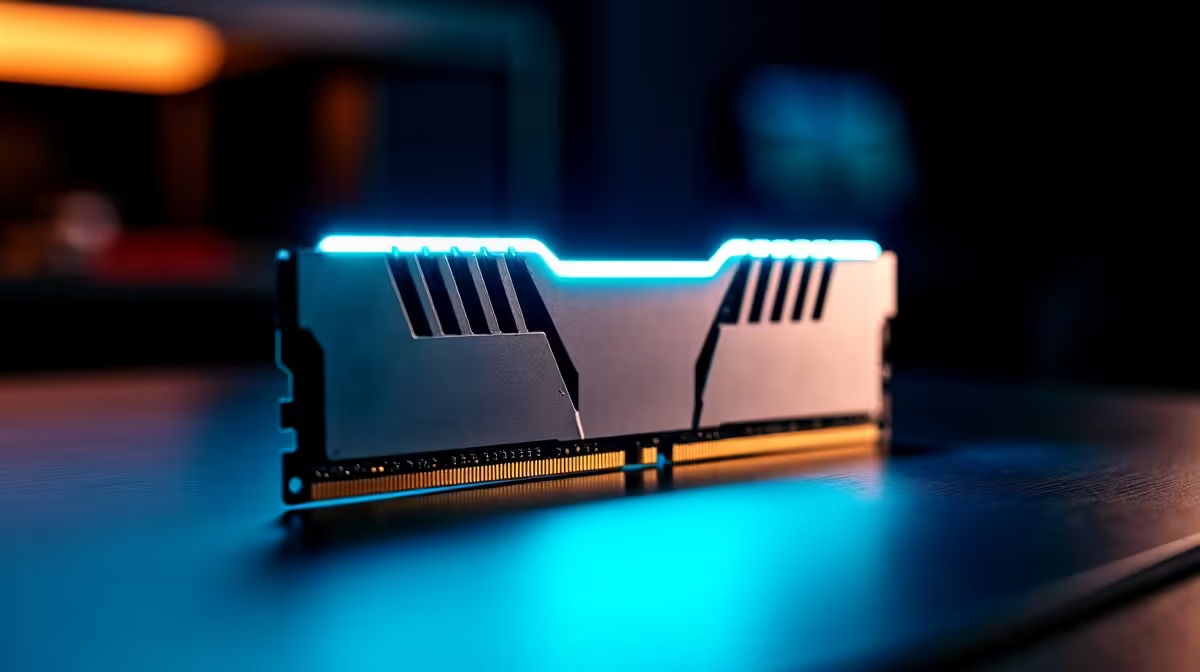
Kempton Park remote workers building on AM5 or LGA1851 should target 32GB DDR5-6000 CL30 — the Corsair Vengeance DDR5-6000 32GB (R2,400) and Kingston Fury Beast DDR5-6000 32GB (R2,200) are both reliable picks stocked at Evetech that hit the AMD EXPO and Intel XMP optimal frequency without overpaying.
DDR5 frequency sweet spots for Kempton Park builders
DDR5-6000 is the widely accepted optimal frequency for both Intel and AMD current-gen platforms. On Ryzen 7000/9000 (AM5), DDR5-6000 maps the memory controller to a 1:1 clock ratio, maximising bandwidth. On Intel Raptor Lake and Arrow Lake (LGA1700/1851), DDR5-6000 XMP is the JEDEC recommended profile. Above DDR5-7200, diminishing returns set in unless you're testing with a synthetic benchmark — real workload benefits are minimal and stability risk increases.
32GB vs 16GB for a Kempton Park remote-work machine
16GB DDR5 is functional but increasingly tight for modern multitasking — Windows 11 alone uses 3–5GB at idle, and a typical remote-work session with Teams, Chrome, Office, and a PDF viewer uses 10–14GB. 32GB provides comfortable headroom. If budget is tight, 16GB DDR5-6000 now costs roughly R1,000–R1,400, making 32GB (two sticks of 16GB) the natural target at R2,200–R2,800.
CAS latency: CL30 vs CL36 in real workloads
CL30 DDR5-6000 has tighter primary timings than CL36, which produces a small but measurable improvement in latency-sensitive workloads like gaming and database operations. For a remote-work machine running Office and Teams, the difference is negligible. For a dual-use work-and-gaming rig, CL30 is worth the small premium if available at the same price point.
FAQ
Do I need to enable XMP/EXPO for DDR5 RAM to run at its advertised speed?
Yes — without enabling XMP (Intel) or EXPO (AMD) in BIOS, DDR5 runs at the default 4800MHz JEDEC speed regardless of the kit's rated frequency. Enable XMP/EXPO immediately after installation and reboot.
Can I mix DDR5 brands in a dual-channel setup on a Kempton Park build?
Technically yes, but it is not recommended — mixed kits can cause instability at high frequencies. Buy a matched pair (2×16GB kit from the same SKU) for reliable XMP/EXPO behaviour.
What's the maximum DDR5 capacity for a standard workstation in Kempton Park?
Most consumer AM5 and LGA1851 motherboards support 64GB (2×32GB) as the practical maximum on two-slot designs, and 128GB on four-slot X870E or Z890 boards. 32GB is the current sweet spot for price and performance in remote-work builds.
motherboard's QVL (Qualified Vendor List) before buying a DDR5 kit — running a QVL-listed kit at DDR5-6000 is far more likely to be stable out of the box than a random kit at the same frequency.