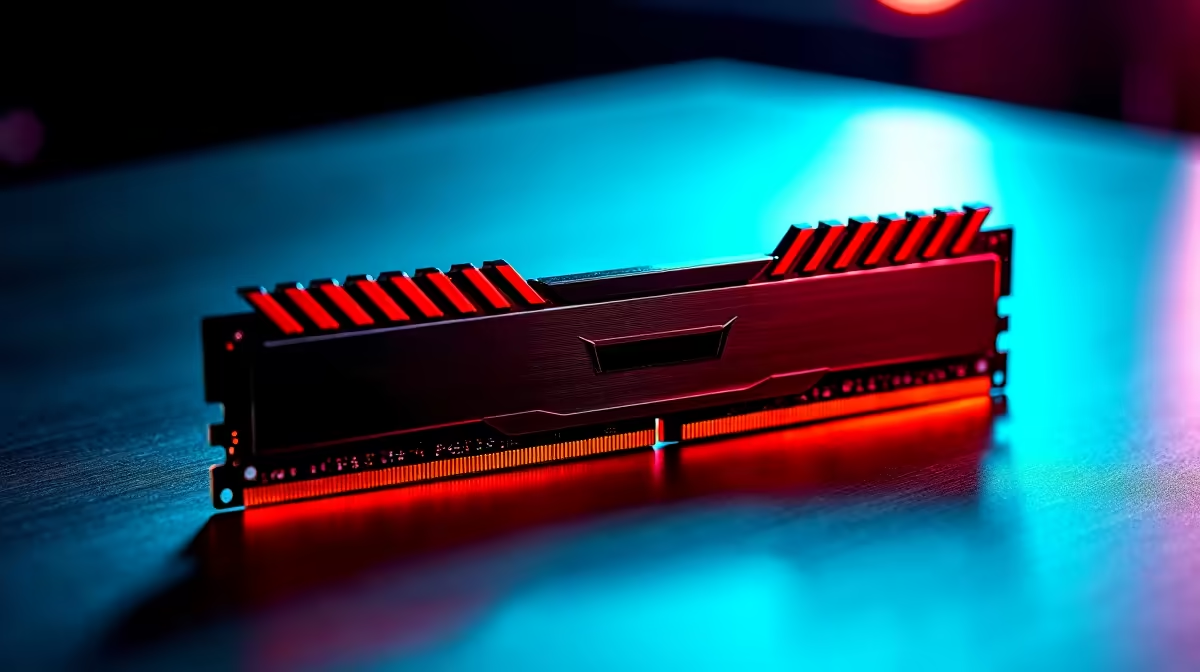
Randburg builders want a DDR5 kit that nails the gaming sweet spot without paying for speeds that add nothing. Here is a clear read with named specs and pricing.
Quick Answer
For Randburg gaming builds, a 32GB (2x16GB) DDR5-6000 CL30 kit around R1,400-R1,800 is the sweet spot, pairing perfectly with AM5 Ryzen's Infinity Fabric. Enable EXPO or XMP in BIOS to run the rated speed. Faster 7200 kits cost more for a negligible gaming gain, so 6000 CL30 is the smart value pick.
Why This Spec Wins
On AM5, DDR5-6000 at CL30 runs in sync with the Infinity Fabric for the lowest latency, which is why it is the recommended gaming speed. 32GB is the modern sweet spot, giving room for gaming plus multitasking without paying for 64GB you will rarely use. A kit at this spec lands around R1,400-R1,800 and performs within a frame or two of pricier 7200 kits in games, making it the clear value choice.
Always enable the EXPO profile on AM5 or XMP on Intel in BIOS, since the kit otherwise runs at a slow default speed that quietly wastes performance.
Installing It Right
Place both sticks in the A2 and B2 slots for dual-channel operation, then enable the memory profile in BIOS on first boot. For an Intel build, a 6000-6400 XMP kit works well; for Ryzen, stick to 6000 CL30 EXPO. For Randburg buyers, Evetech stocks these kits with local warranty, so you can match memory to your platform without importing.
FAQ
What DDR5 kit is best for gaming in Randburg?
A 32GB (2x16GB) DDR5-6000 CL30 kit around R1,400-R1,800. On AM5 it syncs with Ryzen's Infinity Fabric for the best latency, and it performs within a frame or two of pricier 7200 kits in gaming.
Why must I enable EXPO or XMP?
Without enabling EXPO on AM5 or XMP on Intel in BIOS, the kit runs at a slow default speed that wastes the performance you paid for. It is a one-time BIOS toggle on first boot.
Is 32GB enough for gaming and multitasking?
Yes. 32GB is the sweet spot for gaming plus everyday multitasking. 64GB only benefits heavy content creation or professional workloads, so most gamers should choose 32GB and save the money.
For a Randburg gaming build, buy a 32GB DDR5-6000 CL30 kit, seat both sticks in the A2 and B2 slots, and enable EXPO in BIOS so it runs at its rated speed.