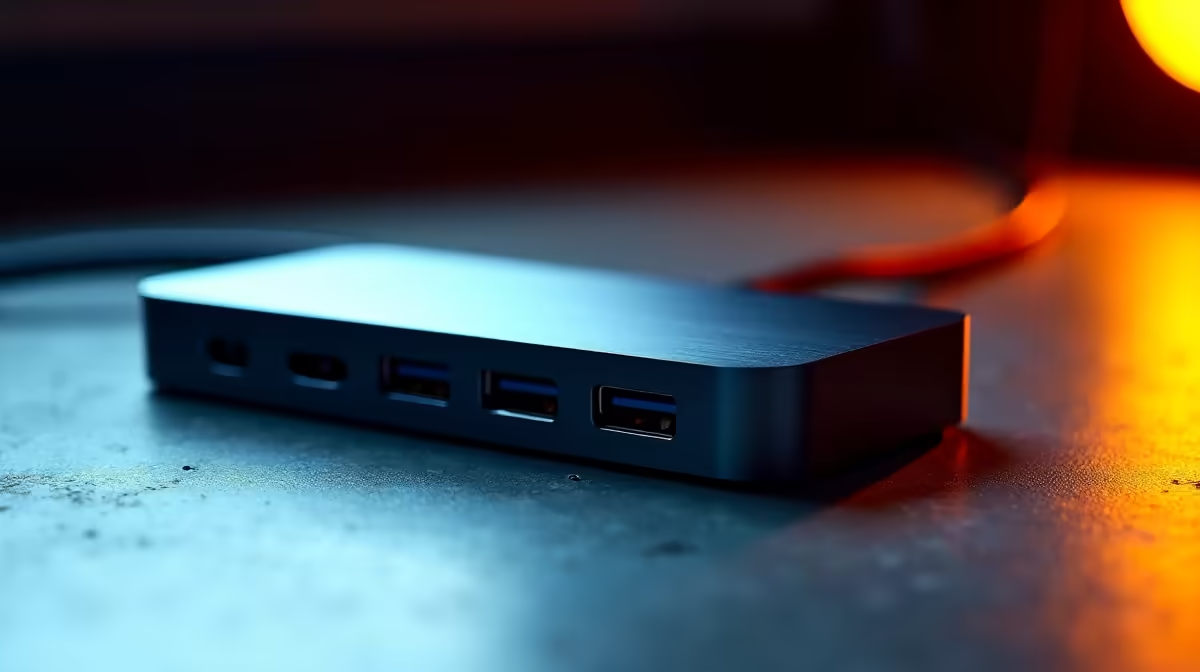
Tired of that kabel-gemors on your desk? One minute your second screen is working, the next... poof, it's gone. We get it. That's why we went straight to the source—South African IT professionals—to find out which docking stations they trust for zero-fuss, rock-solid performance. Forget the guesswork; this is about finding the best docks for reliability that won't let you down mid-sprint or mid-raid. Let's plug in. 🔌
Why a Reliable Docking Station is Non-Negotiable
In a world of remote work and complex gaming setups, your dock is the central nervous system of your workspace. A cheap, unstable one means flickering monitors, peripherals that randomly disconnect, or worse… data transfer errors during a critical backup. IT pros will tell you that true value isn't in flashy lights; it's in unwavering stability. Choosing a reliable docking station from the start saves you a mountain of headaches and ensures your workflow, or your killstreak, is never interrupted.
What SA's Tech Experts Prioritise ✨
When we asked local IT managers what they look for, the answers were consistent. They need docks that just work. This means prioritising a few key features that signal quality and longevity.
Core Features of the Most Reliable Docks:
- Sufficient Power Delivery (PD): Does it provide enough wattage to charge your laptop through a single USB-C cable? 65W is a great starting point for most modern ultrabooks.
- The Right Port Selection: It's not about having the most ports, but the right ones. A mix of USB-A, USB-C, a stable Gigabit Ethernet port, and the correct video outputs (HDMI or DisplayPort) for your monitors is essential.
- Build Quality & Brand Trust: A metal chassis often dissipates heat better than plastic, contributing to long-term stability. Furthermore, pros stick to trusted brands like Promate, known for their robust build quality and driver support.
Pro Tip: Check Your Port! 🔧
Before you buy, confirm your laptop's USB-C port specs. Look for support for "DisplayPort Alt Mode" or "Thunderbolt". This detail determines if the port can even send a video signal, ensuring your new dock and monitors work perfectly together.
Finding a Dependable Dock on a Budget
You don't need an enterprise-level budget to get one of the best docks for reliability. The trick is to focus on your specific needs rather than paying for features you'll never use. Do you really need to drive three 4K monitors, or will a simpler, more affordable dock that handles one or two screens suffice? Often, you can find solid performers under R1000 that deliver the stability you need for a clean and efficient desk setup. It’s about smart shopping, not just spending more.
Ready for a Rock-Solid Setup? 🚀
Ditch the dongle life and get the stable, single-cable solution your desk deserves. Shop our IT-pro approved docks now for a clean, powerful setup you can depend on.