Sore neck, hunched shoulders, a wrist that aches by mid-afternoon: most of that comes from a laptop sitting flat on a desk, forcing you to look down and reach forward all day. You do not need an expensive electric standing desk to fix it. A budget ergonomic desk setup built around three cheap items hits the same posture targets the pricey gear chases, and in South Africa you can do it for under R2,000.
Quick Answer
The three items that fix posture for the least money are a laptop riser, an external keyboard and mouse, and a way to bring your screen to eye level. Together they hit the two posture standards that matter most: the top of the screen at eye level, and elbows bent at roughly 90 degrees. The whole kit fits comfortably under R2,000 in SA, with the riser and peripherals doing most of the heavy lifting.
The Two Posture Rules Everything Else Serves
Before spending a rand, know what good posture actually means, because every item below exists to serve one of two rules.
First, screen at eye level. The top of your display should sit roughly level with your eyes so your neck stays neutral instead of craning down. A laptop on a desk fails this badly, which is why a riser is the single highest-impact buy.
Second, elbows at about 90 degrees. When typing, your forearms should run level with the floor, wrists straight, and shoulders dropping naturally rather than lifting. The moment you lift a laptop to eye level, its built-in keyboard becomes unreachable at the right angle, which is exactly why an external keyboard is not optional in this setup.
Get these two right and you have solved the bulk of desk-related strain. Everything else is refinement.
The Three Core Buys
Here is where the budget goes, in priority order.
1. The Laptop Riser
A riser lifts the screen to eye level. You can buy a folding aluminium stand cheaply, and it is the first thing to buy because it is what makes the rest necessary and useful. Look for one with enough height and a stable base so it does not wobble when you type on the external keyboard. This one item delivers the largest posture return per rand.
2. External Keyboard and Mouse
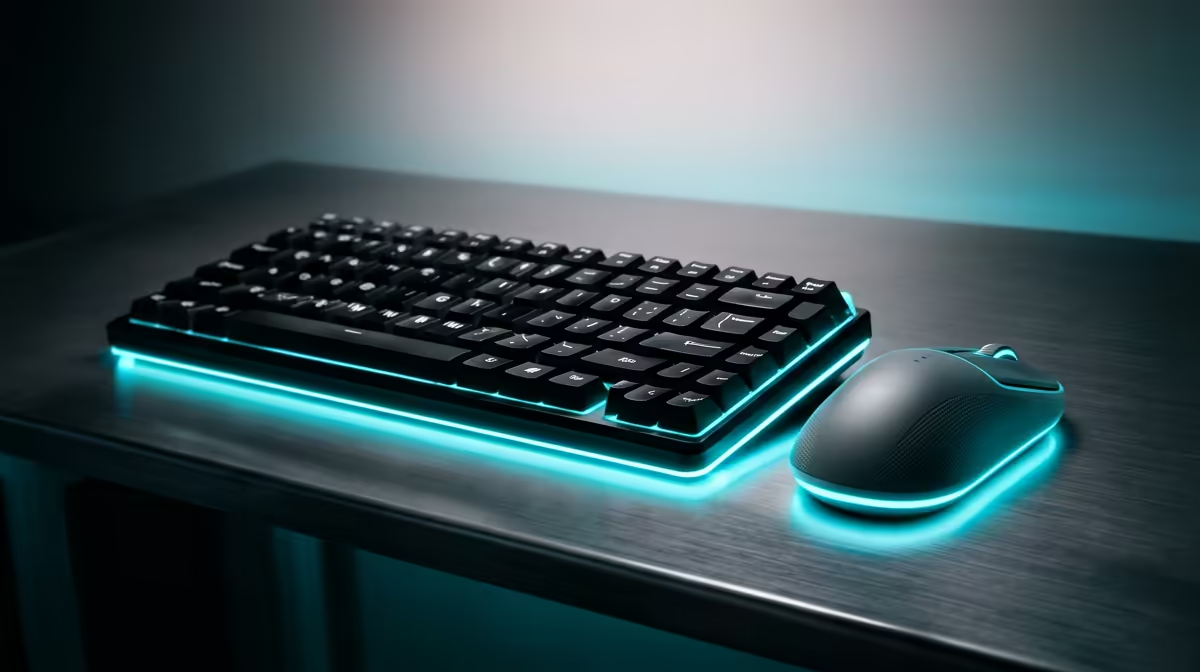
Once the laptop is elevated, you type on an external keyboard and mouse placed flat on the desk surface, keeping elbows at 90 degrees and wrists neutral. A basic wired or wireless combo is inexpensive and is the difference between a raised screen that helps and one that just trades neck strain for shoulder strain.
3. Screen Height Helper or a Second Monitor Option
If you want a cleaner desk or plan to add an external display, a basic monitor arm or stand lets you set screen height precisely and frees desk space. On the tightest budget this is the item to add last, after the riser and peripherals are sorted, because a good riser already handles eye-level for the laptop screen.
The Chair: the Piece People Skip
A setup is only as good as the seat you spend hours in. You do not need a flagship chair to gain real support, and a well-chosen budget gaming or office chair with adjustable height and back support keeps your hips and spine aligned so the desk gains are not undone from below. Adjustable seat height also lets you set elbow angle correctly relative to the desk. It is worth browsing the gaming and office desk range at Evetech to see what fits the space and the budget.
Setting It All Up Correctly
Position the riser so the display's top edge aligns with your eyes when you sit straight. Pull the keyboard close enough that your upper arms hang naturally at your sides. Adjust the chair until both feet sit squarely on the floor and your thighs are roughly horizontal. If your feet dangle, a stack of books or an inexpensive footrest resolves it for nothing.
Spending the Budget Wisely
With under R2,000 to work with, the sensible split is to spend the most on the chair and keyboard since those touch your body for hours, a modest amount on the riser, and whatever is left on a monitor stand if you want one. Resist the urge to blow the whole budget on one flashy item. The posture wins come from the combination, not any single hero product. To see which items give the best value at this price level right now, the best-selling desk accessories list is a quick gauge of what local buyers rate.
Habits That Cost Nothing
No setup beats movement. Stand and stretch every 30 to 45 minutes, blink and look at something far away to rest your eyes, and adjust your posture through the day rather than locking into one position. These cost nothing and amplify everything you bought.
Lighting and Eye Strain on a Budget
Most ergonomic advice focuses on the body and ignores the eyes, but eye strain causes as much end-of-day fatigue as bad posture. The fix costs nothing beyond rearranging the desk. Position your monitor so a window is to the side rather than directly behind or in front of the screen. A window behind the screen creates glare and squinting; a window in front floods the screen with light and forces your eyes to compensate. Side lighting is neutral and natural.
If the room light is behind you and reflects off the screen, tilt the monitor downward a few degrees to push the glare out of your line of sight. A desk lamp positioned to the side and slightly above, aimed at the work surface rather than the screen, helps with late evenings without the harsh contrast of overhead lighting alone. On a tight budget these are zero-cost gains that compound with every hour at the desk.
Frequently Asked Questions
Can I really build an ergonomic setup under R2,000 in South Africa?
Yes. A laptop riser, an external keyboard and mouse, and a budget chair cover the core posture needs, and all three fit under R2,000. You add a monitor stand only if budget allows.
What is the single most important item to buy first?
A laptop riser. It lifts the screen to eye level and fixes the worst posture problem, neck strain from looking down at a flat laptop. It also makes an external keyboard necessary.
Do I need a standing desk to be ergonomic?
No. A standing desk helps some people, but the eye-level screen and 90-degree elbow rules can be met on an ordinary desk with a riser and peripherals at a fraction of the cost.
Is a gaming chair good for ergonomics?
A well-chosen gaming chair with adjustable height and back support works well for long sitting. The key features are seat-height adjustment and lumbar support, not the racing styling.
Where should my screen actually sit?
The display's top edge should land roughly level with your eyes as you sit upright, about an arm's length away, so your neck stays neutral and you do not find yourself leaning forward.
Fix your posture without overspending. Start with the right desk from the gaming and office desk range at Evetech, add a riser and external keyboard, and build a healthier workspace for under R2,000.