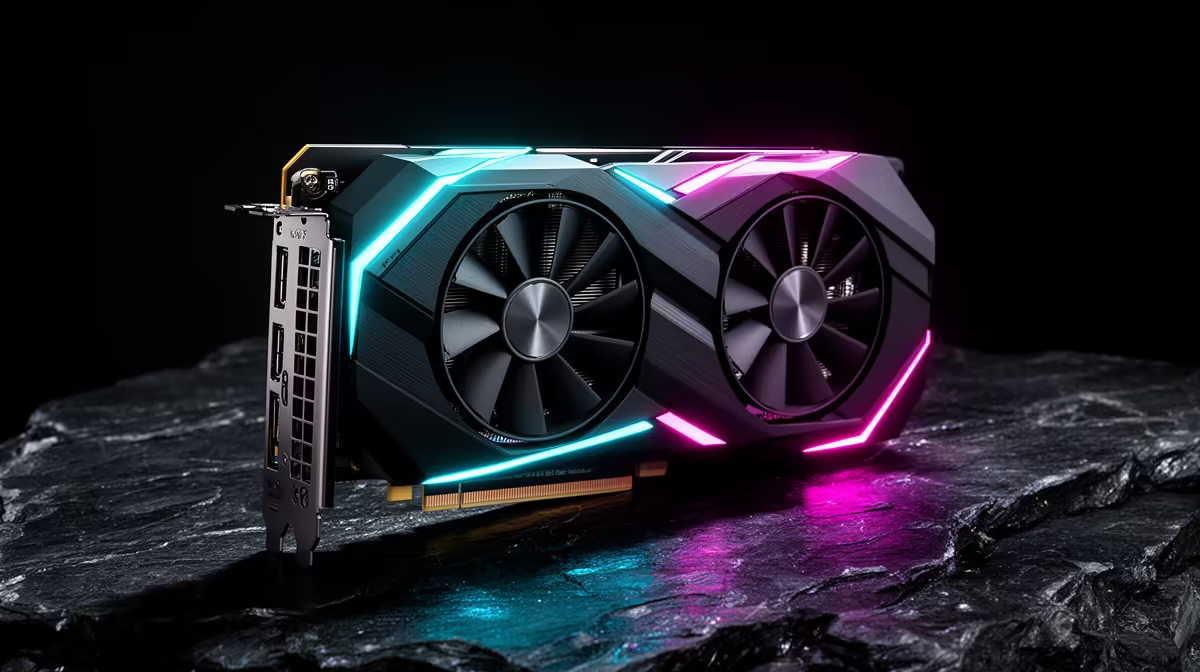
For 4K AI video generation, the bottleneck is almost never raw compute, it is memory. The model, the latents and the frame buffers all have to live in VRAM at once, and when they spill, generation either crawls or fails outright. That is the single reason the RTX 5090 pulls ahead for 4K work like LTX-2: its 32GB of GDDR7 is the largest memory pool on any consumer card, and it sits on a 512-bit bus pushing roughly 1.79 TB/s of bandwidth, about 78 percent more than the RTX 4090 manages.
Quick Answer
The RTX 5090 is the best consumer GPU for 4K AI video. Its 32GB GDDR7 pool is the largest on any consumer card, fed by a 512-bit bus at roughly 1.79 TB/s, versus 24GB and about 1 TB/s on the RTX 4090. For memory-bound 4K LTX-2 generation, that extra capacity and bandwidth is exactly what removes the ceiling. Units are stocked in South Africa.
Why VRAM capacity decides the 4K ceiling
4K video generation is a memory-hungry job. Every frame at full resolution, plus the model weights and the working latents, has to fit in VRAM simultaneously, and the moment the workload exceeds what the card holds, you are forced to drop resolution, shorten clips or offload to system RAM at a heavy speed penalty. The 5090's 32GB versus the 4090's 24GB is not a small percentage on a spec sheet here, it is the difference between a 4K LTX-2 job staying resident on the card and not. More capacity means longer clips at higher resolution stay in play. The AI PC range at Evetech covers the complete system configurations a 5090 or 4090 belongs in, priced in Rand.
Bandwidth is the other half of the story
Capacity gets the data onto the card, bandwidth decides how fast the GPU can chew through it, and AI video generation is heavily bandwidth-bound. The 5090 moves roughly 1.79 TB/s across its 512-bit GDDR7 interface against about 1 TB/s on the 4090's 384-bit GDDR6X, a jump near 78 percent. Because so much of the work is feeding tensor cores from memory rather than pure arithmetic, that bandwidth increase is the primary driver of the 5090's real-world lead in generation speed, not just its higher CUDA and tensor core counts. For 4K frames specifically, where each step shuffles enormous tensors, the wider, faster memory path is what keeps throughput high.
What this means for a local 4K creator
There is a practical pairing logic. The 5090 carries about 21,760 CUDA cores and 680 fifth-generation tensor cores, but for video the headline is still the memory: it is the card that lets you generate 4K clips that simply will not fit on 24GB, and it does the work that does fit meaningfully faster. The trade-offs are real, it draws around 575W, so the build needs a strong PSU and serious cooling, and it sits at the top of the price ladder. For a creator whose income depends on 4K output, that is a tool cost rather than a luxury. For occasional 1080p work the 4090 still holds up, the 5090's gap widens precisely as resolution and clip length climb. South African creators do not have to import, since units are stocked locally, and the top-selling graphics cards list shows current local demand and pricing across the full RTX range.
Building the Rest of the 4K Generation Rig
The GPU drives everything, but a 32GB card in a weak system will not reach its potential for 4K video work. A few supporting components deserve attention.
System RAM should be at least 64GB for video generation. The model loader and the operating system both draw from system memory, and for longer or higher-resolution 4K clips the CPU-side offloading that happens during inference can push RAM usage well above what a normal workstation carries. 128GB is worth considering for heavy batch workloads.
Storage speed matters more than people expect. LTX-2 model weights sit at several gigabytes each, and loading from a slow drive adds dead time before every session. A Gen 4 NVMe drive keeps that wait short and ensures output clips write without stalling the generation pipeline. Cheaper SATA storage for a system drive is fine, but the drive holding your models should be NVMe.
The power supply needs genuine headroom. The RTX 5090 draws around 575W under sustained inference, more than most gaming rigs budget for, and running a high-end CPU alongside it pushes the total system draw well past 700W. A quality 1000W to 1200W power supply avoids the brown-out throttling that would otherwise cut into generation speed. Pair that with a chassis that can exhaust the heat a near-600W GPU produces, since thermal throttling under long inference runs will artificially slow the card down.
ComfyUI Workflow and Model Loading for 4K Video
The software stack that makes 4K AI video practical on a consumer GPU is worth understanding. ComfyUI is the standard hub for this workflow in 2026. Wan 2.2 and LTX-2 both load through dedicated custom node packages, and the community-maintained GGUF quantised checkpoints are what bring the full-precision memory footprint down to something a 32GB card can hold. Without quantisation, the full FP16 model weights for a 14B video architecture land in the 65 to 80GB range, which is data-centre territory, not a desktop.
The 5090's 32GB removes the constant headroom anxiety that a 24GB card introduces at 720p. Running the FP8 Wan 14B model through ComfyUI with the text encoder on the GPU sits around 22 to 26GB in active use, which is right at the edge of a 4090 and comfortably inside the 5090's ceiling. That extra clearance means you can push toward longer clip lengths and slightly higher resolution without juggling which parts of the pipeline live on GPU versus system RAM, where speed degrades sharply the moment you start offloading.
For LTX-2 specifically, the 19-billion-parameter model at its full configuration targets 4K output at 50 FPS, though practical local runs operate at lower resolutions and quantised weights. Even at reduced settings, the memory budget is high enough that the 5090's 32GB is the card that handles it without compromise, while a 24GB card requires careful batching.
Setting Realistic Time Expectations for 4K Generation
4K AI video is a batch-and-wait workflow, not a real-time one. A five-second 720p clip from a quantised Wan 14B model takes around nine minutes on a 24GB RTX 4090; the 5090 trims that by roughly 45 percent given its bandwidth and higher core count. At 4K, generation times scale considerably higher -- this is a tool for overnight queues and iterative review, not immediate previews.
That framing matters when sizing the rest of the machine. Fast NVMe storage ensures model files load quickly before each session starts rather than extending the dead time before generation begins. A CPU and system RAM that can feed the pipeline without becoming the bottleneck -- 64GB of system RAM is the sensible floor for a serious 4K video studio build -- keeps the GPU as the only waiting point.
Frequently Asked Questions
Why does the RTX 5090 beat the 4090 for 4K AI video?
Two reasons: 32GB of VRAM versus 24GB lets larger 4K workloads stay resident on the card, and roughly 1.79 TB/s of bandwidth versus about 1 TB/s moves that data far faster. AI video is both capacity and bandwidth bound, so the 5090 leads on both fronts.
Is 32GB of VRAM actually necessary for 4K generation?
For full 4K LTX-2 work, the larger pool is what prevents the workload from spilling out of VRAM, which would otherwise force lower resolution or offloading at a heavy speed cost. At 1080p the requirement eases considerably.
How much power does the RTX 5090 draw?
Around 575W, notably higher than the 4090. Plan for a high-wattage power supply and strong case airflow or you will throttle the card under sustained generation loads.
Can I buy the RTX 5090 in South Africa?
Yes. Units are stocked locally, so SA creators can buy without importing. Pricing sits at the top of the consumer range, in line with its halo positioning.
Is the 4090 still fine for AI video?
For lighter and lower-resolution work, yes. The 5090's advantage grows as resolution and clip length increase, so the heavier and more 4K-focused your pipeline, the more the upgrade pays off.
For serious 4K AI video, the RTX 5090's 32GB GDDR7 is the headroom that removes the ceiling. Explore the AI PC range at Evetech and build a local 4K generation machine that does not run out of memory.