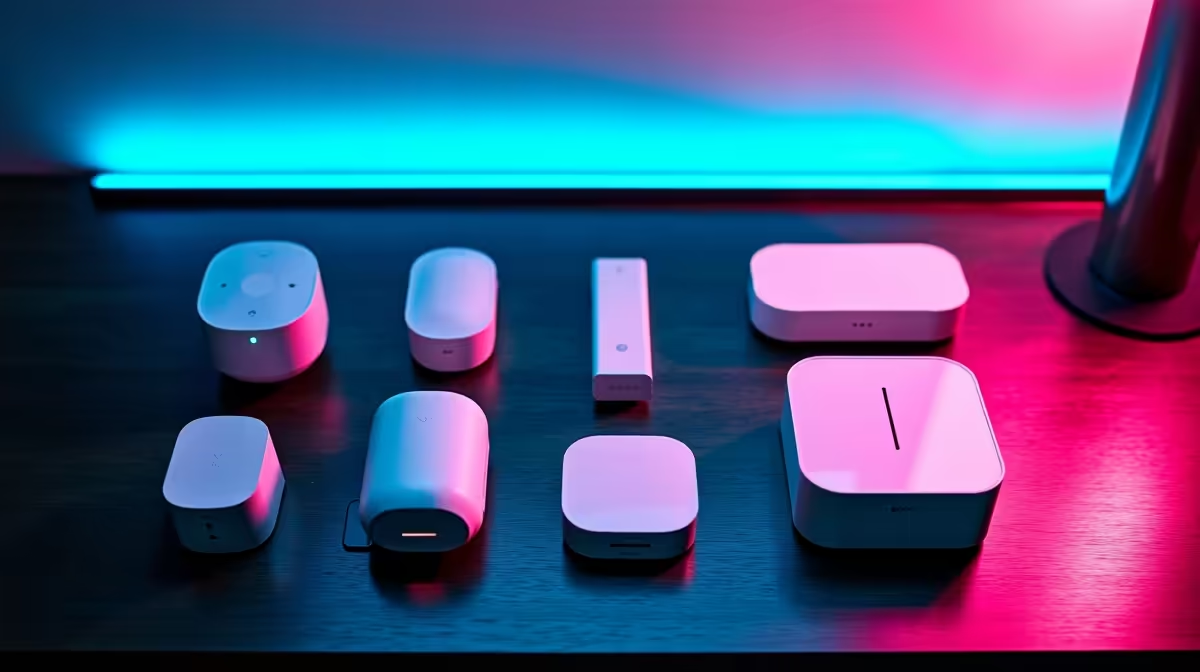
Most people who give up on home automation in the first week do so because they bought clever individual gadgets that each needed their own app, instead of one Home Assistant hub that ties everything together locally. The starter kit that actually works for a beginner is not a single device but a small, deliberate combination: a brain to run Home Assistant, a Zigbee radio so devices talk to it directly, and a couple of smart plugs so you can automate something real on day one.
Quick Answer
The best beginner Home Assistant kit pairs dedicated hardware to run it, a Zigbee USB dongle, and two or three smart plugs. The simplest path is a Home Assistant Green, which ships with the operating system pre-installed, plus a Zigbee dongle and plugs. A Raspberry Pi 4 works too but needs you to flash the OS yourself. Budget for the hub, the radio and the first devices together, not one at a time.
Why a kit beats buying gadgets one by one
A common false start is buying a smart bulb, then a plug, then a sensor, each tied to a different cloud app, and ending up juggling four apps that do not cooperate. Home Assistant fixes that by becoming the single local hub every device reports to, so your automations can combine them: a sensor can trigger a plug, a schedule can run a light, all in one place and without depending on the internet.
That local-first design is the whole point. Your routines keep working when the connection drops, your data stays on your own hardware, and you are not locked into one manufacturer's ecosystem. The three pieces below are what turn that promise into a working system.
The brain: dedicated hardware versus a Raspberry Pi
Home Assistant needs a small computer to run on around the clock, and for a beginner the choice comes down to convenience versus tinkering.
Home Assistant Green: the plug-and-play option
The Green is purpose-built and ships with Home Assistant's operating system already installed on fast internal storage. You plug in power and network, open the app, and you are setting up rather than installing. It runs silently, sips power, handles a large number of devices, and gets clean official updates. For someone who wants to spend their time automating rather than configuring hardware, this is the path of least resistance.
Raspberry Pi 4: capable but more hands-on
A Raspberry Pi 4 also runs Home Assistant well and may already be sitting in a drawer. The trade-off is that you flash the operating system to storage yourself and ideally run it from a solid-state disk rather than a memory card for reliability. It is a fine choice if you enjoy the setup, but it is more steps than the Green and the place beginners most often stumble. Whichever brain you choose, the smart home and hub range covers the supporting gear.
The radio: a Zigbee dongle
Out of the box, neither the Green nor a Pi can talk to Zigbee devices, and Zigbee is where most affordable, reliable smart-home gear lives. A small Zigbee USB dongle plugs into the hub and gives it a radio, letting it pair directly with plugs, bulbs and sensors without any manufacturer cloud in between.
This is the piece beginners most often forget, then wonder why their devices will not connect. Add the dongle from the start. Zigbee also builds its own mesh: mains-powered devices like plugs and bulbs relay the signal, extending range and reliability as you add more, which is one reason smart plugs are such a smart first purchase.
The first devices: smart plugs
Smart plugs are the ideal day-one device because they need no wiring and no electrician. Plug one into a wall socket, plug a lamp or heater into it, pair it to Home Assistant, and you can now schedule it, automate it, or switch it from your phone. Two or three plugs give you enough to build your first genuinely useful automations, like a lamp that comes on at dusk.
Plugs double as Zigbee mesh routers, so they strengthen your network while doing their day job. From there, battery-powered sensors and smart bulbs extend what is possible, all without touching the building, which makes the whole kit friendly to renters as well as owners. The cables, adaptors and extras to round out the build sit in the accessories best sellers.
Putting the starter kit together
A complete beginner kit is therefore: a hub (Home Assistant Green for the easiest start, or a Raspberry Pi 4 if you like configuring), a Zigbee USB dongle, and two or three smart plugs. That combination lets you automate from the first evening, build a Zigbee mesh as you expand, and keep everything running locally under your control. Buy the three together rather than discovering the missing dongle later, and your first week with home automation is a string of small wins instead of a pile of half-working apps.
Frequently Asked Questions
Do I need a Zigbee dongle if I am just starting?
Yes, if you want to use Zigbee devices, which are the most common affordable smart-home gear. Neither the Home Assistant Green nor a Raspberry Pi includes a Zigbee radio, so the dongle is what lets the hub pair with plugs, bulbs and sensors directly.
Is the Home Assistant Green worth it over a Raspberry Pi?
For a beginner, usually yes. The Green arrives with the operating system pre-installed and just works, while a Pi needs you to flash and configure it yourself. Choose the Pi if you enjoy the setup or already own one; choose the Green for the smoothest start.
What can I actually do with smart plugs on day one?
Switch any lamp, fan or appliance from your phone, set schedules, and build automations such as a light that turns on at sunset. Plugs also act as Zigbee mesh routers, so they improve your network as you add devices.
Does Home Assistant work without the internet?
Largely yes. Because it runs locally on your own hardware and talks to Zigbee devices directly, your automations keep working when the connection drops. The internet is only needed for remote access and certain cloud-linked integrations.
Can I expand the kit later?
Easily. Once the hub, dongle and first plugs are running, you add Zigbee bulbs, battery sensors and more plugs, each pairing into the same system. The mesh grows stronger as you add mains-powered devices, so expansion gets more reliable, not less.
Start with the three essentials together, a hub, a Zigbee dongle and a couple of smart plugs, and you will automate something real on the first evening. Browse the current smart home kit at Evetech and build a local, private home automation setup that grows with you.