




IPS vs VA for Strategy and Sim Games in SA
IPS vs VA for strategy and sim games should be judged by fit, not a single winner. Compare compatibility, latency, capacity, upgrade path, cost planning, and South African setup needs.
Read moreEnhance your home theater 📺 with top mesh network kits to eliminate buffering 🔥. Enjoy smooth 4K streaming without lags!
Ah, the great South African movie night. The family’s finally settled, the popcorn is perfect, the lights are low… and then it hits. The dreaded buffering wheel. In a country of double-storey homes and thick brick walls, that spinning circle is a familiar villain. But what if you could banish it for good?
The secret isn't just a faster fibre line; it’s smarter Wi-Fi. It’s time to discover the best mesh networking kits for a truly seamless digital life. 🚀
That free router your ISP gave you is a trooper, but it’s a solo artist trying to play to a whole stadium. It broadcasts Wi-Fi from a single point, and signals get weaker as they travel through walls, floors, and furniture. This creates frustrating "dead zones"—that one bedroom where Netflix refuses to load or the patio where your Spotify stream always dies.
Many people try to solve this with basic wireless range extenders, but these often create more problems. They typically broadcast a separate network (forcing you to switch manually) and can cut your internet speed in half. A mesh system is a far more elegant and powerful solution.
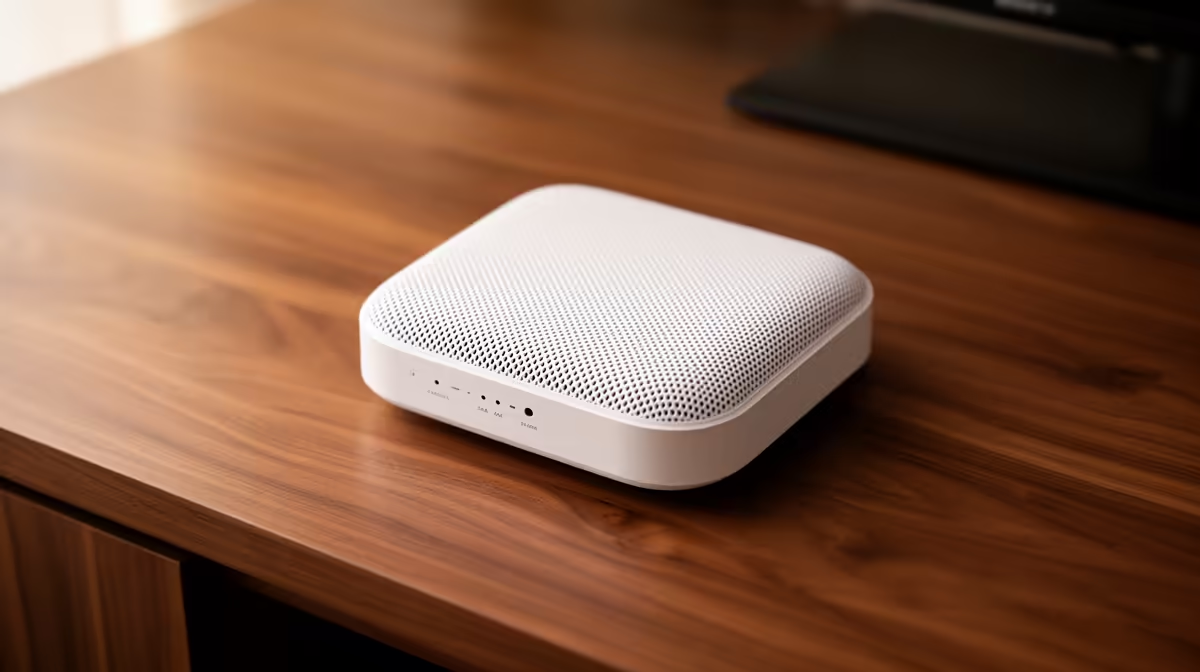
Instead of one router trying to shout across the house, a mesh Wi-Fi system uses a team of "nodes" that work together. The main node connects to your modem, and you place satellite nodes around your home. They communicate with each other, blanketing your entire property in a single, strong, and intelligent Wi-Fi network. ✨
Here’s the magic:
This is a fundamental upgrade over even the most powerful standalone wireless routers, which can still struggle with physical barriers no matter how beefy their antennas are.
Place your second mesh node about halfway between your main router and the biggest Wi-Fi dead zone. Avoid hiding nodes in cupboards or behind the TV… they perform best with a clear line of sight to each other for the strongest signal!
Finding the best mesh networking kit for your needs doesn't have to be complicated. Focus on these key areas.
For most single-storey homes or larger apartments (up to around 150m²), a 2-pack system is usually perfect. For bigger double-storey houses or properties with a garden office, a 3-pack ensures you have zero dead zones.
Wi-Fi 6 is the newer, faster standard. It’s a massive improvement for homes with lots of connected devices—think multiple smartphones, smart TVs, laptops, and consoles all competing for bandwidth. If you're investing in a new system, aiming for Wi-Fi 6 is the most future-proof choice. For older PCs or laptops to take full advantage, you might consider upgrading their internal cards or using dedicated USB wireless adapters. 🔧
The best mesh systems are incredibly user-friendly, with simple smartphone apps that guide you through setup in minutes. You can manage your network, create guest access, and enable parental controls right from your phone.
Ready for Flawless Wi-Fi? Stop letting dead zones dictate your digital life and start enjoying seamless streaming and gaming. Explore our complete wireless networking range at Evetech for performance that leaves lag in the dust.
Mesh kits offer stable connections & eliminate buffering for seamless 4K movie playback 🎥.
Yes – they provide uniform coverage to reduce lag during large file streaming 🏡.
Tri-band systems like [Product A] deliver high-speed performance for 4K content 🔄.
Typically 2-3 nodes for uninterrupted movies, depending on home size 🏠.
They work as standalone units or with routers to optimize streaming ⚡.
Place nodes strategically and sync them for smooth 4K streaming 🧩.
Entry-level options work for smaller spaces but may limit speeds 🛵.
IPS vs VA for strategy and sim games should be judged by fit, not a single winner. Compare compatibility, latency, capacity, upgrade path, cost planning, and South African setup needs.
Read more
Gen 5 NVMe SSD guide for Bloemfontein gamers should be shortlisted around the job it must do. South African buyers should compare capacity, speed, thermals, and motherboard support, warranty path, and upgrade room before treating any pick as best.
Read more
Skip the RTX 5070 if your first-time builder budget needs better balance. Better SA picks can free room for the right CPU, PSU, case, monitor, storage, and cooling while still giving a strong first gaming PC experience this year in South Africa.
Read more
RTX 5080: weighing the pros and cons for SA should be shortlisted around the job it must do. South African buyers should compare GPU tier, VRAM, cooling, and PSU headroom, warranty path, and upgrade room before treating any pick as best.
Read more
Core i5-13400F gives South African PC builders a capable mid-range CPU choice with clear limits. Check its gaming fit, discrete GPU requirement, LGA1700 platform costs, and upgrade path before locking in your parts list.
Read more
Pros and cons of the Wi-Fi 7 routers for SA should be shortlisted around the job it must do. South African buyers should compare WiFi standard, coverage, latency, and device support, warranty path, and upgrade room before treating any pick as best.
Read more
Steam content servers unreachable needs a download-path check, not an immediate reinstall of every game. Restart the client, inspect download settings and compare another connection when practical. Clearing the download cache is separate from deleting installed games.

Keychron G6 HE has built-in and swappable battery versions with different weights. The product brief lists 42g and 46g respectively, each with a 3g tolerance. Choose by grip and battery preference before treating one headline weight as universal.

Corsair HS80 v2 MAX supports 2.4GHz wireless and Bluetooth. Its maximum battery figures use RGB-off conditions and differ by connection. Check microphone routing, comfort and the exact device support before assuming every wireless mode behaves alike.

Windows taskbar notification badges can be shown or hidden in Taskbar behaviours. This changes the small app indicators, not the underlying messages. Choose a calmer desktop while keeping a deliberate routine for checking important conversations and app updates.

Windows title bar window shake can minimise other open windows when you shake the active window by its title bar. Inspect the Multitasking setting and switch it off if that gesture interrupts your work. The preference costs R0 and does not require new hardware.

Windows Print Screen opens Snipping Tool when its keyboard preference is enabled. Change the option under Accessibility, Keyboard to choose another workflow. Test whether you need a clipboard image or a saved file.

Windows desktop icons missing may be a visibility setting. Right-click the desktop, choose View and inspect Show desktop icons. If only system icons are absent, use Desktop icon settings. Check the Desktop folder before assuming files were deleted.

Windows set time zone automatically greyed out calls for a location and device-policy check. Automatic time-zone selection relies on location services. A manual time-zone choice is separate from synchronising the clock; check both before replacing hardware.
Windows title bar window shake can minimise other open windows when you shake the active window by its title bar. Inspect the Multitasking setting and switch it off if that gesture interrupts your work. The preference costs R0 and does not require new hardware.
Windows Print Screen opens Snipping Tool when its keyboard preference is enabled. Change the option under Accessibility, Keyboard to choose another workflow. Test whether you need a clipboard image or a saved file.
Windows desktop icons missing may be a visibility setting. Right-click the desktop, choose View and inspect Show desktop icons. If only system icons are absent, use Desktop icon settings. Check the Desktop folder before assuming files were deleted.
Windows set time zone automatically greyed out calls for a location and device-policy check. Automatic time-zone selection relies on location services. A manual time-zone choice is separate from synchronising the clock; check both before replacing hardware.