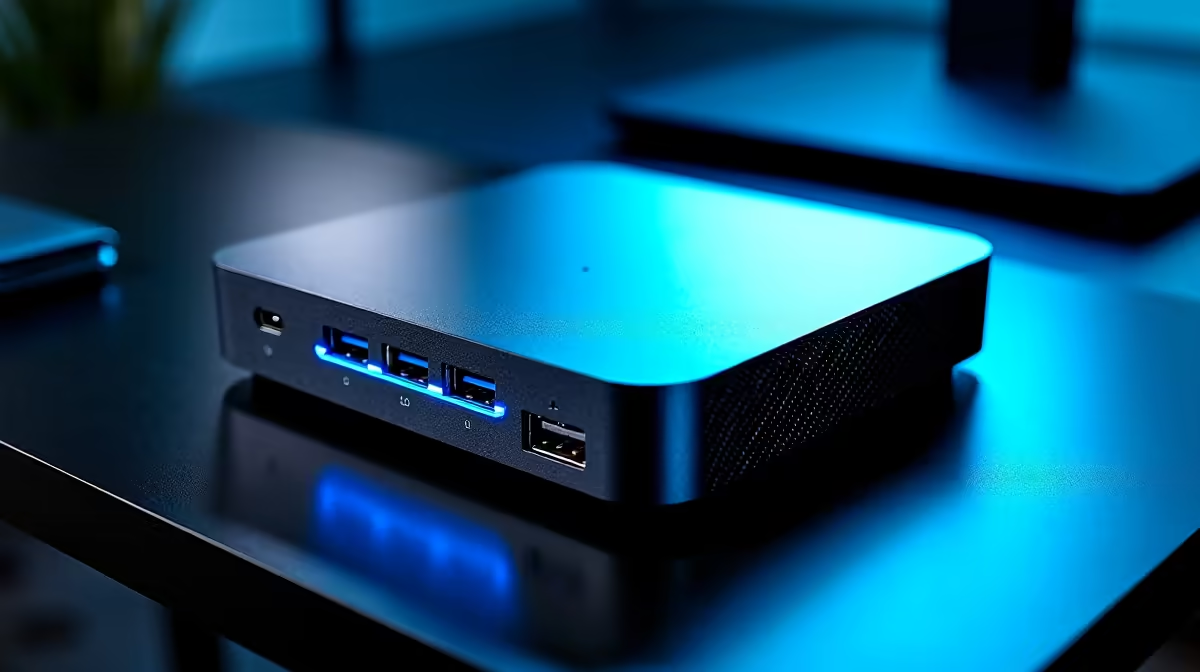
Tired of that bulky tower hogging your desk space? You need a multi-monitor setup for work and play, but the thought of a massive PC case is a real drag. Enter the mighty mini PC. 🚀 These compact powerhouses are perfect for driving multiple screens, offering the best of both worlds… performance without the footprint. Finding the best mini PCs with multiple USB display ports is easier than you think, and we're here to show you how.
Why Choose a Mini PC for a Multi-Display Setup?
Let's be honest, the days when "small" meant "weak" are long gone. Modern mini PCs pack a serious punch, often rivalling their full-sized desktop cousins in performance while sipping a fraction of the power. For South Africans optimising a home office or a slick gaming nook, the benefits are huge.
You get a clean, minimalist desk without sacrificing the ability to run two, three, or even four monitors. This makes them ideal for programmers, content creators, and multitaskers who need maximum screen real estate. Exploring Evetech's range of mini PCs reveals just how much power can be packed into a chassis that fits in the palm of your hand.
Decoding the Ports: USB-C, Thunderbolt, and More 🔧
The magic behind a multi-monitor mini PC lies in its ports. While traditional HDMI and DisplayPort sockets are still common, the real star is USB-C. But not all USB-C ports are created equal.
- USB-C with DisplayPort Alt Mode: This is the key feature you're looking for. It allows a standard USB-C port to carry a video signal directly to a compatible monitor or through a hub. It's a versatile solution for connecting at least one extra display.
- Thunderbolt 4: This is the premium version, often found on higher-end Intel-based mini PCs. A single Thunderbolt 4 port can drive two 4K displays, transfer data at lightning speed, and even power the device… all through one cable. It's the ultimate one-cable solution for a clean setup.
Many of the best mini PCs with multiple USB display ports will offer a combination of these, plus standard HDMI, giving you incredible flexibility.
Check Your Cables!
quick tip: Your PC might have a video-capable USB-C port, but you also need the right cable! Ensure your USB-C cable specifies support for "DisplayPort Alt Mode" or "Thunderbolt" to transmit video. A basic charging cable won't do the trick.
Key Features in the Best Mini PCs with Multiple Display Outputs
When you're ready to buy, look beyond just the number of ports. The internal components determine how smoothly your multi-monitor experience will be.
Processing Power and Graphics
Driving multiple high-resolution displays requires a capable CPU with a strong integrated GPU (iGPU). Modern AMD Ryzen and Intel Core processors have excellent iGPUs that can handle 4K video playback, general productivity, and even light gaming across several screens without breaking a sweat. For demanding tasks, you'll find powerful mini PC options with specs that can keep up.
RAM and Storage
With multiple monitors comes multitasking. Having numerous apps, browser tabs, and windows open simultaneously is a memory-intensive job. We recommend a minimum of 16GB of RAM for a smooth experience. Paired with a speedy NVMe SSD for storage, your system will feel responsive and snappy, even under heavy load. Top-tier manufacturers, including brands like Minisforum, consistently deliver well-balanced machines perfect for this. ✨