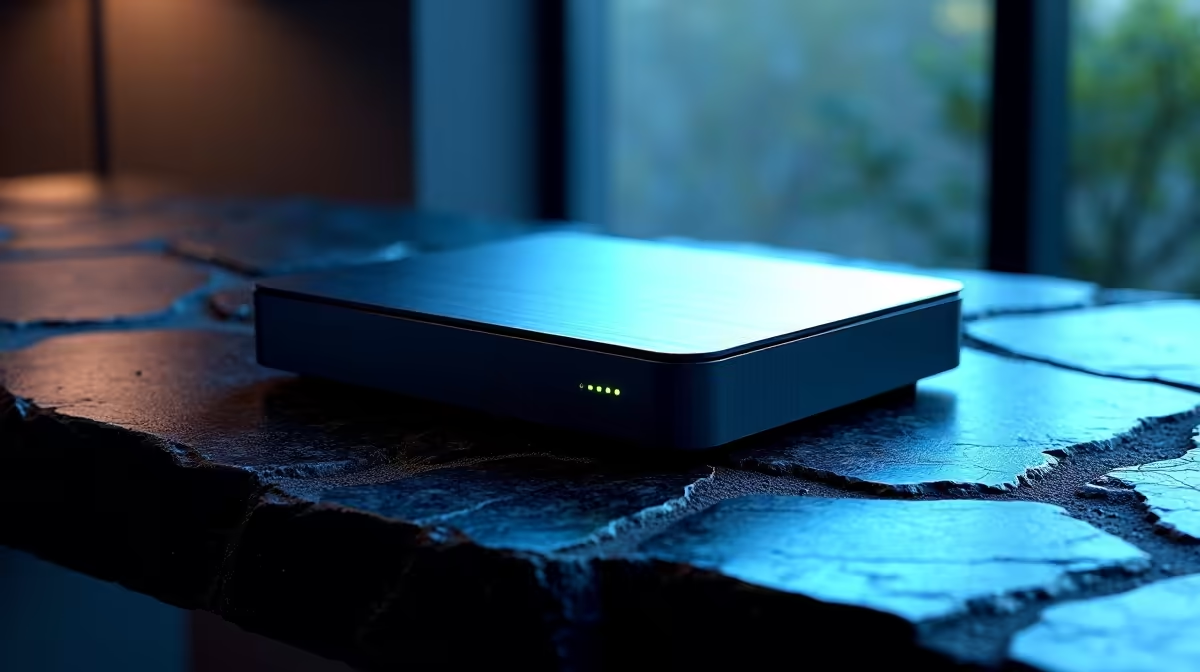
The CUDY AC1200 4G LTE at R1,396 suits a creator or small office that wants a steadier small-office network before spending on shared storage for SketchUp modelling. A network drive only feels worthwhile when the router can keep project files, cloud sync, and team access moving reliably across the workspace.
Start with the router before the drive
The CUDY AC1200 4G LTE at R1,396 is the sensible first recommendation because AC1200 gives you a stronger base for moving chunky model files around a local setup. The 4G LTE support also makes it useful where the office needs a practical connection option without turning the file workflow into a daily bottleneck.
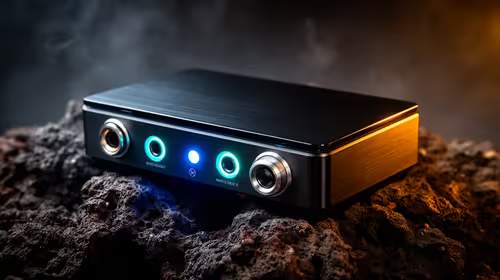
The CUDY N300 Travel at R450 is better for a mobile student desk, site visit, or temporary creator setup where N300 is enough for light access and admin files. It is not the router I would build a shared modelling workflow around, but at R450 it can keep a compact setup connected when portability matters more than heavy file movement.
The ASUS PCE-AX1800 adapter at R147 matters if the desktop itself is the weak point. Its AX1800 spec gives a compatible PC a better wireless path to the router, which can be the difference between a shared drive feeling usable and every save operation feeling delayed.
Creator desk network check
For a creator desk with a network drive on a shelf, the CUDY AC1200 4G LTE at R1,396 is the cleaner anchor because AC1200 is the stronger router spec here. Pairing that with the ASUS PCE-AX1800 adapter at R147 on the main desktop is a practical way to improve the workstation side as well.
Ready to choose the right router?
Keep CUDY AC1200 4G LTE at R1,396 on the list for network drive actually sketchup modelling; its listed spec is the detail to test against that brief.