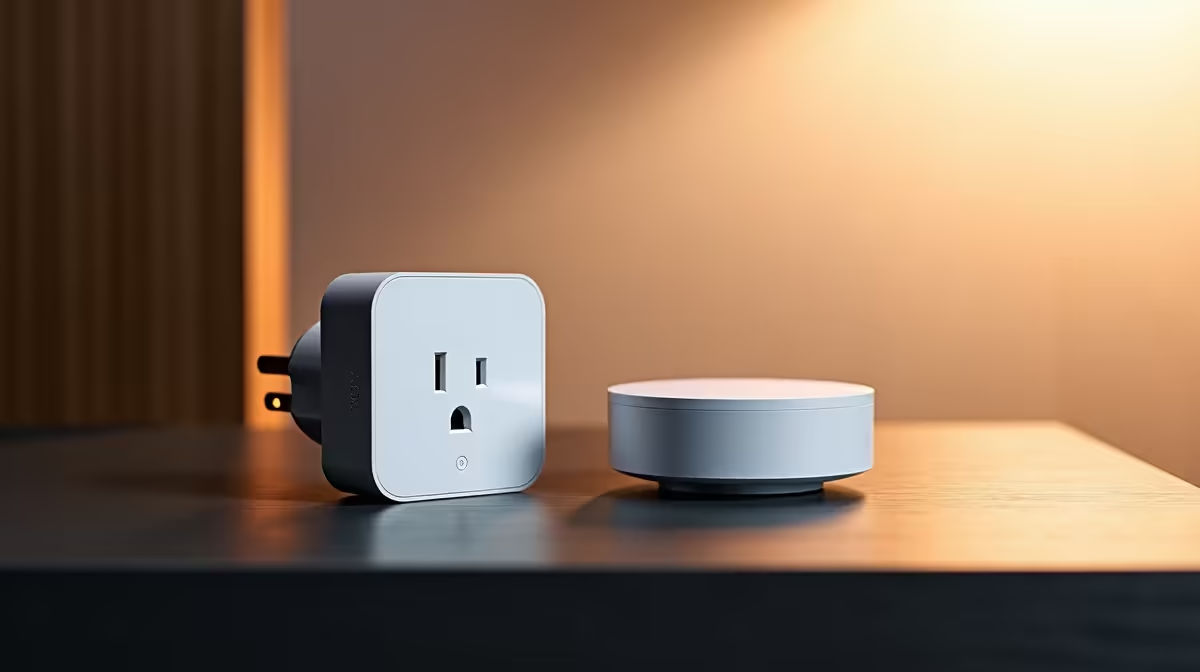
A lease that bans drilling, rewiring, or anything resembling permanent changes does not have to mean a dumb home. The trick for renters is to build everything around devices that plug in, screw in, or stick on, all controlled through Home Assistant running on your own small hub. Nothing is wired into the property, so the landlord never needs to know, and when you move, every device comes off the wall and into the box with you. For students in res or digs especially, that portability is the whole appeal.
Quick Answer
The best no-wiring smart home devices for renters are plug-in Zigbee smart plugs, screw-in smart bulbs, and battery-powered contact and motion sensors, all paired to Home Assistant. None require modifying the property: plugs sit in existing sockets, bulbs go in existing fittings, and sensors stick on with adhesive. Everything runs locally, comes with you when you move, and leaves no trace on the walls.
Why renters need a different smart-home plan
Most smart-home advice assumes you own the place and can swap wall switches, run cabling, or fit hardwired devices. A tenant cannot do any of that without risking the deposit. The renter's constraint flips the priorities: every device must install without tools or permanent marks, and must be just as easy to remove and take to the next place.
Home Assistant is what makes this work without surrendering capability. Running on a small local hub, it ties all these no-wiring devices into one system with real automations, and because it talks to them directly over Zigbee, your setup keeps working independently of any manufacturer cloud. You get a genuinely smart home that is also completely temporary by design.
Smart plugs: the no-wiring workhorse
Smart plugs are the foundation of a rental setup because they need nothing but an existing wall socket. Plug one in, plug a lamp, fan, heater or charger into it, pair it to Home Assistant, and that appliance is now schedulable, automatable, and controllable from your phone. No electrician, no wiring, no marks.
Zigbee plugs do double duty. Beyond switching whatever is plugged into them, they act as routers in the Zigbee mesh, relaying signal for your battery sensors and extending reliable range across the flat. A couple of well-placed plugs make the rest of the network more dependable, which is why they are the first thing to buy. They live alongside the rest of the smart home and hub range.
Smart bulbs: lighting without touching the switch
Screw-in or bayonet smart bulbs replace your existing globes in fittings you already have, giving you scheduling, dimming and colour control with zero installation. There is no smart switch to wire in and no wall plate to change; you simply swap the bulb and pair it.
The light-switch gotcha and how to dodge it
The one quirk: a smart bulb only responds while it has power, so if someone flips the wall switch off, Home Assistant loses it until the switch goes back on. The renter-friendly answer is to leave the wall switch on and control the bulb through the app, automations, or a small battery-powered wireless button stuck near the door, which needs no wiring either. Like plugs, mains-powered smart bulbs also strengthen the Zigbee mesh.
Battery sensors: automation triggers with zero install
Battery-powered sensors are where a rental setup starts to feel genuinely smart, because they trigger your automations. Contact sensors stick onto a door or window with adhesive and report open or closed. Motion sensors sit on a shelf or stick to a wall and detect movement. Temperature and other sensors add more context. All run for a long time on their internal batteries, communicate over Zigbee, and leave nothing behind but a clean patch where the adhesive was.
These sensors let you build the automations that make a home feel responsive: a lamp on a smart plug that comes on when motion is detected after dark, or a notification when a window opens while you are out. Because they are battery-powered and adhesive-mounted, they install in seconds and remove just as fast. The mounting strips, adhesive pads and spare batteries to keep them going are in the accessories best sellers.
Building a rental kit that moves with you
A practical renter's kit starts with the Home Assistant hub and a Zigbee dongle, then adds two or three smart plugs, a few smart bulbs for the rooms you use most, and a handful of battery contact and motion sensors. That covers control, lighting and triggers, enough to automate evenings, get alerts, and run everything from your phone. For students moving between res, digs and home each year, the appeal is that the entire system unplugs, peels off, and packs into a single box, then sets up again in the next place within an evening. Nothing is left on the walls, the deposit is safe, and your smart home travels with you.
Frequently Asked Questions
Will a smart home setup risk my deposit?
Not if you stick to no-wiring devices. Plugs use existing sockets, bulbs use existing fittings, and sensors mount with removable adhesive. None of it modifies the property, so there is nothing to repair and nothing for a landlord to object to.
What happens to smart bulbs when someone uses the wall switch?
A smart bulb needs power to respond, so flipping the wall switch off cuts it from Home Assistant until power returns. Leave the wall switch on and control the bulb through the app, automations, or a stick-on wireless button instead.
Do battery sensors need any wiring or installation?
None. Contact and motion sensors stick on with adhesive and run on internal batteries for a long time, communicating over Zigbee. They install in seconds and peel off cleanly, making them ideal for rentals and student housing.
Why use Home Assistant rather than separate apps?
Home Assistant ties all your no-wiring devices into one local system with proper automations, instead of juggling a different app per brand. Because it talks to Zigbee devices directly, your setup keeps working without depending on any manufacturer cloud.
Can I take everything with me when I move?
Yes, that is the point. Plugs unplug, bulbs unscrew, sensors peel off, and the hub and dongle pack away. The whole system fits in a box and sets up in the next place within an evening, leaving no trace behind.
Build your rental smart home from plugs, bulbs and battery sensors on Home Assistant, and you get real automation with zero wiring and zero risk to your deposit. Browse the current smart home kit at Evetech and set up a system that moves out when you do.