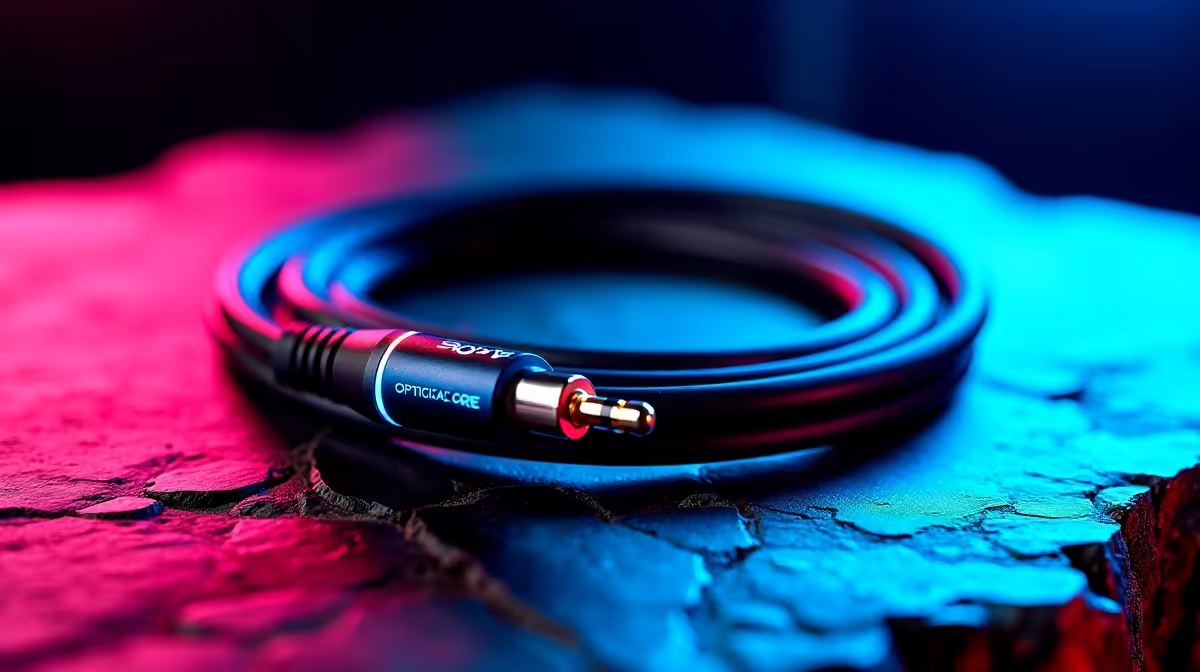
You've spent thousands on a killer gaming rig and a 4K display, but your sound is... well, a bit flat. That explosive grenade sounds more like a pop, and the enemy footsteps you should be hearing are lost in a muddy mix. The culprit might not be your speakers, but the humble cable connecting them. It’s time to discover why the best optical audio cables are essential for unlocking the immersive, crystal-clear sound your setup deserves. 🎧
Why a Quality Optical Cable Elevates Your Audio
Unlike older analogue cables that transmit audio as an electrical signal, a fibre optic audio cable (also known as a TOSLINK or S/PDIF cable) uses pulses of light. What does that mean for you?
Simple: zero electrical interference. Your audio signal remains pure, free from the hum and buzz that can be caused by nearby power cables or other electronic components in your battle station. This digital purity is what delivers that crisp, detailed sound—from the subtle rustle of leaves in The Witcher 3 to the thunderous roar of an engine in Forza. It ensures you get the full, uncompressed audio experience the game developers intended.
Choosing one of the best optical audio cables means you're not just buying a wire; you're investing in audio fidelity.
Pro Tip: Check Your Ports!
Before you buy, quickly check the back of your PC, console (PS4 PS5 Xbox), or TV for a square-ish port labelled 'Optical', 'TOSLINK', or 'Digital Audio Out'. Also, remember to remove the tiny plastic protective caps from the cable ends before plugging them in!
Finding the Best Optical Audio Cable for Your Rig ✨
Not all cables are created equal, but you don't need to spend a fortune to get incredible results. When shopping, focus on build quality. A braided nylon jacket adds durability and prevents kinking, while gold-plated connectors ensure a snug, corrosion-free fit for years to come.
The right cable depends on your needs. For a clean and reliable setup, you might consider options from trusted brands like HP, known for their solid construction. If you're looking for something robust that can handle being moved around, check out durable cables from Promate.
Thankfully, upgrading your sound doesn't have to break the bank. There are plenty of fantastic options under R500 that deliver pristine digital audio. Exploring a comprehensive range of cable solutions is the best way to find the perfect match for your budget and setup.
Unlocking Crystal-Clear Sound: A Quick Setup Guide 🔊
Once you have your new optical audio cable, getting that superior sound is a breeze.
- Connect It: Plug one end firmly into the 'Digital Audio Out' port on your source device (PC, console, etc.) and the other into the 'Digital Audio In' on your receiver, soundbar, or speaker system.
- Select the Source: On your sound system, make sure you've selected 'Optical' or 'Digital' as the input source.
- Tweak Your Device Settings: On your PC or console, navigate to the audio settings and change the output format to 'Optical' or 'Digital'. You might also see options for Dolby Digital or DTS—enable them for the best surround sound experience in supported games and movies!
That's it. You're ready to hear every detail with flawless clarity.
Ready to Hear the Difference?
Stop letting poor audio hold your R50,000 rig back. Upgrade to a high-quality optical cable and hear your games the way they were meant to be played. Shop GIZZU cables now at Evetech for performance that sounds as good as it looks.