Choosing the right operating system for your company's laptops in South Africa is a massive decision. It impacts everything from your team's daily productivity and data security to your long-term IT budget. Get it wrong, and you're stuck with compatibility headaches and mounting costs. Get it right, and you empower your workforce. This guide breaks down the best OS for corporate laptops, comparing the giants: Windows, macOS, and Linux, for the unique needs of SA businesses.
The Core Contenders: A Quick Overview
Before we dive deep, let's set the stage. The battle for the best OS for corporate laptops isn't just about personal preference; it's a strategic business choice. Each system brings a unique philosophy to the table.
- Windows: The global standard. It's the familiar, versatile workhorse that runs on the widest variety of hardware.
- macOS: The premium, design-focused ecosystem known for its seamless user experience and creative prowess.
- Linux: The open-source powerhouse, offering unparalleled customisation and security for those with the technical know-how.
Windows: The Undisputed Corporate King 👑
For the vast majority of businesses in South Africa and globally, Windows remains the default choice... and for good reason. Its biggest strength is its sheer universality.
Unmatched Compatibility and Hardware Choice
From finance departments running specialised accounting software to marketing teams using the full Microsoft 365 suite, Windows simply works with almost everything. This backward compatibility is crucial for companies relying on legacy applications that just aren't available on other platforms.
Furthermore, the hardware ecosystem is massive. You have the freedom to choose from hundreds of models to fit every role and budget. Whether you need fleets of affordable workhorses for your sales team or are looking for powerful Intel laptops for your power users, the choice is yours. The rise of new processor technology also means you can equip your team with incredibly efficient AMD laptops that offer amazing performance and battery life.
Management and Support
Windows is built for corporate environments. With tools like Microsoft Intune and Active Directory, your IT department has granular control over security, updates, and device management across the entire organisation. Finding skilled technicians who can support a Windows environment in South Africa is also significantly easier and more cost-effective.
macOS: The Premium Creative Powerhouse
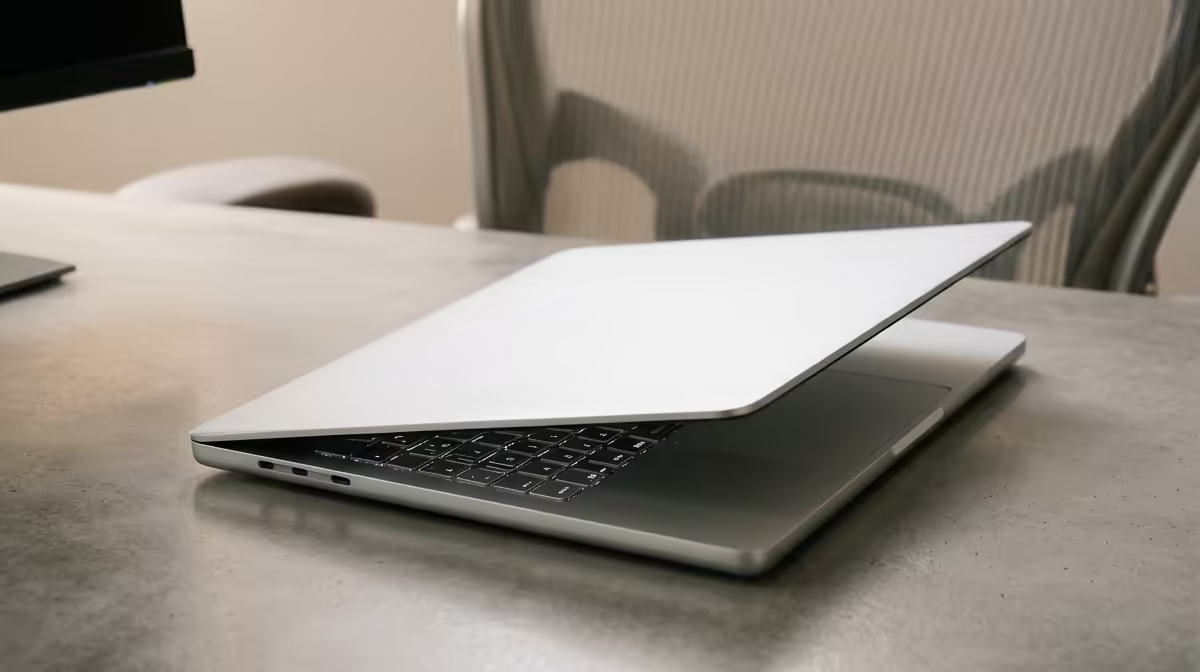
Walk into any design agency or video production house, and you'll likely see a sea of glowing Apple logos. macOS has carved out a powerful niche as the best OS for corporate laptops in creative fields.
The User Experience and Ecosystem
Apple's key selling point is its polished, intuitive user experience. macOS is clean, stable, and beautifully integrated with other Apple devices like iPhones and iPads. For teams that thrive on collaboration within the Apple ecosystem, features like Handoff and AirDrop can be genuine productivity boosters. The hardware itself, while pricey, is renowned for its build quality, stunning displays, and long-term reliability.
The "Apple Tax"
The primary drawback is cost and lack of choice. You're locked into Apple's hardware, which comes at a significant premium. Repairs can also be more expensive and complex. While secure and powerful, the high upfront investment makes a full macOS deployment a tough sell for many budget-conscious South African companies.
IT Admin Pro Tip 🔧
When deploying laptops, create a 'golden image'—a pre-configured installation of the OS with all necessary corporate software, security settings, and user profiles. This allows your IT team to rapidly set up new machines for employees, ensuring consistency and saving dozens of hours per device compared to manual setup.
Linux: The Open-Source Rebel 🐧
Linux is the choice for developers, system administrators, and scientific computing professionals. It offers a level of control and transparency that proprietary systems like Windows and macOS simply can't match.
Ultimate Control and Security
As an open-source OS, Linux is incredibly flexible. You can tailor it precisely to your needs, stripping away unnecessary components to create a lean, fast, and ultra-stable environment. Its security architecture is famously robust, making it a fortress for servers and technical workstations. Best of all? Most Linux distributions (like Ubuntu or Mint) are completely free, eliminating licensing costs.
The Learning Curve
So, why isn't every business running Linux? The main barrier is usability and software support. While user-friendly versions exist, it generally requires more technical skill to manage. Crucially, mainstream business applications like Adobe Creative Suite and the full-featured desktop version of Microsoft Office don't run natively on Linux. While some developers install Linux on powerful machines often found in our high-performance laptops section, it remains a specialised choice for specific technical roles rather than a company-wide solution.
The Verdict: What's the Best OS for Your Business?
Ultimately, the best OS for corporate laptops depends on your company's specific needs and budget.
- For maximum compatibility, hardware choice, and manageability, Windows is the clear winner for most South African businesses.
- For creative industries with a larger budget, macOS offers a superb, integrated user experience.
- For highly technical teams like developers or engineers, Linux provides unmatched power and control.
For most organisations, a Windows-based fleet offers the best balance of performance, flexibility, and total cost of ownership, making it the most strategic investment for growth and productivity.
Ready to Find Your Perfect Match?
The Mac vs Windows debate is complex, but for maximum power, choice, and value in South Africa, Windows is hard to beat. Explore our massive range of laptop specials and find the perfect machine to conquer your world.