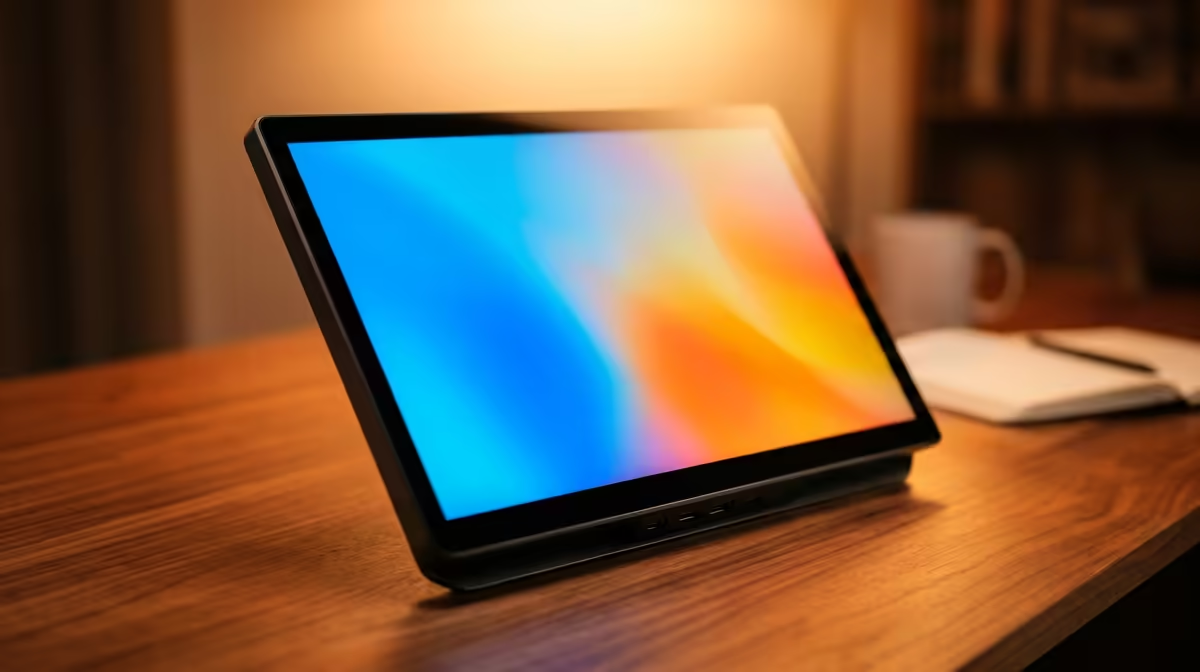
A second screen used to mean clearing desk space and finding a free wall socket. A portable monitor flips that: a 14 to 15.6-inch 1080p IPS panel that runs off a single USB-C cable, weighs about as much as a textbook and slides into the same backpack as your laptop. For a student juggling research, notes and a lecture recording, it is the cheapest upgrade that genuinely changes how you work.
Quick Answer
The best portable monitor for a student on a budget is a 14 to 15.6-inch 1080p IPS panel with USB-C input, priced from around R2,500 to R4,000. It draws power and video from one cable, needs no separate charger and pairs with any sub-R8,000 student laptop to double your working space in res, the library or on a commute.
Why a second screen matters for studying
Anyone who has tried to write an assignment while flipping between a PDF, a browser and their notes knows the cost: every tab switch breaks your train of thought. A second screen ends that. You keep the source material open on one panel and write on the other, and the constant context-switching that quietly drains study sessions disappears.
For research-heavy work, the gain is bigger than it sounds. Comparing two papers, transcribing from a recorded lecture or keeping a reference open while you code all become natural rather than fiddly. The screen pays for itself in saved time across a single semester.
What to look for in a budget panel
Not every cheap portable monitor is worth buying. A few specs separate a genuinely useful screen from a frustrating one.
Resolution and panel type
Aim for 1080p (Full HD) on an IPS panel. IPS gives you wide viewing angles and consistent colour, which matters when the screen sits at a slight angle on a small res desk. Skip lower-resolution TN panels; text looks soft and reading for hours becomes tiring.
Connectivity
Single-cable USB-C operation, where one connection handles both power delivery and the video signal, is what separates a truly portable panel from one that still needs a wall socket. If a panel needs a separate power brick, you have lost half the point. Confirm your laptop's USB-C port outputs video before buying, since not every USB-C port does.
Size and weight
For a student, 14 to 15.6 inches is the sweet spot. Large enough to be useful, small enough to fit the laptop compartment of a standard backpack. Anything bigger starts to defeat the purpose of carrying it between res, campus and home.
Built for SA student life
The portable monitor suits the way South African students actually live. A vaalie commuting from home gets a full second screen they can set up at the kitchen table and pack away in minutes. A student in res or digs gets desk space back, since the panel folds flat against the laptop when not in use.
In the library, where plug points are scarce and shared, the single-cable design is a real advantage. You power the monitor from your laptop, claim no extra socket and stay mobile if you have to move tables. During O-Week and group projects, being able to share your screen properly with a teammate beats everyone craning over one small laptop display.
If you want to see how portable panels compare with full-size desk monitors before deciding, the portable monitor selection at Evetech lays out the current options and pricing clearly.
Getting the most from a small second screen
A portable monitor rewards a little setup thought. Position it at a slight angle beside your laptop so both screens fall comfortably in view, and on most operating systems you can extend rather than mirror the desktop in the display settings, which is what gives you genuine extra workspace rather than a duplicate.
Brightness is the spec students most often overlook. Library and lecture-hall lighting can be harsh, and a dim panel becomes hard to read in those conditions. A monitor that reaches a reasonable brightness stays usable in bright rooms and outdoors, which matters if you study on a campus lawn or near a window.
A simple folding case or built-in kickstand is also worth having. It props the panel at a readable angle without you balancing it against a stack of books, and it protects the screen in transit. For a device that lives in a backpack alongside chargers and notebooks, that bit of protection extends its life considerably.
Pairing it with a student laptop
A portable monitor is only as good as the laptop driving it. The good news is that almost any current student laptop whose USB-C port outputs video will run one without strain. You are mirroring or extending the desktop, not gaming, so the demand on the laptop is light.
If you are buying both at once, prioritise a laptop with at least one full-function USB-C port and decent battery life, since the monitor does draw a little extra power from the laptop. Spending R2,500 to R4,000 on the panel gives you a two-screen study setup for well under the cost of a single desktop monitor and stand.
For students weighing the alternative of a fixed desk display, it is worth scanning what the top-selling monitors right now offer, since a stationary setup makes sense if you rarely move your study spot.
Is it worth it for you
If you study mostly in one fixed place and never move your laptop, a cheap full-size desk monitor may serve you better for the money. But if your study life moves between res, library, lectures and home, the portable monitor wins on flexibility. It is the screen that goes where you go, sets up in seconds and asks nothing more than one cable.
For most students, that portability is exactly the point, and the budget panels deliver it without a painful price.
Frequently Asked Questions
How much should a student spend on a portable monitor?
Expect to pay R2,500 to R4,000 for a solid 14 to 15.6-inch 1080p IPS panel. That price band gets you a genuinely useful second screen without overspending on features a student does not need.
Do portable monitors need their own power supply?
The good ones do not. A USB-C portable monitor draws both power and video from a single cable connected to your laptop, so there is no separate charger to carry. Always confirm your laptop's USB-C port supports video output first.
Will a portable monitor work with any laptop?
It works with any laptop that has a USB-C port supporting DisplayPort video output, which covers most current models. Some older or budget laptops have USB-C ports that only handle data, so check the specification before buying.
What screen size is best for a student?
A 14 to 15.6-inch panel is ideal. It is large enough to be a proper second screen yet small enough to fit the laptop compartment of a standard backpack, which keeps it genuinely portable for campus life.
Is a portable monitor better than a desk monitor for students?
It depends on how you study. If you move between res, library and home, the portable monitor's flexibility wins. If you work from one fixed spot, a full-size desk monitor often gives more screen for the same money.