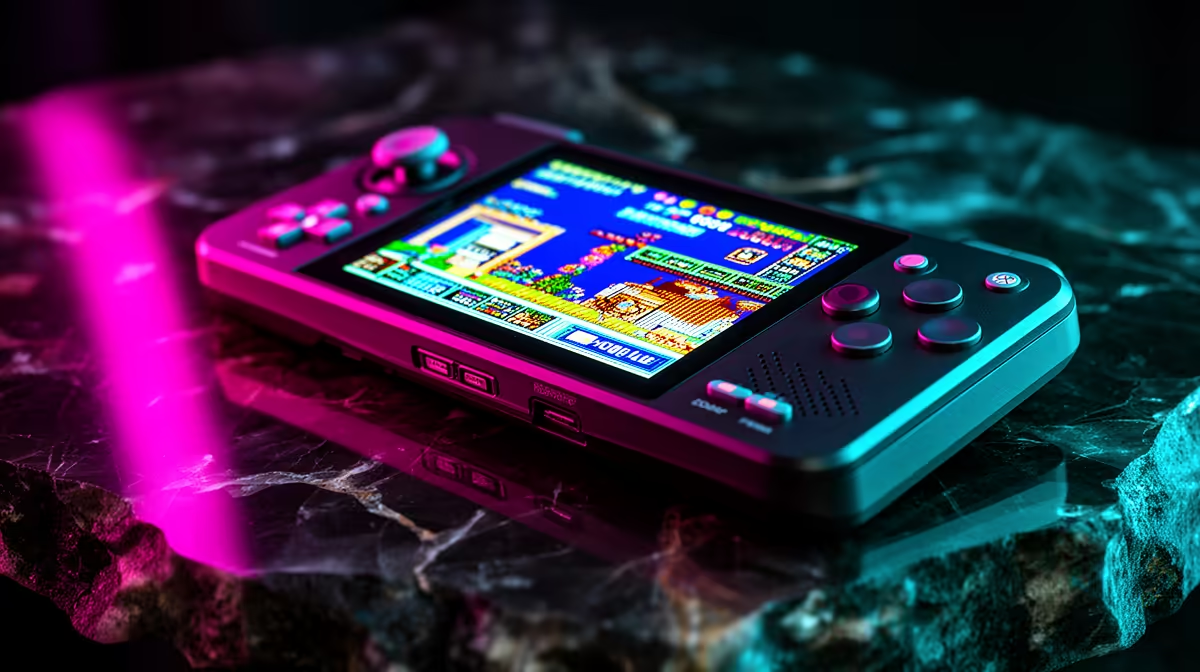
Hand a child a smartphone-shaped emulator and you have handed them an app store, a browser and a hundred ways to wander off. The appeal of a dedicated retro gaming handheld for kids is the opposite: a small, sturdy device that turns on, shows a list of games, and does nothing else. The Miyoo Mini Plus has become the default pick here because it is genuinely pocket-sized, cheap, well built, and runs a closed system with no shop and no internet to get lost in.
Quick Answer
The Miyoo Mini Plus is the best retro handheld for younger kids: a tough plastic shell, a 3.5-inch screen, an import price typically under R800, and firmware with no app store or web browser. It plays everything from NES up to PlayStation 1, which is plenty for a child, and the simple game-launcher menu is easy enough for them to use without help.
Why a closed device beats a tablet for kids
A tablet or phone is a general-purpose computer with games on it. A handheld like the Miyoo Mini Plus is a games machine and nothing more, and for a young child that limitation is the whole point. There is no shop tempting in-app purchases, no browser, no notifications, and no way to accidentally rack up a bill or stumble somewhere they should not. Parents do not have to police a content filter because the device simply has no door to walk through.
The interface helps too. Out of the box it is a plain list of games you scroll through and select. A five-year-old who can recognise box art can launch a game on their own, which means fewer interruptions and more actual playing.
Build quality that survives a child
Kids drop things. The Mini Plus uses a solid plastic chassis with no creaks or rattles and buttons with a firm, clicky feel, which is exactly what you want from something that will be sat on, dropped and stuffed into a school bag. At roughly 119 by 60 by 20mm it is smaller than an original Game Boy Pocket, so it fits a small hand and a small pocket. The 3.5-inch IPS screen is sharp enough for old games and holds up well in daylight, so outdoor play in good SA sun is not a problem.
What it can and cannot play
The Mini Plus comfortably emulates the classic 8-bit and 16-bit eras: NES, SNES, Mega Drive, Game Boy and Game Boy Advance all run beautifully. PlayStation 1 is the practical ceiling and runs most titles well. More demanding systems like Dreamcast are a stretch and best skipped. For a child, that range is far more than enough, and the older the game era the more forgiving and age-appropriate the titles tend to be.
A note on firmware
The device ships with a basic stock system, and many enthusiasts swap in community firmware to polish the menus and add features. For a child's device that step is optional. The stock system is closed and functional, and if you do want a tidier interface, an adult can set it up once and then hand over a device that still has no store or browser exposed to the child. The community OnionOS firmware supports over a hundred emulators and adds instant save-state switching, which is genuinely useful for young children who need to stop mid-game quickly. OnionOS also includes a Guest Mode that creates a restricted profile with configurable access, giving parents another layer of control without adding internet exposure.
Setting it up before handing it over
The setup an adult does once determines how smooth the child's experience is. Load the games yourself, name them clearly, and organise them by console so the child can browse without confusion. Test each game and delete anything that does not run cleanly, since a crashed or broken game frustrates a young child far more than it would an adult. If you install OnionOS, configure the Guest Mode so the child's profile shows only their games and hides system settings. The whole process typically takes under an hour, and the result is a device that hands over ready to play with no parental intervention needed mid-session.
Battery life on the 3,000mAh cell sits at four to five hours of gameplay, which suits a school afternoon or a car trip. Charging via USB-C is straightforward, and the battery is not hot-swappable, so building a charging habit before bed avoids a flat device in the morning.
Compared to alternatives
Other budget handhelds like the Anbernic RG35XX are excellent for adults but bring Wi-Fi and optional browser functions that require more parental configuration to lock down. The Miyoo Mini Plus is the safer default specifically because it is narrower in scope and has been in parents' hands long enough for the community to document exactly which settings to use for a child-friendly setup. Powkiddy's budget range offers similar prices but less mature firmware support, making setup less predictable.
How it fits an SA household
Imported handhelds like this usually land under R800, which makes it an easy first device that you are not heartbroken to see scuffed. It is a sensible alternative to giving a young child your old phone, since it does one job and carries none of a phone's risks. You can see the wider selection in the handheld gaming console range at Evetech, and if you want a sense of what is selling well across portable and desktop gaming, the PC best sellers list is a useful gauge.
Frequently Asked Questions
Is the Miyoo Mini Plus safe for young children to use alone?
Yes. It has no app store, no web browser and no online features, so there is nothing for a child to buy, install or browse to. It only launches the games loaded on it, which makes it about as low-risk as a games device gets.
What ages does it suit?
It works well from around five upward. The simple list-style menu and recognisable box art let young children launch games themselves, while older kids appreciate the deep library of classic titles.
What games can it play?
Everything from NES and SNES through Mega Drive, Game Boy and Game Boy Advance, up to PlayStation 1. That covers thousands of family-friendly classics. More demanding systems are beyond it, which is fine for this audience.
Is it tough enough to handle drops?
The plastic shell is sturdy with solid buttons and no loose parts, so it copes with normal childhood handling far better than a phone. Its small size also means short falls do less damage.
Do I need to modify it before giving it to a child?
No. The stock system works as a closed games launcher straight away. Custom firmware is an optional polish an adult can add, and it keeps the device just as locked down. If you do install OnionOS, the process takes around fifteen minutes following a community guide and the end result is a slightly tidier interface with better save-state management and a Guest Mode profile, still with no exposed shop or browser for a child to find.
How long does the battery last?
The 3,000mAh cell delivers four to five hours of gameplay. Lighter 8-bit systems push toward the higher end; PlayStation 1 games sit nearer the lower end. Building a nightly charge habit removes the chance of a flat device at the wrong moment.
A locked-down handheld is a calmer first games device than an old phone. Browse current picks in the handheld gaming console range at Evetech and choose one that suits your child's age and your budget.