Quick Answer
The ROG Ally X (~R14,999 at Evetech) is the best Windows handheld gaming PC for Edenvale remote workers — it combines a Ryzen Z1 Extreme processor, 24 GB LPDDR5 RAM, an 80 Wh battery (5–6 hours productivity runtime), and a 7" 120 Hz display. Compared to the standard ROG Ally at ~R11,999, the Ally X's extra RAM and doubled battery life justify the ~R3,000 premium for professionals who work and game away from home.
The Edenvale Remote Worker Use Case for the Ally X
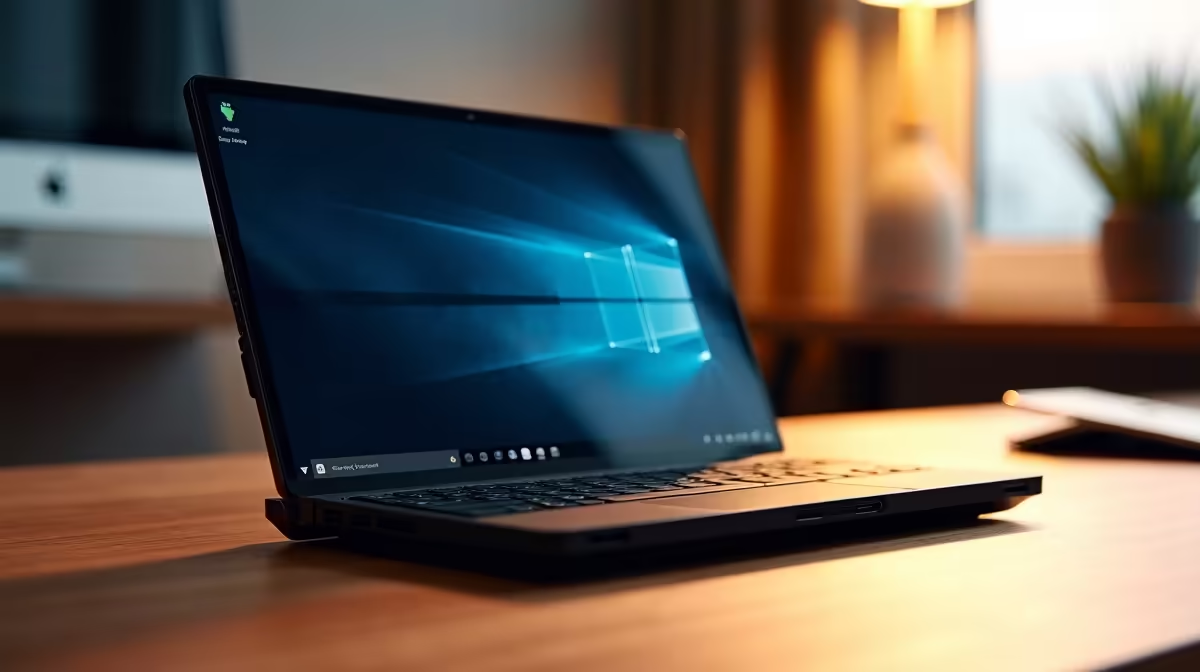
Edenvale professionals who operate from home offices in Eastleigh, Primrose, or Dowerglen and occasionally work from client sites or coffee shops benefit from the Ally X's portability. At 608 g it's lighter than most 13" laptops, yet runs a full Windows 11 environment. USB-C docking to a home office external monitor and keyboard delivers a desktop-quality work setup. The Ryzen Z1 Extreme handles Teams calls, multi-tab browsers, and Office 365 without slowdown.
Hardware Specs and Performance Benchmarks
- CPU/GPU: AMD Ryzen Z1 Extreme — 8 cores, RDNA 3 integrated graphics up to 8.6 TFLOPS
- RAM: 24 GB LPDDR5 5500 MT/s
- SSD: 1 TB NVMe
- Display: 7", 1920×1080, 120 Hz, 500 nits
- Battery: 80 Wh — ~3–4 hours gaming at 30 W, ~5–6 hours productivity at 15 W
- Retail price: ~R14,999 at Evetech
Dock Setup for Edenvale Home Offices
Connect to any USB-C hub with DisplayPort or HDMI alt mode to extend to an external monitor. The ROG Gaming Charger Dock (~R1,800) adds HDMI 2.0 + USB-A + 65W charging in one unit. For productivity-heavy use in Edenvale, a second monitor at 1080p or QHD running off the dock provides comfortable dual-screen working.
FAQ
How does the ROG Ally X handle Microsoft Teams calls for Edenvale remote workers?
The Z1 Extreme handles Teams calls, screen sharing, and background blur without noticeable performance impact at 15 W efficiency mode. 24 GB LPDDR5 RAM leaves plenty of headroom for open browser tabs and background applications during calls. The built-in microphone is adequate for calls; a USB-C headset improves call quality further.
Is the Ally X's 7" screen too small for full-time remote work in Edenvale?
For on-the-go use, the 7" screen is functional but small for spreadsheets and multi-document work. When docked at an Edenvale home office desk with an external monitor, the Ally X drives a full-size display via USB-C, making screen size a non-issue for stationary work. The compact size is its strength for portability, not desktop replacement.
What FPS does the ROG Ally X achieve in popular games for Edenvale gamers?
At 30 W TDP: CS2 at 1080p medium reaches 140–160 fps; Valorant reaches 180+ fps; Baldur's Gate 3 at medium runs 45–55 fps. At 15 W (handheld efficiency): CS2 drops to 90–110 fps; Valorant stays above 100 fps. The 120 Hz screen benefits fully from CS2 and Valorant frame rates at both TDP settings.
workers who game evenings and work daytime should create two Armoury Crate profiles — one for "Work" at 15 W with fan on silent for quiet Teams calls, and one for "Gaming" at 30 W with fan on performance for evening sessions.