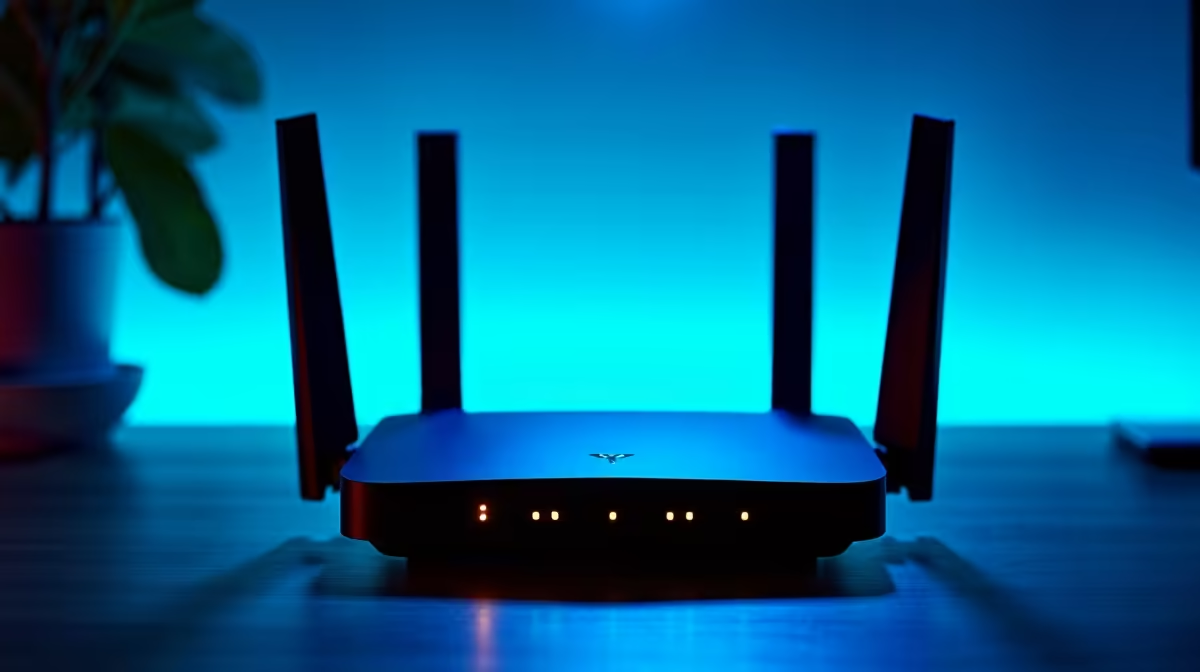
Lagging out during a crucial Apex Legends firefight? Getting that dreaded high-ping warning in Valorant, even with fast fibre? Before you blame Eskom or your ISP, look at the blinking box in the corner. Your router is the unsung hero of your gaming setup, and choosing the best router South Africa has to offer is the single biggest upgrade you can make for your online experience. This guide will cut through the jargon and get you connected. 🚀
Why Your Router is Your PC's Unsung Hero
Think of it like this: you wouldn't put cheap, retread tyres on a Ferrari, would you? The same logic applies to your PC networking. You might have one of our powerful PCs over R20k with a top-tier graphics card and CPU, but if your router can't handle the data flow, you've created a digital traffic jam right in your home.
A quality router ensures that your PC gets a stable, prioritised, and lightning-fast connection to the internet. It’s the difference between landing a headshot and watching a kill-cam of your own demise. For anyone serious about PC gaming and connectivity, finding the right router is not a luxury... it's essential.
Key Router Features for SA Gamers 🇿🇦
Navigating router specs can feel overwhelming. Let’s focus on the features that genuinely impact your gaming and daily use in a typical South African home. Getting the best router in South Africa means matching the tech to your needs.
Wi-Fi 6 (802.11ax): The Modern Standard
If your router is more than a few years old, you're likely missing out on Wi-Fi 6. This isn't just about raw speed; its real magic is efficiency. Wi-Fi 6 is designed for homes crowded with devices—your phone, smart TV, laptop, and console all fighting for bandwidth. It manages traffic much more intelligently, reducing latency and ensuring your gaming data gets top priority. Many modern pre-built PC deals come with Wi-Fi 6 support built-in, so pairing them with a compatible router unlocks their full potential.
QoS (Quality of Service): Tame Your Household's Bandwidth
Ever had your game lag because someone started streaming Showmax in 4K? That's where QoS comes in. It allows you to tell your router which devices or applications are most important. You can prioritise your gaming PC, ensuring it always gets the lion's share of the bandwidth. This is a critical feature, even for those with great value PCs under R20k, as it helps you squeeze every drop of performance from your connection.
Quick QoS Tip ⚡
Most modern routers have a simple 'Gaming Mode' or drag-and-drop interface for QoS. Find your PC in the list of connected devices and drag it to the highest priority slot. This simple tweak can dramatically improve your connection stability during peak household usage times.
Wired vs. Wireless: Does it Still Matter?
For pure, undisputed stability and the lowest possible latency, a wired Ethernet connection is still the champion. If you can run a cable from your router to your PC, you should. However, modern Wi-Fi 6 routers have closed the gap significantly. For most gamers, a strong 5GHz Wi-Fi 6 signal is more than enough for a flawless experience. It really comes down to your home layout and whether drilling holes is an option! Ultimately, the goal is to give your machine the best possible connection, especially when you've invested in one of the best gaming PC deals.
Finding a Great Router on a Budget 🔧
You don't need to spend R5,000 to get a fantastic router. The free box your ISP gave you is almost certainly a performance bottleneck, and even a modest upgrade can yield huge results. Look for a dual-band Wi-Fi 6 router from a reputable brand like TP-Link, ASUS, or Netgear. For a reasonable price, you can get the essential features like QoS and MU-MIMO that will vastly improve your network. Even the most affordable budget gaming PCs will feel more responsive with a router that can keep up.
Ready to Unleash Your PC's True Potential?
A powerful PC deserves a powerful connection. Don't let an old router sabotage your performance. Upgrade your entire ecosystem and dominate the competition. Explore our massive range of PC deals and build the ultimate setup today.