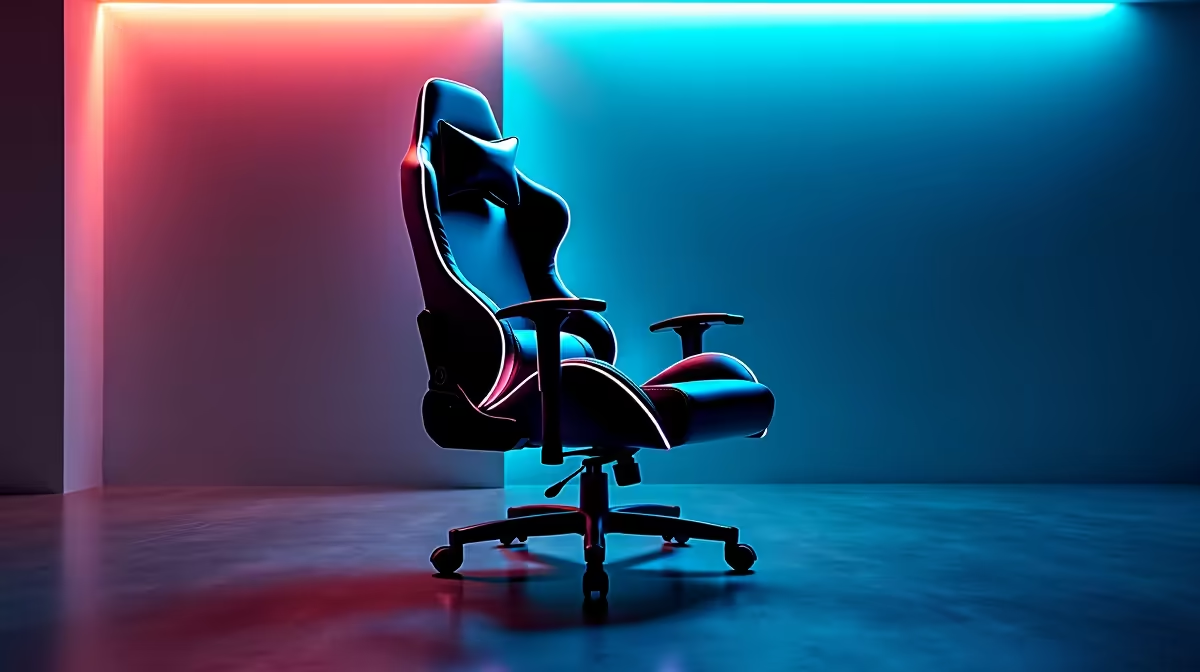
That sharp, nagging ache in your lower back after a long gaming session… sound familiar? For many South African gamers, it’s a constant battle. You’ve probably tried stretching or getting a better mouse, but the real culprit might be your chair’s setup. The secret to longer, pain-free sessions isn't just about cushion; it's about physics. Specifically, finding the best seat slope angle for reducing lower back strain is crucial for both comfort and performance. ⚡
Why Your Seat Angle is a Big Deal for Back Health
When you sit on a perfectly flat surface for hours, gravity compresses your spine. Your lower back, or lumbar region, loses its natural curve, putting immense pressure on your spinal discs. This is what leads to that all-too-familiar stiffness and pain.
A correctly angled seat base, however, changes everything. By tilting your seat, you adjust the angle of your pelvis. This simple tweak helps maintain your spine’s natural S-curve, distributing your weight more evenly and taking the load off those sensitive lower back muscles. Getting the seat tilt right is a fundamental step in optimising your gaming ergonomics, and it’s a feature found on many modern gaming chairs in South Africa.
Finding the Best Seat Slope Angle for Gaming
So, what’s the magic number? While personal comfort is key, ergonomic experts generally recommend a slight backward (or negative) seat tilt of around 5-10 degrees for reclined activities like gaming.
This means the back of the seat is slightly lower than the front. This gentle slope encourages your pelvis to rotate backward slightly, helping you use the backrest properly and keeping your spine supported. It prevents you from slouching forward and putting pressure on your lumbar region. A chair with an adjustable tilt mechanism is essential for dialling this in perfectly, and you can often find one in the best gaming chair deals online.
Forward vs. Backward Tilt: What's the Difference?
- Backward Tilt (for Gaming): Tilts the seat pan back, lowering your hips relative to your knees. Ideal for relaxed, reclined postures where you're using a controller or leaning back. It stabilises your body against the backrest.
- Forward Tilt (for Work): Tilts the seat pan forward, lowering your knees relative to your hips. This is great for active, task-oriented work like typing, as it opens up the hip angle and encourages an upright posture.
For marathon gaming sessions, the backward tilt is your best friend. 🎮
Pair It With Lumbar Support 🤝
Your seat slope is only half the battle. To truly optimise your posture, ensure your lumbar support cushion is positioned snugly in the natural curve of your lower back. The seat tilt stabilises your pelvis, while the lumbar pillow supports your spine. They work as a team to eliminate back strain.
How to Adjust Your Chair for Less Back Strain
Ready to fix your posture? Most quality gaming chairs have a lever for this.
- Locate the Tilt Lever: It's usually a separate lever from the one that controls height, often on the side of the seat base.
- Unlock and Adjust: Pull the lever to unlock the tilt mechanism. Lean back or forward gently to find that sweet spot—a slight 5-10 degree backward slope.
- Lock It In: Push the lever back in to lock the angle. Your feet should still be flat on the floor.
While many chairs offer basic tilt, more premium gaming chairs above R4000 often feature a "multi-function tilt" or "synchro-tilt" mechanism. This allows you to lock the seat at multiple angles independently of the backrest, giving you ultimate control over finding the best seat slope angle for your body.
Ready to Upgrade Your Comfort?
A good chair is the foundation of any elite gaming setup, and knowing how to adjust it is key to unlocking pain-free performance. Explore great options under R4000 and find the perfect ergonomic fit for your rig.