Quick Answer
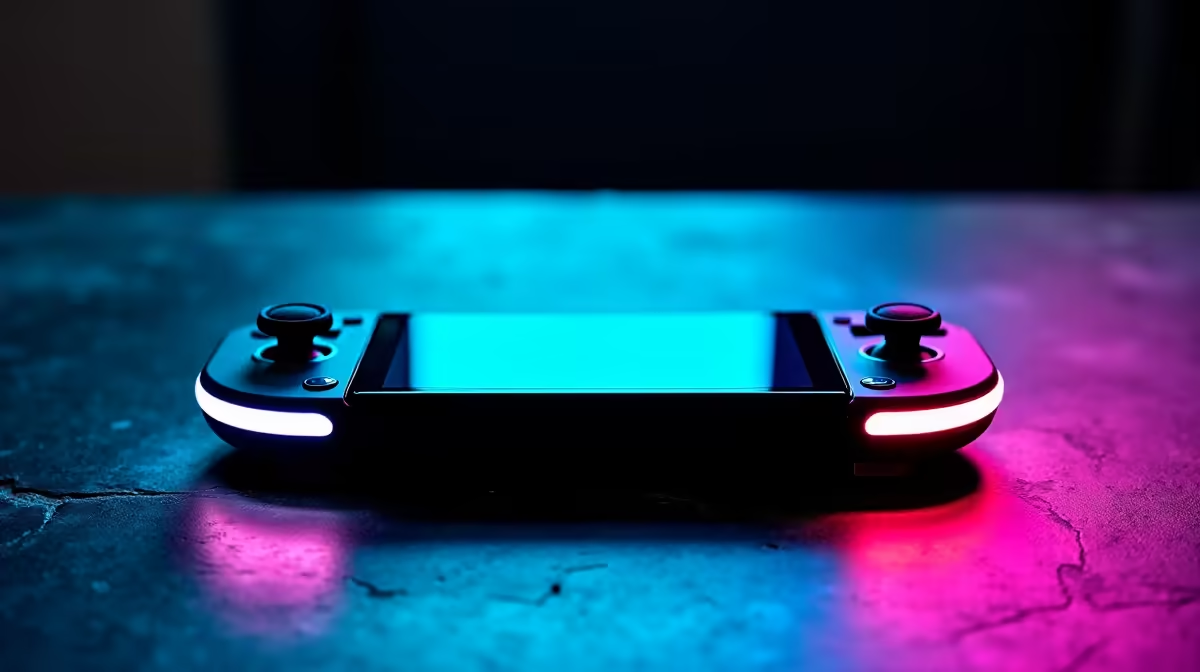
Steam Deck OLED is best for buyers who want a console-like PC handheld with excellent screen quality and simple Steam library access. Broad SA pricing is premium and stock-dependent, often around R13,000 to R20,000+ for 512 GB and 1 TB style options. For Pretoria East, buy around fit, support, and delivery practicality rather than chasing the loudest spec.
What Matters First
The OLED screen, improved battery life, and SteamOS sleep-resume experience are the main reasons to choose it. It is weaker than many gaming laptops, but it feels focused and easy for handheld play. Verified Steam games usually require less tinkering than Windows handhelds, while anti-cheat and launcher-heavy titles may still be awkward.
Real-World Buying Notes
For indie games, older AAA titles, and tuned modern games, 40 fps is often the sweet spot because it feels smooth and saves battery. The 90 Hz OLED panel looks excellent in darker games and side-scrollers. If you need Game Pass installs, Windows-only software, or every launcher, a Windows handheld may fit better. For Steam-first libraries, Deck OLED is hard to beat.
Avoid These Mismatches
For Pretoria East remote workers, Steam Deck OLED makes sense as a quiet couch or travel device after work. It is easier to live with than moving a gaming laptop around the house. Keep storage in mind because large games can fill 512 GB quickly, and a fast microSD card can become part of the purchase. The common mistake is buying from a headline feature without checking the physical fit, warranty path, and the daily routine around the product. Keep the shortlist to two or three realistic options, then compare the spec that changes your actual use: cooling noise, desk space, frame rate, connection stability, or typing comfort.
FAQ
Is Steam Deck OLED powerful enough?
Yes for many games when settings are tuned around 40 fps or 30 fps. It is not meant to replace a high-end RTX laptop or desktop.
Should I choose 512 GB or 1 TB?
Choose 1 TB if you install large AAA games and want fewer storage decisions. 512 GB works well if you rotate games or add a good microSD card.
Is it good for non-Steam games?
Sometimes, but Steam games are the cleaner experience. Launcher-heavy or anti-cheat titles can need workarounds or may not run well.
Buyer Check
Use a 40 fps cap for demanding games first; it often gives the best mix of smoothness, battery life, and heat.