Your gameplay is sharp, your banter is on point. Sound familiar? Here’s the secret the pros know: great lighting is not a luxury, it’s essential for a polished stream. Luckily, you don’t need a film studio budget. This guide will show you how to find the best streaming lights under R1000 and transform your broadcast from grainy to great. ✨
Why Your Stream Needs Better Lighting
Before we dive into budgets, let's talk basics. Why does lighting matter so much? It's about professionalism. A clear, well-lit video tells your viewers you take your content seriously. It builds trust and keeps them watching. Professional streamers use a simple concept called three-point lighting: a main 'key' light, a softer 'fill' light to reduce shadows, and a 'backlight' to separate you from your background. Getting this right is a huge step up.
Finding Great Streaming Lights for Under a Grand
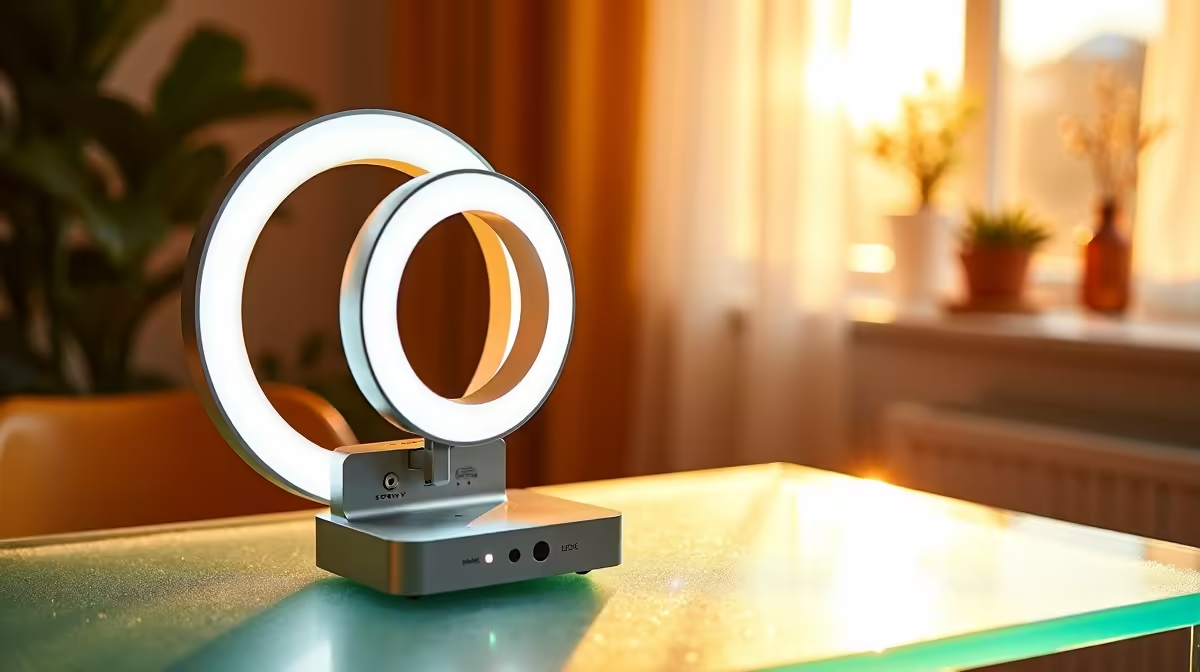
So, what can R1000 actually get you? More than you might think. For this price, you're mainly looking at two excellent options: Ring Lights and LED Panels. Ring lights are fantastic for beginners, giving you soft, even light that flatters your face and is super easy to set up. LED panels offer a bit more control and can be positioned more flexibly. Both are a massive upgrade from a desk lamp. Exploring the full range of streaming essentials is the best way to see what fits your space and budget.
Pro Tip: Understand Your Specs 💡
Look for 'Colour Temperature' measured in Kelvin (K). Aim for something adjustable, but 5500K is a great 'daylight' starting point. For brightness, ignore watts and look for 'Lumens'—the higher the number, the brighter the light.
Key Features in an Affordable Streaming Light
When you're hunting for a budget-friendly lighting solution, a few features are non-negotiable. First, adjustable brightness and colour temperature. Your room's lighting changes, and your light should adapt. Second, a solid mounting system. A desk clamp saves precious space, while a tripod offers flexibility. Finally, consider the power source—USB-powered lights are incredibly convenient for a PC setup.
While you're browsing, it's worth seeing what the premium brands offer, as their design principles often trickle down. For instance, checking out high-end Corsair options can show you what pro-level features look like. For adding some personality to your background, some creative lighting from Cololight can add that splash of colour that makes your stream uniquely yours.
Simple Setup for a Professional Look 🚀
You've got your new light... now what? Don't just point it at your face. Try this simple setup for amazing results:
1. Key Light: Place your main light about 45 degrees to one side of your camera, slightly above eye level. This creates natural-looking shadows and depth.
2. Fill Light (or Reflector): If you have a second light, place it on the opposite side at a lower brightness to soften shadows. No second light? A simple white piece of cardboard can bounce light back and do the job.
3. Background: Make sure your background is interesting but not distracting. A simple RGB strip or a well-placed lamp can add a professional touch. Achieving this doesn't have to be expensive; you can find great streaming gear under R6000 that gives you plenty of options without emptying your wallet.