Quick Answer
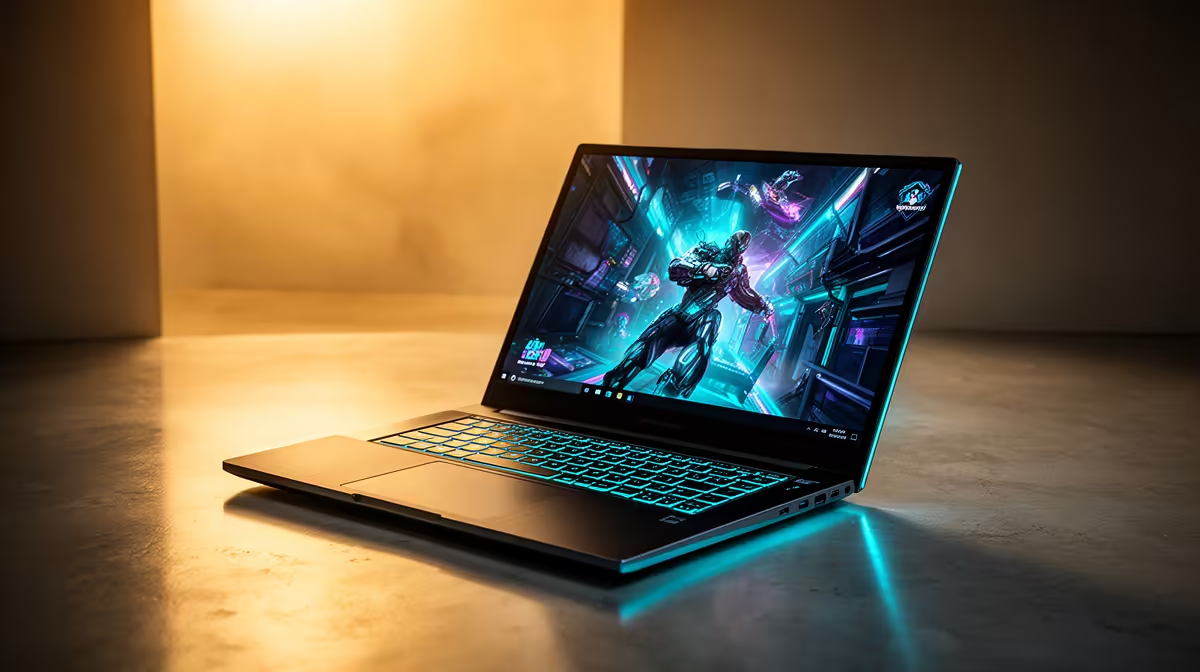
A Randburg student who also works remotely needs a laptop at R10,000–R14,000 with a current-gen Intel Core i5 or AMD Ryzen 5, 16GB RAM, and 512GB SSD. The Lenovo IdeaPad 5 (Core i5-1335U, 16GB, 512GB) at around R10,500–R12,500 and the ASUS Vivobook 15 (Ryzen 5 7520U, 16GB, 512GB) at R9,500–R11,000 are the two most balanced options — solid for university coursework, video calls, and light professional tasks.
Balancing Student and Remote Work Demands
Student priorities: battery life (8h+), portability (under 1.8kg), strong CPU for multitasking. Remote worker priorities: webcam quality, stable Wi-Fi, display output for dual-screen setup. Laptops at R10,000–R14,000 cover both — they are thin enough to carry to campus and capable enough for 8-hour remote workdays. Randburg has strong Vumatel and Openserve fibre coverage, so home internet is rarely the bottleneck; it is the laptop's CPU that determines how smooth multitasking feels across Teams, a browser with 15 tabs, and a Word document simultaneously.
Specific Models Worth Considering
- Lenovo IdeaPad 5 (Core i5-1335U, 16GB, 512GB): R10,500–R12,500. The standard pick for SA students. 9-hour battery life, MIL-SPEC keyboard, fingerprint reader, USB-C charging.
- ASUS Vivobook 15 (Ryzen 5 7520U, 16GB, 512GB): R9,500–R11,000. AMD's integrated Radeon 610M graphics handles light media editing better than Intel UHD.
- Lenovo IdeaPad Gaming 3 (Ryzen 5 7535HS, RTX 3050, 16GB): R14,000–R16,500. If gaming matters, this adds a discrete GPU — expect 60 fps in most titles at 1080p medium.
Connectivity for Randburg Students
Wi-Fi 6 is standard on all three models above — important for campus and library networks where 802.11ac gets congested during peak hours. An HDMI port (or USB-C to HDMI adapter at R120–R250) connects to a TV or monitor at home for dual-screen study sessions. Most Randburg students commuting to Wits or the University of Johannesburg Soweto campus via bus or Uber appreciate a sub-1.8kg chassis that does not add fatigue over a full day.
FAQ
What is the cheapest capable student laptop at Evetech for Randburg students?
The entry point is around R8,000–R9,000 for an HP Pavilion or Lenovo IdeaPad 1 with a Core i3 or Ryzen 3 and 8GB RAM. This handles basic coursework but may feel slow with many browser tabs. Spending R10,000–R11,000 for a Core i5 and 16GB RAM provides meaningful daily headroom.
Is 8GB RAM enough for a student laptop used for remote work?
8GB is sufficient for single-task use but becomes a bottleneck when running Teams, Chrome with 10+ tabs, and a productivity app simultaneously. 16GB RAM is the recommended minimum if you are combining study and a remote job on the same machine.
Do these laptops come with Windows 11 Home?
Yes — all student laptops in the R8,000–R16,000 range at Evetech include a licensed copy of Windows 11 Home. Microsoft 365 is separate (R99–R129/month subscription or a one-off student licence via SA universities).
Spec Priority
If you are choosing between a larger SSD (512GB vs 1TB) and 16GB RAM, choose 16GB RAM every time — external storage via USB is cheap; underperforming RAM slows every app you run.