



80+ Gold vs 80+ Platinum for Couch co-op gaming in SA
80+ Gold vs 80+ Platinum for couch co-op gaming is about PSU efficiency, heat, fan behaviour, quality, and wattage headroom, not direct FPS. SA buyers should compare the whole build.
Read moreTransform lectures into text effortlessly. 📝 Discover laptops with speech-to-text for students that boost productivity and accuracy. 🚀
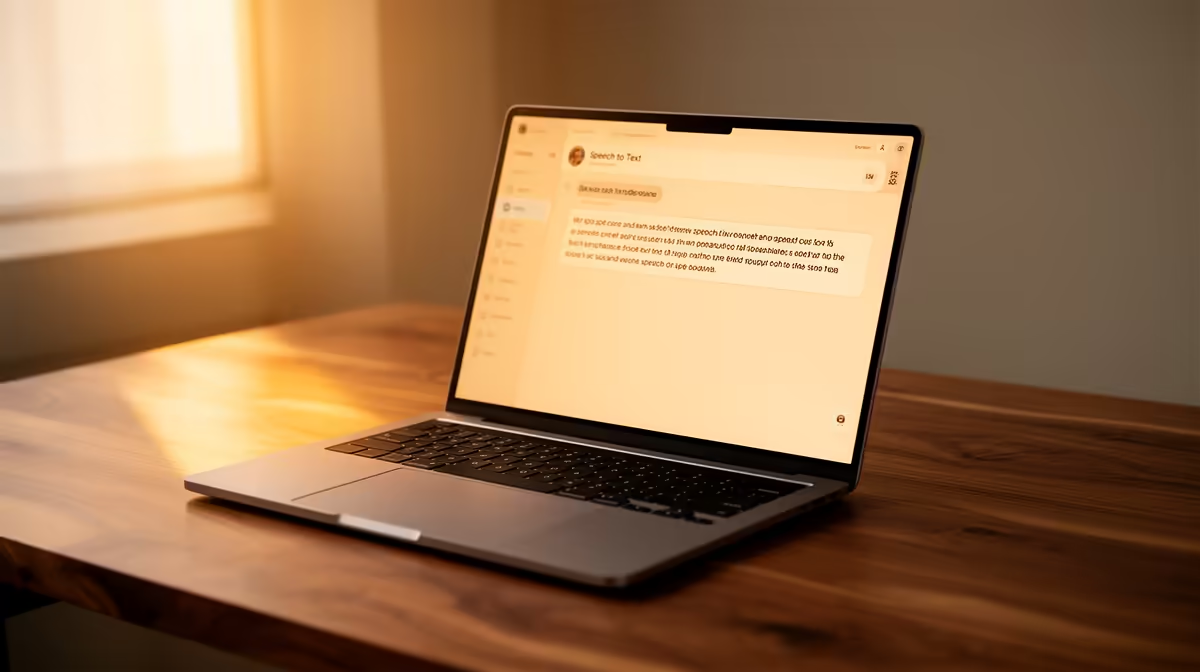
South African students, are you tired of endless typing, late-night cram sessions, and the struggle to keep up with lecture notes? Imagine a world where your thoughts flow directly from your mind to your screen, effortlessly. The right tech can transform your academic journey, and we're diving into the best student laptops with speech-to-text features, designed to make studying smarter, not harder. Evetech is here to help you find the perfect companion.
In today's fast-paced academic landscape, efficiency is key. For many, this means embracing innovative tools that bridge the gap between thought and output. Voice dictation technology has evolved dramatically, offering an accessible and powerful way to craft essays, transcribe lectures, and even brainstorm ideas without lifting a finger. Let's explore how these intelligent devices are changing the game for students across Mzansi.
Think about it: rushing to capture every word in a lecture, or spending hours typing out research notes. Speech-to-text features on modern laptops offer a liberating alternative. They enable students to dictate their thoughts up to three times faster than typing, significantly boosting productivity. This isn't just about speed; it's about accessibility. For students with learning differences or physical challenges, voice dictation provides an invaluable pathway to academic success, levelling the playing field.
Consider a scenario: you're researching a complex topic, juggling multiple browser tabs and notes. Instead of constantly switching to type, you can simply speak your findings directly into your document. This seamless integration of thought and text allows for deeper focus and more fluid idea generation. Whether you’re drafting a literature review or preparing a presentation, the ability to effortlessly convert spoken words into written text is a powerful asset.
Choosing the ideal laptop for academic pursuits, especially one that excels in voice dictation, requires a discerning eye. It's not just about raw power, but about specific components that enhance the speech-to-text experience.
For smooth and accurate voice recognition, a capable processor is non-negotiable. Modern Intel Core i5 (or equivalent) or AMD Ryzen 5 processors are generally sufficient, ensuring your laptop can handle real-time transcription without lag. The better the processor, the faster and more reliably your spoken words will appear on screen. You can find excellent options, whether you prefer the robust performance of Intel laptops on special or the efficient power of AMD laptops on special at Evetech.
Aim for at least 8GB of RAM to ensure your laptop can run dictation software alongside other applications like word processors, browsers, and research tools without slowing down. For storage, an SSD (Solid State Drive) is crucial for quick boot times and rapid application loading, making your overall experience much snappier.
This is perhaps the most overlooked feature for speech-to-text. A laptop with high-quality, often noise-cancelling, built-in microphones will significantly improve the accuracy of your dictation. Some premium models even feature multi-array microphones designed to pick up your voice clearly from various angles, reducing background noise interference. If the built-in mic isn't up to scratch, a good quality external USB microphone can make all the difference.
Students are always on the move, from lecture halls to libraries and coffee shops. A laptop with excellent battery life (8+ hours) ensures you're not constantly searching for a power outlet. Couple that with a lightweight, durable design, and you have a machine that truly supports your mobile academic lifestyle. Explore Evetech’s laptop specials for sale in South Africa for portable powerhouses.
For the best speech-to-text accuracy, always try to dictate in a quiet space. Speak clearly and at a natural pace. If possible, use a high-quality external microphone; it can drastically improve recognition accuracy, especially with accents.
While we can't name specific models without citing live Evetech stock, we can guide you on the types of laptops that excel. Look for devices from reputable brands like HP, Dell, Lenovo, and ASUS. Often, mid-range to high-end ultrabooks or even powerful gaming laptops offer the robust processors, ample RAM, and sometimes superior audio hardware needed for top-tier dictation. Gaming laptops, for instance, often feature powerful processors and robust cooling systems that can easily handle demanding tasks like real-time AI dictation. Check out Evetech’s best gaming laptop deals – you might find a surprisingly suitable academic powerhouse there.
Focus on laptops with Windows Hello facial recognition or fingerprint readers for quick, secure logins, which can further streamline your workflow. Many modern operating systems, like Windows 11 and macOS, come with excellent built-in speech-to-text capabilities, so ensure your chosen laptop runs an up-to-date OS.
Once you have your ideal student laptop, here are a few ways to get the most out of its voice dictation features:
Embracing the best student laptops with speech-to-text features means investing in your academic future. It's about working smarter, not harder, and giving yourself the edge needed to excel.
Ready to Revolutionise Your Study Habits? Don't let typing hold you back. Explore the latest in student-friendly tech and find the perfect laptop to power your academic journey. Shop now at Evetech for performance that leaves lag in the dust.
Top options include the Lenovo ThinkPad X1 Carbon, HP Spectre x360, and Dell XPS 15 with built-in voice transcription tools.
Enhance note-taking efficiency and accuracy, especially during lectures or for students with accessibility needs.
Yes! The HP Pavilion 14 and ASUS VivoBook 15 offer reliable voice-to-text at an affordable price point.
Windows 11 and macOS have robust built-in speech recognition software ideal for student use.
Absolutely—dictating notes saves time and reduces typing errors during lectures or research sessions.
Most modern laptops include basic speech-to-text tools, but specialized educational laptops offer advanced features.
Accuracy depends on hardware quality and software, with top-tier models achieving 95%+ clarity in lecture settings.
Look for a balance: good microphones paired with optimized speech recognition software ensures the best experience.
80+ Gold vs 80+ Platinum for couch co-op gaming is about PSU efficiency, heat, fan behaviour, quality, and wattage headroom, not direct FPS. SA buyers should compare the whole build.
Read more
80+ Platinum or 80+ Titanium for competitive should be shortlisted around the job it must do. South African buyers should compare fit, performance, compatibility, and upgrade room, warranty path, and upgrade room before treating any pick as best.
Read more
The real world difference between IPS and OLED for AAA single-player gaming is immersion versus versatility. OLED lifts contrast and dark scenes, while IPS can suit bright rooms, mixed PC use, and SA buyers watching total setup cost.
Read more
HDMI 2.1 vs HDMI 2.0 for SA MMO needs a workload-first comparison. For SA buyers, judge real performance, platform fit, warranty path, power needs, and upgrade timing before choosing either side.
Read more
USB4 and Thunderbolt 4 differ for competitive esports through dock, display, and capture consistency. Use this real world difference between usb4 and thunderbolt 4 for competitive guide to keep SA tournament desks tidy without assuming better ping.
Read more
Magnetic switches vs Mechanical switches depends on Competitive esports needs, platform limits, and budget fit. Compare compatibility, latency, upgrade path, and real setup constraints before choosing for an SA build.
Read more
B850 motherboard FPS drops needs a methodical troubleshooting pass. Review drivers, thermals, power settings, background apps, cables and game settings before replacing parts in an SA gaming setup.

Gaming PC FPS drops in South Africa often come from drivers, thermals, background apps, power plans, or in-game settings. Check one change at a time and use the same scene before buying upgrades for your local setup.

Difference between PCIe 5.0 and PCIe 4.0 explained for PC builders starts with bandwidth, lanes, and support. SA builders should match the motherboard, GPU, NVMe drive, and budget before choosing a platform.

Windows 11 mechanical keyboard setups rarely cause display banding directly. Fix color banding by checking HDR, colour depth, GPU range, monitor profiles, and any new RGB utility conflicts.

Steam Big Art Mode enlarges library artwork in Big Picture Mode and on Steam Deck, while the same beta adds configurable screensavers. Both features are optional and currently require the Steam beta client.

Diablo 4 HDR settings work best after Windows and the display are calibrated, then the game's black point, brightness and white point are adjusted in that order. Use visible shadow detail and controlled highlights, not copied values from another screen.

The best HOTAS for Elite Dangerous is a separate stick-and-throttle set with enough analogue axes for pitch, roll, yaw and thrust, plus local support. Evetech's captured flight-simulation sample lists the complete Logitech X56 at R4,999.

Nintendo Switch 2 docked VRR arrives with system version 23.0.0 and also requires a dock update. The connected TV or monitor and the running software must support VRR before the output can follow changing frame rates.

NVIDIA lists 550W required system power for the RTX 5060 reference specification, based on a high-end test system. A quality 550W unit can be enough, but CPU draw, transient load, connectors and ageing decide real headroom.

The VAIO T combines a 13.3-inch display with a multi-flip mechanism for laptop, tablet and outward-facing viewing modes. Orders begin in Japan on 18 September; South African availability is unconfirmed.

OpenRGB's master branch now carries changes labelled for 1.0 final, including translation and platform work, but the official tags page still lists 1.0rc3.1 as the newest packaged release. Stable users should wait for the signed release channel.

The Cooler Master GPU Shield Adapter monitors current on individual 12+4-pin contacts, adds visual and audible warnings, and can reduce system power during a severe abnormality. Local availability is unconfirmed.