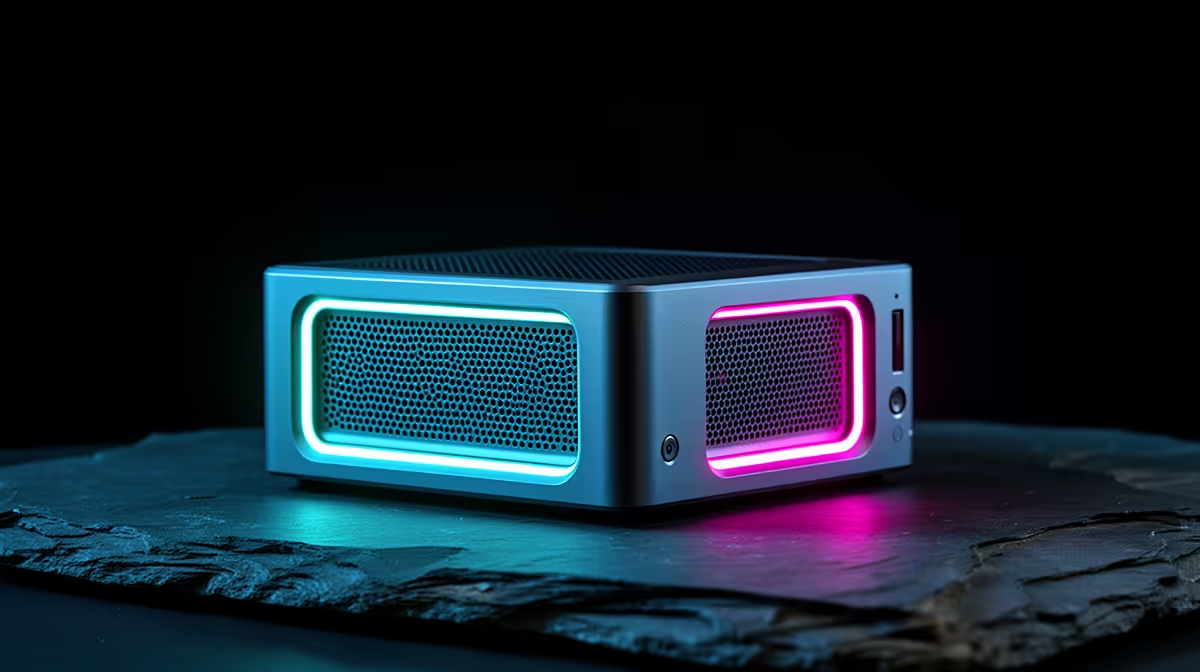
Most mini PCs are sealed boxes: what you buy is what you keep, and three years later a soldered drive and fixed memory force a full replacement. The smarter buy is an upgradable mini PC, one with real SO-DIMM memory slots and an open M.2 NVMe port, so you add RAM and storage as your needs grow instead of binning the whole unit. For South African buyers who want a small machine that lasts, that single distinction matters more than the spec it ships with.
Quick Answer
The best upgradable mini PC for SA ships with at least one free SO-DIMM RAM slot and a spare M.2 NVMe slot, both user-accessible without specialist tools. That lets you expand memory and storage later rather than replacing the unit. Before buying, confirm the slots are genuinely accessible and not soldered, because many compact models lock both down to save space.
Why Upgradability Is the Whole Point
A mini PC's appeal is its size, but size tempts manufacturers to solder everything to save space and cost. Soldered memory and storage cannot be changed, so the day 16GB feels tight or the drive fills up, the machine is finished. An upgradable model breaks that cycle: drop in more RAM, add a bigger NVMe drive, and the same small box keeps pace with heavier work for years.
This is where real value lives. A slightly pricier mini PC with open slots almost always costs less over its life than a cheaper sealed one you replace early. The trap is that spec sheets rarely shout about solder, so two near-identical-looking units can be worlds apart on longevity. The skill is reading for the slots, not the headline numbers.
What To Look For Before You Buy
Three things decide whether a mini PC is truly upgradable. First, SO-DIMM RAM slots: laptops and mini PCs use these smaller memory sticks, and a model with two slots (or one free slot) lets you raise memory later. Avoid units that list memory as "onboard" or "soldered". Second, a spare M.2 NVMe slot, or at least an accessible one, so you can swap to a larger or faster drive. Third, tool-free or simple access, because an upgrade you cannot reach is no upgrade at all.
Memory: SO-DIMM Beats Soldered Every Time
Check the listing for the exact phrase. "2x SO-DIMM" means two replaceable slots and the best upgrade path. "Single SO-DIMM" still lets you fit a larger stick later. "Onboard" or "LPDDR soldered" means you are locked to the shipping amount forever. For a machine you want to keep, a free SO-DIMM slot is worth paying a little extra for, because doubling memory in two years is then a five-minute job.
Storage: An Open M.2 Slot Is Your Headroom
Storage fills faster than people expect, and a sealed drive forces an awkward clone-and-swap or, worse, a new machine. A mini PC with one populated M.2 slot and a second free slot is ideal: keep the original drive for the system and add a larger NVMe drive for data. Even a single accessible M.2 slot is workable, since you can upgrade to a bigger drive when the time comes. A few models also include a 2.5-inch SATA bay, which is handy for cheap bulk storage even though it is slower than NVMe.
The Parts That Are Rarely Upgradable
Be realistic about limits. The processor in almost every mini PC is soldered to the board and cannot be changed, so the CPU you buy is the CPU you keep. Graphics are usually integrated and fixed too, which is why mini PCs suit productivity, media and light creative work rather than heavy gaming. Upgradability in this class means memory and storage, not the chip or the graphics. That is exactly why getting the processor choice right at purchase matters more here than on a full desktop, where you could swap it later.
Who an Upgradable Mini PC Suits
This class of machine fits anyone who values a small footprint but refuses to throw hardware away early. Home and office users wanting a tidy, quiet desktop that grows with them. Students who start light and add memory and storage as projects get heavier. Small businesses standardising on compact machines they can service in-house rather than replace. Media centres and light home servers that benefit from extra storage down the line.
If your needs are fixed and modest and you will never open the case, a sealed mini PC is fine and often cheaper upfront. But for long-term value, the open-slot model wins, and the compact desktop range with serviceable designs is the place to compare which units keep their slots accessible.
Getting Long-Term Value in SA
Future-proofing a mini PC is less about buying the biggest spec now and more about buying the right chassis. Start with a sensible base, an upgradable model with one free RAM slot and one free M.2 slot, and add capacity only when you actually hit the limit. That spreads the cost, avoids paying for memory you do not yet use, and keeps the machine relevant far longer than a maxed-out sealed box.
When you do upgrade, match the parts to the slots: the correct SO-DIMM speed and capacity the board supports, and an NVMe drive in the form factor the slot accepts. To see how buyers spec small machines for the long haul, the compact systems people choose most give a useful sense of where the sweet spot sits for memory and storage at purchase.
Frequently Asked Questions
How do I know if a mini PC's RAM is upgradable?
Look for "SO-DIMM" in the specification rather than "onboard" or "soldered". A SO-DIMM slot means the memory stick can be replaced or added to later. If the listing does not state SO-DIMM, assume the memory is fixed and check directly before buying.
Can I add a second drive to a mini PC?
Only if it has a spare M.2 NVMe slot or another accessible drive bay. Many compact models include one populated M.2 slot and a second free slot, which is ideal for adding storage. Confirm the second slot exists, since space-saving designs sometimes include just one.
Is an upgradable mini PC worth the extra cost?
Usually yes, for long-term value. Paying a little more for open RAM and storage slots lets you extend the machine's life instead of replacing it when it fills up. Over several years, that typically costs less than buying a cheaper sealed unit and replacing it early.
What should I check before buying for future-proofing?
Confirm there is at least one free SO-DIMM slot and one accessible M.2 NVMe slot, and that both can be reached without specialist tools. Also check the maximum memory the board supports. These three points decide whether the mini PC can grow with you or not.
Can I upgrade the processor or graphics in a mini PC?
Almost never. The CPU is soldered and graphics are usually integrated, so both are fixed for the life of the machine. Upgradability here means RAM and storage only, which is why choosing the right processor at purchase matters more than on a tower you could later re-chip.
Want a small machine that lasts? Choose one with open SO-DIMM and M.2 slots so you can expand later. Browse the mini PCs at Evetech, check each unit's upgrade headroom, and buy the chassis that grows with your needs.