Is there anything worse? You’re in the final circle, the tension is thick, and suddenly… your connection stutters. That split-second of lag is all it takes to go from a potential chicken dinner to the spectator screen. Here in South Africa, with our thick walls and sprawling homes, a weak WiFi signal is a common frustration. But what if the fix was simpler and cheaper than you thought? It’s time to talk about how to boost your WiFi signal with external antennas.
Why Your Standard WiFi Signal Falters 📶
Before we get to the fix, let's understand the problem. The free router your ISP gave you is likely designed for basic browsing, not for penetrating multiple brick walls to reach your gaming rig. The signal strength is often hampered by a few key culprits:
- Physical Obstructions: Walls, floors, metal furniture, and even fish tanks can absorb or reflect WiFi signals.
- Distance: The further you are from the router, the weaker the signal becomes. Simple physics.
- Interference: Other electronics, like microwaves or your neighbour's own powerful network, can crowd the airwaves.
Even some of the best wireless routers on the market can be held back by their stock antennas, which are often a compromise between cost and performance. An upgrade is one of the most effective ways to boost your WiFi signal.
The Simple Fix: How to Boost WiFi Signal with External Antennas
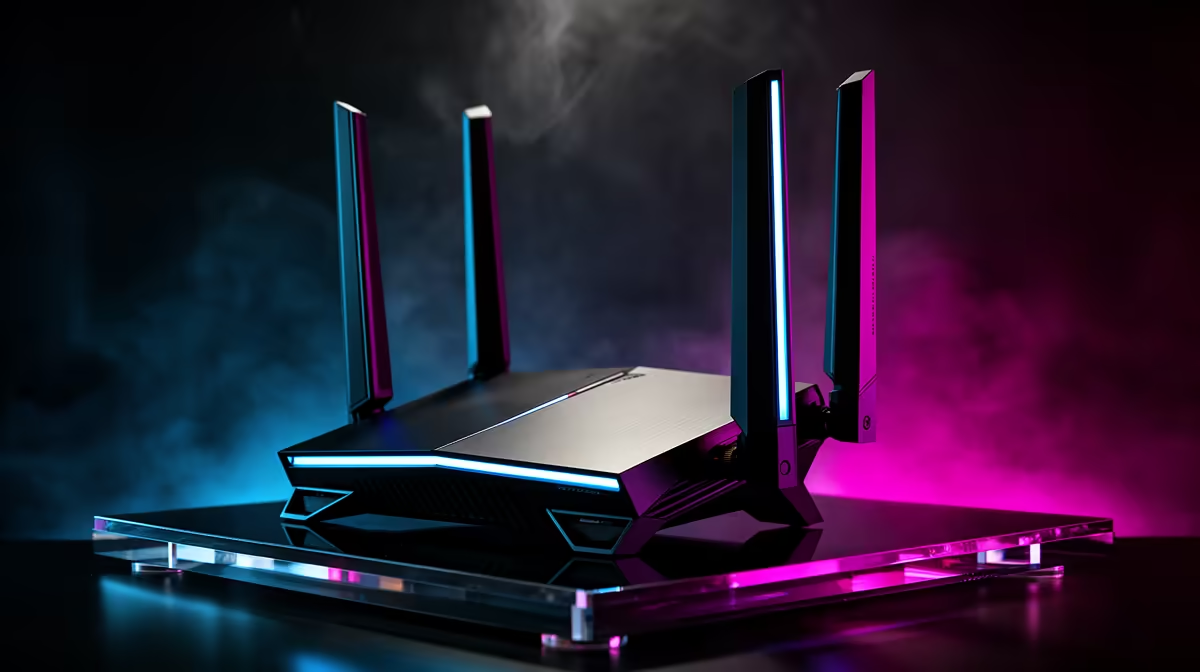
This is where a small upgrade makes a massive difference. An external antenna is a specialised piece of kit designed to transmit and receive radio waves more efficiently than the little plastic stubs that come with most routers. By swapping them out, you give your router a much stronger, clearer voice. This simple hardware tweak can dramatically improve your WiFi signal's reach and stability. 🚀
Understanding Antenna Types
Not all antennas are created equal. They generally fall into two categories:
- Omni-directional: These send the signal out in a 360-degree sphere, like a bubble. They are perfect for improving general coverage across a single floor or in a centrally located room.
- Directional (High-Gain): These focus the WiFi signal into a concentrated beam, a bit like a torch. They are ideal for punching a signal through from one end of the house to a specific spot, like your home office or gaming den.
Quick Tip: Check Your dBi
When shopping, you'll see a "dBi" rating. Think of it as signal focus. A higher dBi (like 8dBi or more) means a more concentrated, powerful signal. For beaming WiFi to a specific room, higher is often better!
Getting the Most Out of Your New Signal ✨
Simply screwing in a new antenna is a great start, but smart placement will truly optimise your WiFi signal. Remember, it’s all about giving the signal the clearest possible path.
Sometimes, the bottleneck isn't the router… it's your PC's ability to hear the signal. If your desktop is tucked away under a desk, its built-in receiver might be struggling. In these cases, a dedicated USB wireless adapter, especially one with its own adjustable antenna, can be the final piece of the puzzle for a rock-solid connection.
Antennas vs. Range Extenders: What's Best for You?
You've probably also heard of range extenders. So, what's the difference?
- An external antenna strengthens the signal at its source (the router). This generally results in a faster, more stable connection with lower latency, which is critical for gaming.
- A range extender listens for your existing WiFi signal and rebroadcasts it. While useful for covering total dead zones in very large homes, this process can effectively halve your bandwidth and increase latency.
For most gamers and performance users, the priority is a stronger core signal. However, if your goal is just to get a basic connection to a far-flung smart TV or security camera, a wireless range extender can be a perfectly valid solution.
Ready for a Lag-Free Connection?
Stop letting a weak signal dictate your online experience. Explore Evetech's wide selection of high-performance wireless networking gear and get the stable, speedy connection you deserve.