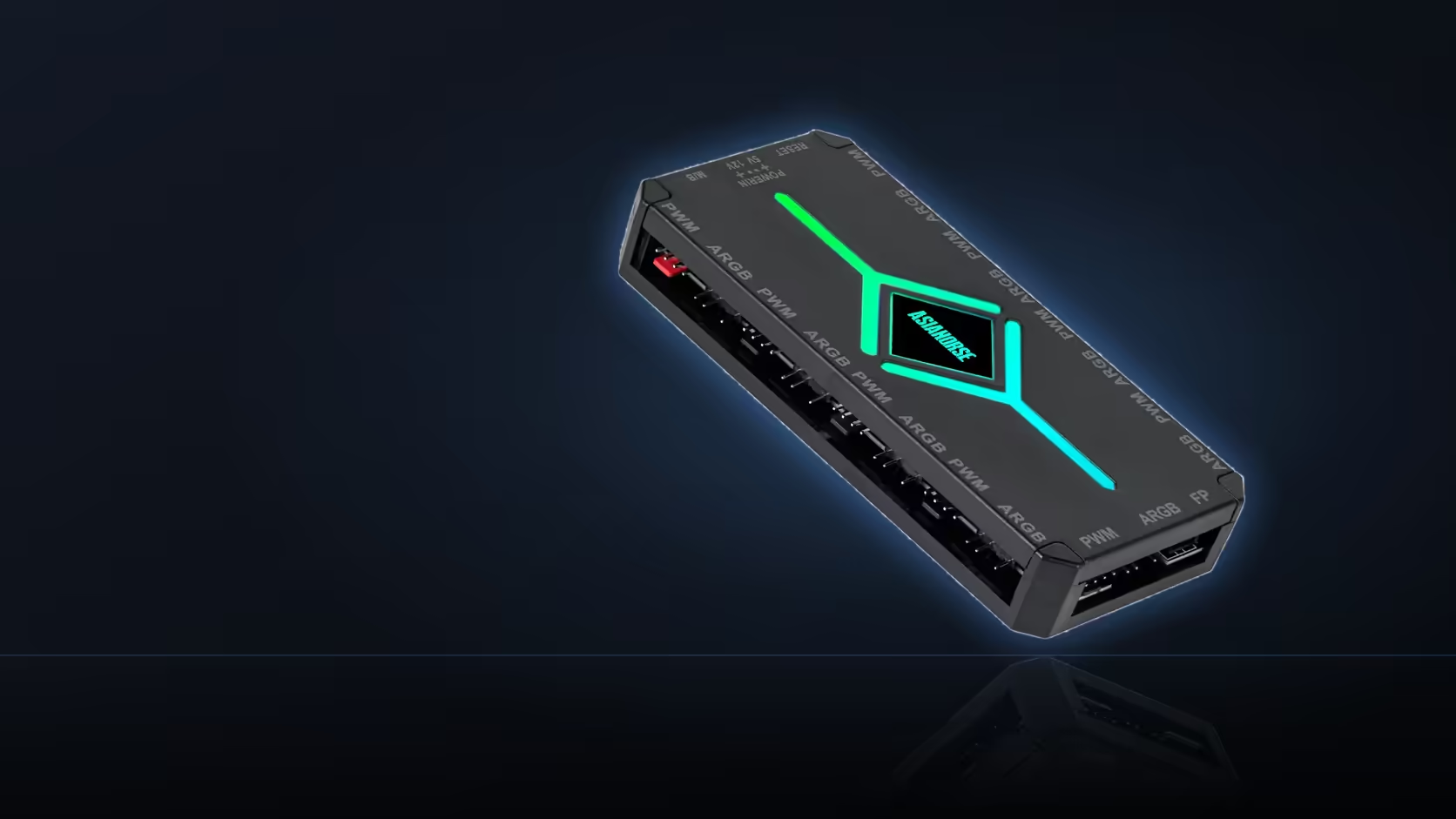
Ten brightness levels and ten speed levels sit right next to each other on the ASH-S1's remote, both counted out in the same ten steps, and it is exactly that similarity that makes them easy to confuse when you are actually holding the remote and trying to get a lighting effect to look a particular way. They control genuinely different things, and understanding that distinction properly saves a good deal of trial and error.
Quick Answer
Brightness and effect speed are independent controls on the ASH-S1's remote, each offering ten distinct levels, and adjusting one has no bearing on the other - a bright effect can run slowly, and a dim one can run quickly, in any combination across the full range of both dials. Knowing which of the two you are actually adjusting, rather than assuming they move together, is the difference between reaching a specific look quickly and cycling through settings by trial and error.
💡 What brightness actually governs
Brightness, across its ten levels, controls how much light the connected addressable devices produce - a straightforward dial running from dim to intense, applying uniformly across whatever is connected to the lighting bank. It has no relationship to which effect is currently selected or how that effect is animating; a static colour at maximum brightness is simply a brighter version of the same static colour at a lower setting, and an animated wave effect behaves identically regardless of brightness beyond how intensely lit each point in the wave appears.
This makes brightness the setting most builders reach for first when a lighting scheme is set up in a room with particular ambient light conditions - a case that needs to stand out against a bright room wants more brightness, while a dim room or a build positioned where reflected glare is a concern often looks better with brightness pulled down, independent of whatever effect and preset are running.
⏩ What effect speed actually governs
Effect speed, also across ten levels, controls how quickly an animated pattern moves or cycles - relevant specifically to presets that involve motion, such as a wave, a pulse, or a colour cycle, rather than to a static single-colour preset where there is nothing moving to speed up or slow down in the first place. A faster speed setting makes a wave effect ripple across connected devices more rapidly; a slower one draws the same motion out, giving a calmer, more gradual read to the same underlying pattern.
Speed and brightness genuinely do not interact - there is no coupling in the hardware or the remote's logic that ties one to the other, so all four corners of the combination space are reachable: bright and fast, bright and slow, dim and fast, dim and slow. A slow, dim pulse reads as understated and ambient. A fast, bright pulse reads as considerably more energetic, even though both are technically "the same preset" with only these two independent dials adjusted differently.
🎚️ Where effect level fits alongside these two
A third control, effect level, sits alongside brightness and speed as a further, separate ten-step adjustment, described in the product listing as governing how pronounced or intense a given preset's specific behaviour reads once it is running. This is distinct from both brightness (how much light) and speed (how fast it moves) - effect level is closer to adjusting the character of the effect itself, which for some presets might mean how wide a colour transition spans, or how sharply a pulse contrasts against its baseline. Three independent ten-step dials, layered on top of a choice from twenty presets, gives a genuinely large combination space to work through if you are trying to land on one specific look.
🔄 Why this matters more than it first appears
The practical reason to understand this distinction clearly, rather than treating the remote as one undifferentiated set of buttons, is that cycling blindly through settings without knowing which dial you are on wastes real time - pressing what you assume is a brightness button, seeing no visible change, and concluding the remote is unresponsive, when in fact an animated preset with the current settings simply did not show a visible difference at that particular speed and effect-level combination. Understanding that brightness, speed, and effect level are three separate, non-interacting dials means troubleshooting an "it's not doing anything" moment starts with checking which of the three was actually adjusted, rather than assuming a fault.
It is also worth noting that these settings hold on the hub itself, independent of whether the machine is switched on, since the ASH-S1 runs its own controller rather than relying on the PC for its logic - so a combination worked out carefully on the remote persists through restarts and power cycles, right up until motherboard-sync mode is engaged, at which point the remote's dials step aside in favour of whatever the board's own RGB software is sending instead. Devices that would show these adjustments off clearly once dialled in sit in Evetech's case fan range, and anyone weighing a remote-driven scheme like this one against alternatives is worth pointing toward the NZXT fan controller as a comparison before committing to a hub.
Frequently Asked Questions
What does brightness specifically control?
How much light the connected devices produce, across ten levels, independently of what the effect is doing.
And what does speed specifically control?
How quickly an animated effect moves, also across ten levels, without changing how bright the lighting is.
Can both settings sit at their lowest at the same time?
Yes, which gives a dim and slow effect, since the two settings do not constrain each other.
Which setting usually needs adjusting first in practice?
Brightness, since it has the largest effect on how the build reads in a room and can make speed changes easier to judge.
Does effect level do the same job as speed?
No. Effect level is a separate ten-step control, listed alongside speed and brightness rather than replacing either.
Do these remote settings survive a restart of the PC?
The hub holds its settings independently of the machine, which is part of running on its own controller rather than software.
Are these settings still available once motherboard-sync mode is on?
In board sync the software takes over, so the remote's adjustments give way to whatever the board is sending instead.
Trying to dial in a specific lighting look?
Browse Evetech's case fan range and see how brightness, speed and effect level would actually show up on real hardware.