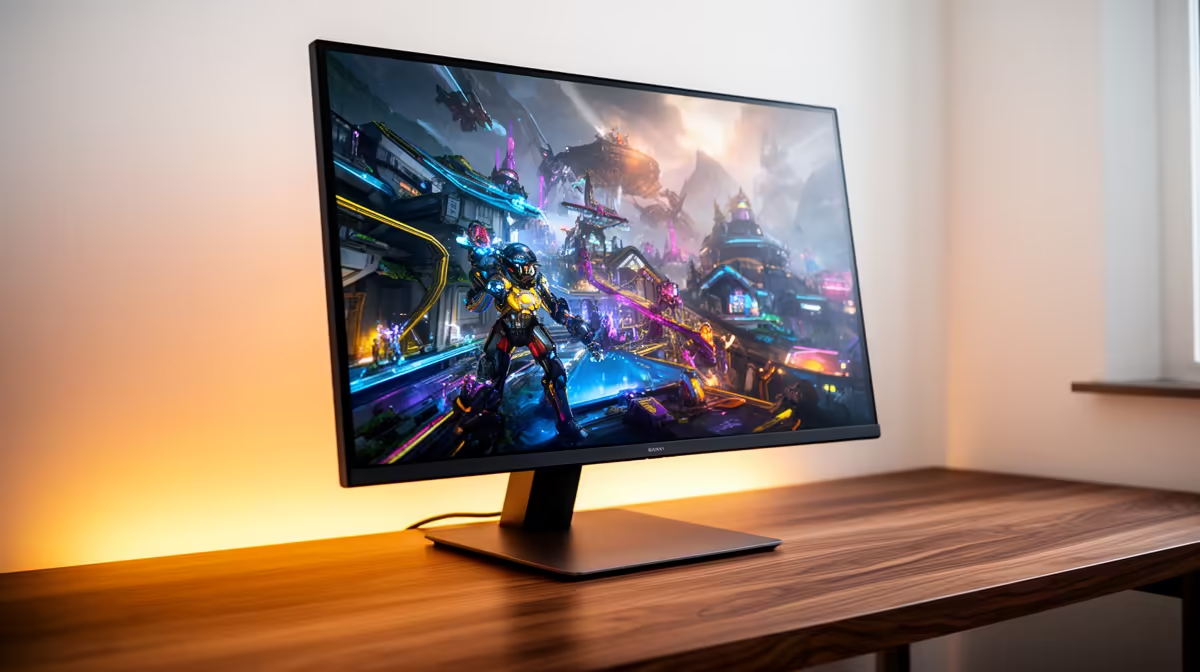
Around R5,000, a 1440p monitor can deliver the resolution jump that makes a desktop feel new. The budget leaves less room for premium HDR, a brilliant stand or top-tier motion tuning. Choose the panel with the fewest compromises for the games and work you do.
Quick Answer
A budget 1440p monitor around R5,000 is worth it when you want sharper detail and your graphics card can handle the resolution. Prioritise tested pixel response, adaptive sync, useful ports and acceptable contrast. A strong 1080p monitor can be better for pure high-refresh esports, while saving longer makes sense when HDR or colour-critical work leads your list.
Decide what the R5,000 must buy
Write two requirements before opening listings. For a mixed gaming setup, these might be 1440p resolution and adaptive sync at a useful refresh rate. For a work screen, they might be colour accuracy and an adjustable stand. Two fixed needs leave room to compare instead of chasing every badge.
Budget panels often trade one strength for another. A fast model may have lower contrast. A screen with good colour can use a basic stand. Another may advertise HDR input without the brightness or local contrast needed for convincing HDR pictures.
At this tier, 1440p itself can be the main win. Text looks cleaner than 1080p at common 27-inch sizes, games gain detail and the desktop holds more useful information. If that is the upgrade you want, do not let weak extras distract from a well-tuned SDR panel.
Open the PC monitor range and filter by the size and resolution you need. Use monitor best sellers for a second look at current options. The broad monitor category median was R4,499 as of July 2026, while the named examples in the pack were entry screens; compare each 1440p model's exact price instead of treating the median as a product quote.
Panel type sets the character
IPS panels often offer wide viewing angles and useful colour, which suits mixed work and gaming. Their dark-room contrast can be modest. VA panels can produce deeper blacks, though slower dark transitions on some models create smearing. Model-level testing matters more than the three-letter label.
OLED sits outside most budget 1440p comparisons and brings different strengths and ownership considerations. Do not let an expensive reference screen make a good LCD look poor. Judge the panel against the money you plan to spend.
Response-time marketing needs caution. A claimed one-millisecond mode can use aggressive overdrive that creates bright trails. Look for measured response and overshoot across several refresh rates. Adaptive-sync gaming moves through a range, so the panel should behave well below its maximum too.
Contrast and black uniformity matter for dark games. Colour accuracy matters for creation work. Backlight bleed and dead-pixel policies influence ownership. Decide which imperfection you notice most, because no budget screen wins every test.
Refresh rate must fit your GPU
1440p asks more of the graphics card than 1080p. Check the games you play at the settings you prefer. A 180Hz panel can still be worthwhile when demanding titles run at 90fps, since competitive games and desktop motion can use more of the refresh range.
Adaptive sync helps the screen follow changing frame delivery. Confirm the supported technology, range and input. A monitor that behaves well from moderate frame rates to its ceiling gives a mid-range GPU room to breathe.
Do not sacrifice all image quality to chase the maximum number. A stable 120fps with clean motion can look and feel better than a 165fps mode filled with overshoot. The panel's actual tuning decides.
If your current GPU struggles at 1440p, use balanced settings and upscaling where the game supports it. You can buy the monitor first and upgrade the card later, provided you accept the interim performance.
Stands, ports and cables can change the cost
A basic stand may offer tilt only. Add the price of a VESA arm if you need height adjustment, and confirm the monitor supports the standard. Measure the desk footprint because wide feet can crowd a keyboard or speakers.
Check DisplayPort and HDMI capabilities. The port, GPU and cable must support 1440p at the full refresh rate and desired colour setting. A laptop buyer should confirm what its USB-C or HDMI output can deliver.
Built-in speakers are useful for system sounds, but small monitor speakers rarely replace a headset or desktop pair. USB hubs, KVM switches and extra ports are convenient; value them only when they remove something else from the desk.
Warranty and dead-pixel terms deserve a read before checkout. Keep the packaging until you have tested the panel for uniformity, pixels, ports and high-refresh operation.
Compare it with a better 1080p screen
A high-quality 1080p monitor can offer faster motion, a better stand or a higher refresh rate at the same money. That choice suits competitive players with modest GPUs. The image will be less sharp at the same size, but the system may hold its frame-rate target with less tuning.
For mixed games, browsing, study and work, 1440p tends to spread its benefit across more hours. The extra desktop room and detail are present even when the game runs below the refresh ceiling.
Choose 4K only after pricing the graphics card demand and deciding whether high refresh matters. Around R5,000, 1440p remains the more balanced target for many desk setups because it leaves both performance and panel choice within reach.
Test the exact panel, since two models can share specifications and look different in motion.
Frequently Asked Questions
What do budget 1440p monitors sacrifice?
Common compromises include stand adjustment, HDR performance, port selection, contrast or motion tuning. The exact trade differs by model.
Is entry 1440p better than premium 1080p?
It is sharper and offers more desktop room. Premium 1080p can suit competitive gaming through faster refresh and lower GPU demand.
Are budget 1440p monitors good for esports?
They can be, if measured response and refresh behaviour are strong. Check model-level tests.
Does 1440p need a decent GPU?
Yes. It is more demanding than 1080p, though settings and upscaling can help a mid-range card.
Should I save for a more expensive monitor?
Save longer when you need strong HDR, colour-critical performance, premium ergonomics or a feature the budget models lack.
Compare 1440p monitors around your budget by panel behaviour, adaptive sync and ergonomics, then choose the compromise you can live with.