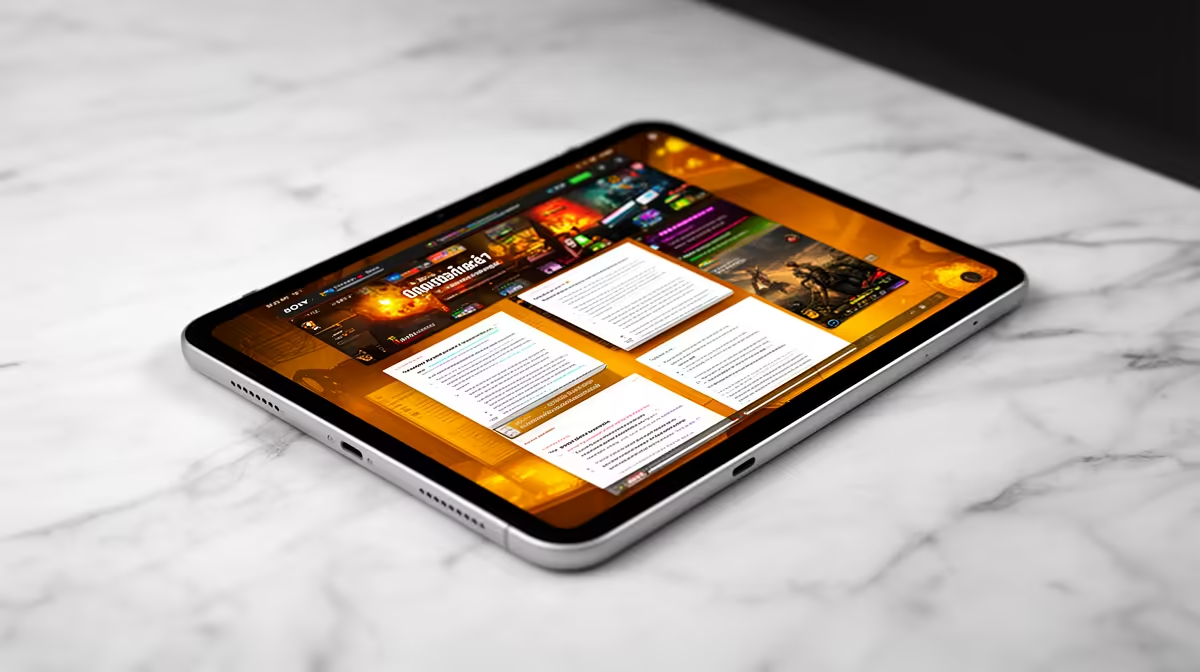
A budget tablet is the right choice for a student when reading, video lessons, light notes and browser-based coursework are the main tasks. It may be the wrong primary device for desktop-only software, extensive typing or specialist peripherals. No currently priced budget tablet is verified in the supplied factpacks.
Rehearse one complete academic day
Open every required learning platform, download an offline lesson, annotate a PDF, join a call and submit an assignment. Check whether the exact operating system supports institutional apps. Add the real cost of a keyboard, stylus, case, charger and storage if they are not included.
Assess live tablets for update policy, memory, storage expansion, display quality, pen support, cameras, microphones, Wi-Fi, USB functions, battery service, warranty and local support. A low purchase price can lose value quickly when updates stop or essential accessories are missing.
Protect the student account with strong recovery methods, restrict app permissions and keep coursework in exportable formats with independent backups. Use a stable stand, schedule eye breaks and confirm that campus Wi-Fi or mobile tethering works where study happens.
Buy when the full-day rehearsal passes without unsupported software. Choose a Windows laptop when the course requires desktop applications, long documents or several wired devices, even if the tablet looks more portable.
Choosing affordable study tech? > Browse Evetech tablets and verify every required app and accessory.