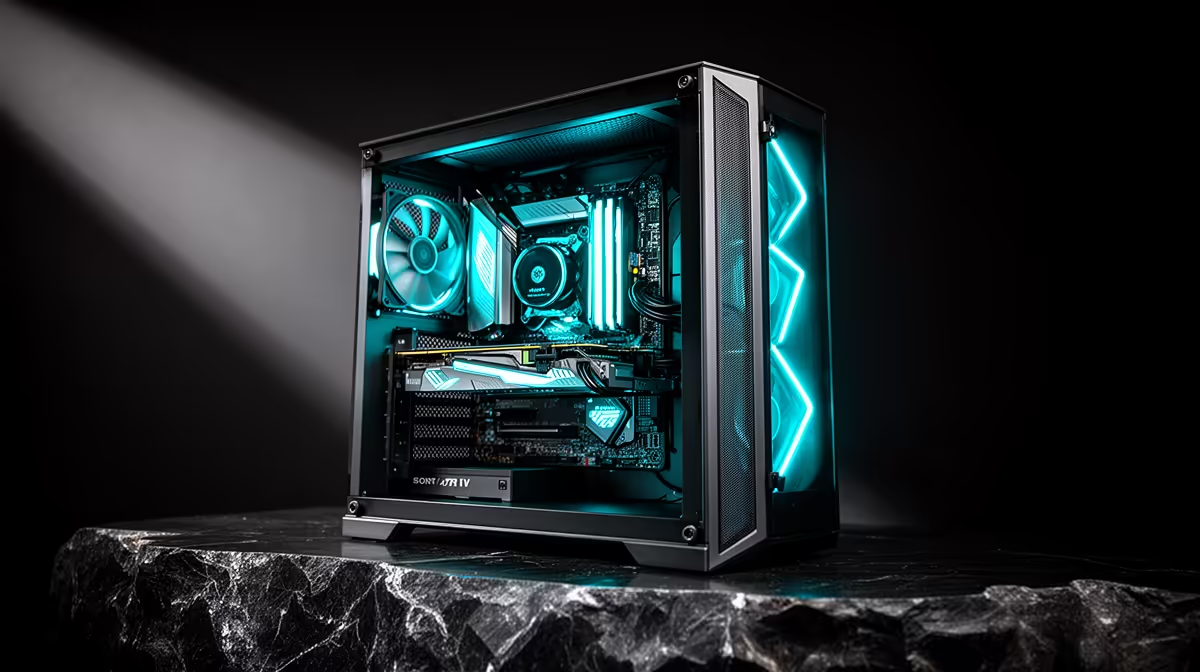
Running your own AI models at home no longer needs a server-grade budget. A budget PC for private AI in the R10,000 to R20,000 range can run every popular open model from 7 billion to 13 billion parameters smoothly, as long as you put your money where it counts: graphics card memory. Get the VRAM right and the rest of the build follows naturally.
Quick Answer
For private AI in the R10,000 to R20,000 band, the part that matters most is a 16GB-VRAM graphics card such as the RTX 4060 Ti 16GB. That memory runs every 7B to 13B model at Q4 to Q8 quantisation with room left for context. Pair it with a mid-range CPU and 32GB of DDR5 system RAM and you have a capable local AI rig.
Why VRAM Is the Whole Game
When you run a language model locally, the model's weights have to load into the graphics card's memory. If the model fits in VRAM, it runs fast. If it does not, it spills into slower system RAM and the responses crawl. So for AI, VRAM capacity matters more than raw graphics horsepower, which is the opposite of how you would spec a pure gaming PC.
This is why a 16GB card is the sweet spot for a budget private-AI build. It holds the quantised versions of the most useful open models with headroom for the context window, the conversation history the model keeps in memory while it works. A card with only 8GB forces you into smaller or more aggressively compressed models, which lowers quality.
What 16GB of VRAM Actually Runs
The practical payoff of 16GB is the range of models it opens up.
7B Models
Seven-billion-parameter models are the comfortable everyday tier. At Q4 to Q8 quantisation they fit easily, run quickly and leave plenty of VRAM for a long context. These handle chat, coding help, summarisation and document questions well, and they are where most people will spend their time.
13B Models
Thirteen-billion-parameter models bring noticeably better reasoning and writing, and a 16GB card runs them at sensible quantisation levels with usable speed. This is the upper end of what the budget band handles gracefully, and it is a real step up in quality for tasks that need it.
Why Quantisation Matters
Quantisation reduces the numerical precision of a model's weights, shrinking the file so it occupies less memory. Q4 compresses further and runs faster at a slight quality cost, while Q8 stays closer to full precision. With 16GB of VRAM you can run most models at Q8 rather than always defaulting to the most compressed format.
Building the Rest of the Rig
The graphics card takes priority, but a balanced build matters so nothing bottlenecks it.
- Graphics card: a 16GB-VRAM card like the RTX 4060 Ti 16GB anchors the build and decides which models you can run.
- CPU: a current mid-range processor is plenty. The GPU does the heavy lifting for AI, so you do not need a flagship chip.
- System RAM: 32GB of DDR5 gives the operating system and your tools room to breathe and provides overflow for larger contexts.
- Storage: a fast NVMe SSD of 1TB. Models are large files and load far quicker from NVMe than from a hard drive.
- Power and cooling: size the power supply generously and choose a case with solid airflow to keep temperatures stable during extended inference sessions.
Complete configurations built around this spec are listed on the AI PC range at Evetech, where parts are already matched to work together.
What You Can Actually Do With a Local AI Rig
It helps to know what this hardware buys you in practice, because the use cases are broader than chat.
Everyday Assistant Work
The 7B and 13B models handle drafting, rewriting, summarising long documents and answering questions about text you feed them. For a student working through notes, a professional drafting emails and reports, or anyone who wants a private writing helper, this tier is genuinely capable and fast on a 16GB card.
Coding Help
Code-focused open models run comfortably in this build and act as an offline pair programmer, explaining code, suggesting fixes and scaffolding functions. Because everything stays local, you can point them at private or work code without it leaving your machine, which is a real advantage for sensitive projects.
Document and Knowledge Tools
With a little setup you can connect a local model to your own files so it answers questions grounded in your documents rather than general knowledge. This retrieval approach turns the rig into a private research assistant over your own notes, manuals or archives, with no cloud service involved.
Where the Budget Limits Bite
It is worth being honest about the ceiling so expectations match reality. Models larger than 13B, the 30B and 70B tiers, will not fit comfortably on a 16GB card and either run very slowly on the CPU or need a bigger GPU. Very long contexts also eat into VRAM, so extremely large documents may need trimming or chunking. And while quantised models are excellent, they are a small step below the full-precision versions in nuance. For most home and small-business use these limits rarely bite, but if your work demands the largest models, that is a different and more expensive build. Knowing where the band stops is what stops you overspending or under-buying.
Why Run AI Privately at All
A local AI rig keeps your data on your own machine. Nothing you type leaves the building, which matters for sensitive work, personal projects, or simply not wanting your conversations stored elsewhere. There is no subscription and no usage cap, so once the hardware is paid for, you can run as much as you like. And it works whether or not your connection is up, which is genuinely useful given how variable connectivity can be across SA.
The trade-off is that you manage your own setup and your model quality is capped by your hardware, which is exactly why getting the VRAM right inside the budget matters so much. If starting from a well-tested foundation makes sense for you, the Evetech PC best sellers include builds that can be adapted with a 16GB card as the priority upgrade.
Frequently Asked Questions
Can I really run AI models on a R10,000 to R20,000 PC?
Yes. A build anchored on a 16GB-VRAM graphics card runs every popular 7B to 13B open model at good quantisation levels. The key is spending on VRAM rather than on a flagship CPU, which AI workloads barely use.
Why does VRAM matter more than the GPU's gaming speed?
Because the model has to fit in VRAM to run fast. A card with more memory can hold a bigger or higher-quality model, while a faster but smaller card forces you into compressed models. For AI, capacity beats raw speed.
Is 32GB of system RAM enough?
For a 7B to 13B local AI build, yes. 32GB of DDR5 comfortably handles the operating system, your tools and overflow for larger contexts. You can go higher later if you start running much bigger models on the CPU.
What is the difference between Q4 and Q8?
Both are quantisation levels that shrink a model to fit in memory. Q4 is smaller and faster with a slight quality drop, Q8 is larger and closer to full quality. A 16GB card lets you pick Q8 on many models for better output.
Will this build also handle gaming?
Yes. A 16GB graphics card with a mid-range CPU and 32GB of RAM makes a strong 1080p and 1440p gaming machine as well, so the same rig doubles as a capable gaming PC when you are not running models.
Want your own private AI machine without overspending? Explore the AI PC range at Evetech, prioritise a 16GB-VRAM card, and build a rig that runs local models within the R10,000 to R20,000 budget.