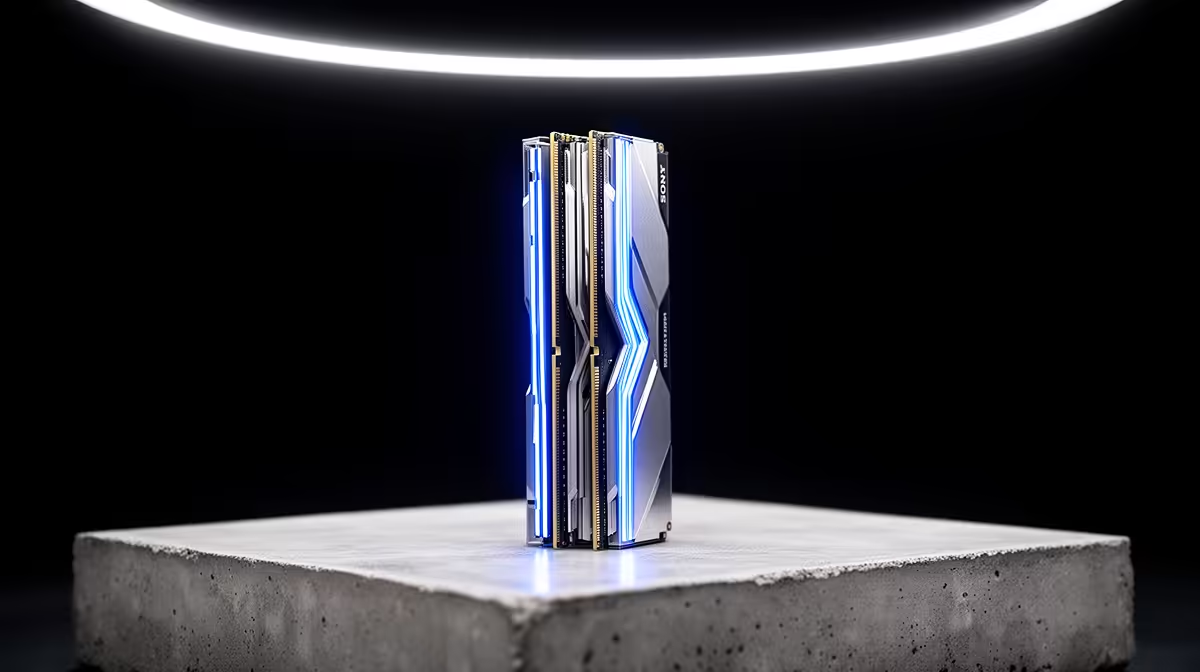
Memory is easy to overbuy, so the South African sweet spot is matching capacity and speed to the real workload instead of chasing the biggest kit. This guide is written for DDR5 RAM kits used in power protection, with concrete Rand bands and specs so you can decide fast.
Quick Answer
For a current build, a 32 GB DDR5 kit at 6,000 MT/s with CL30 timings is the sweet spot, landing around R1,800 to R3,200 at Evetech. Buy 16 GB only for light use; 64 GB is for heavy creative or server work, not gaming alone.
Speed and Timings That Help
On DDR5, 6,000 MT/s with CL30 is the practical sweet spot for current platforms; faster kits cost more for small real-world gains. Run the kit's XMP or EXPO profile so it actually hits the rated speed. A kit stuck at 4,800 MT/s leaves performance on the table.
Dual-Channel and Kit Matching
Always buy a matched two-stick kit, not a single module, so the system runs dual-channel for full bandwidth. Mixing odd sticks can drop speed or fail to boot. A 2x16 GB kit is the clean way to reach 32 GB.
Headroom for Storage and Backup Work
If your goal is a media server or backup rig, RAM helps caching, but storage and a steady network matter more. Pair a 32 GB kit with ample NVMe and HDD capacity rather than overspending on memory the workload never uses.
FAQ
What DDR5 speed should I buy?
6,000 MT/s with CL30 is the current sweet spot for most platforms. Enable XMP or EXPO so the kit actually runs at its rated speed instead of the default 4,800 MT/s.
How much DDR5 RAM do I need?
32 GB suits gaming and multitasking; a 2x16 GB kit at 6,000 MT/s near R1,800 to R3,200 is the value pick. Go to 64 GB only for heavy editing, VMs, or server duties.
Is DDR5 the right next upgrade?
If your platform already takes DDR5 and you run out of memory, yes; a 32 GB kit removes stutter from multitasking. If storage or the GPU is the real bottleneck, spend there first.
buy, confirm the current Evetech stock and warranty path, then match the DDR5 RAM kit to your space and the features you actually use day to day.