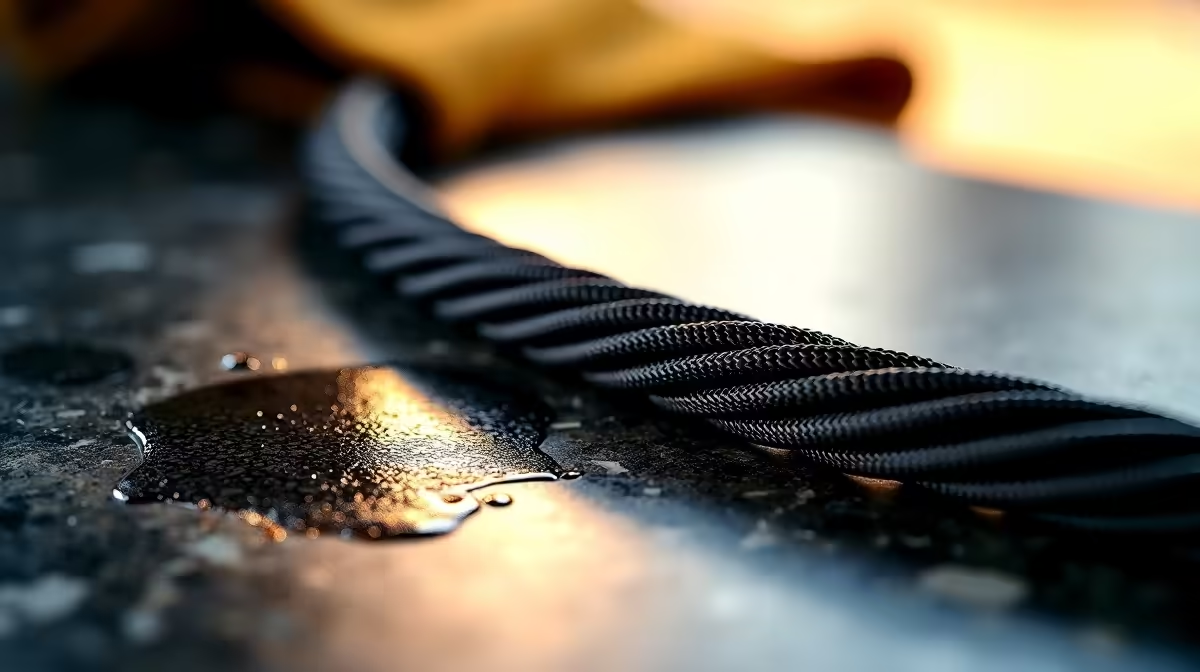
You’ve spent weeks, maybe months, curating the perfect PC setup. The RGB is synced, the monitor is calibrated, and your tower is a masterpiece of clean lines and powerful hardware. But then you see it… a grimy, discoloured cable snaking across your desk, ruining the entire aesthetic. Don't let a dirty wire undermine your battle station's clean look. Our tough stain removal guide for cleaning cable jackets will restore that fresh-out-the-box feel. ✨
Understanding Why Cable Jackets Stain So Easily
Before we dive into the cleaning process, it's helpful to know what you're up against. Most peripheral cables are coated in materials like PVC, rubber, or a woven fabric braid. While durable, these surfaces are magnets for the oils on your hands, dust, and the occasional beverage spill. Over time, this grime works its way into the material's texture, causing discolouration that a simple wet wipe just can't fix. This is especially true for white or brightly coloured cables, which show every single mark.
Properly cleaning cable jackets isn't just about looks; it's about maintaining your gear. Caked-on grime can, in extreme cases, cause the jacket material to become stiff or brittle over time. This is a common issue for the cables on our most-used peripherals, like a trusty wired mouse that's seen you through countless hours of gameplay.
The Ultimate Guide to Cleaning Cable Jackets Safely
Ready to get those cables looking brand new? Follow these steps for effective and safe tough stain removal. Remember to always start with the gentlest method first.
Step 1: Safety First… Unplug Everything!
This cannot be stressed enough. Before you introduce any liquid or cleaning solution, disconnect the cable from your PC and the peripheral itself. Whether it's a keyboard, headset, or mouse, ensure there's no power running through it. Safety first, always.
Step 2: The Gentle Approach for Light Grime
For everyday dust and light smudges, you often don't need harsh chemicals.
- Dampen a clean microfibre cloth with a small amount of distilled water (tap water can leave mineral deposits).
- Add a single drop of mild dish soap to the cloth if needed.
- Wring the cloth out until it's barely damp.
- Gently wipe down the length of the cable jacket, applying light pressure.
- Use a second, dry microfibre cloth to wipe away any moisture.
Step 3: Tackling Tougher Stains with Isopropyl Alcohol
If water and soap didn't cut it, it's time to bring in the big gun of tech cleaning: isopropyl alcohol (IPA).
- Get a solution that is 70% IPA. A higher concentration can be too harsh on some plastics and rubber compounds.
- Apply a small amount of IPA to a cotton pad or microfibre cloth, not directly onto the cable.
- Gently rub the stained area. You should see the grime start to lift.
- Test on a small, inconspicuous spot first (like the end near the USB connector) to ensure it doesn't damage the cable's colour or finish.
This method is perfect for restoring the premium look of a high-quality gaming mouse cable that's lost its lustre.
Prevent Stains Before They Start 💡
Use a cable bungee or routing clips to keep your mouse cable off the desk surface. This simple trick minimises contact with dust, oils, and potential spills, keeping your cable cleaner for longer.
Special Care for Braided Cable Jackets
Braided cables look fantastic but their woven texture can trap dirt more effectively. The cleaning process is similar, but requires a slightly different tool.
- Follow the safety and gentle cleaning steps above.
- For stubborn dirt lodged in the weave, use a soft-bristled brush (an old, clean toothbrush works wonders) dipped lightly in your cleaning solution (soapy water or IPA).
- Gently scrub in the direction of the braid.
- Wipe thoroughly with a dry cloth and allow the cable to air dry completely before plugging it back in.
Keeping your gear in top shape is part of the hobby. From cleaning cables to organising your desk, quality mouse accessories can make maintenance easier and enhance your overall experience. And if a cable is truly beyond repair or you're just tired of the clutter, upgrading to a top-tier wireless mouse could be the perfect solution for an ultra-clean setup.
Give Your Setup the Upgrade It Deserves
Whether you're restoring your current gear or hunting for an upgrade, we've got your back. Shop the best gaming mouse deals at Evetech and grab the performance and style your battle station needs.