Quick Answer
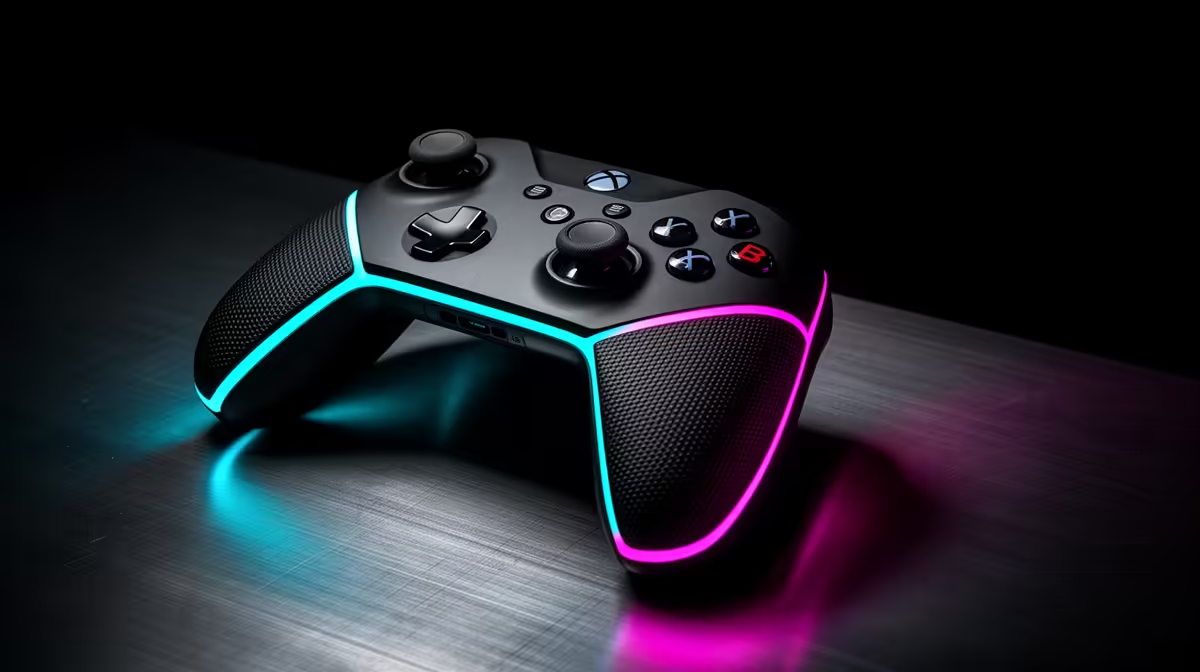
For Call of Duty Warzone, the best controller setup for SA players is an Xbox Wireless Controller or DualSense-style pad with wired USB for ranked sessions, sensible deadzones and vibration reduced. Start with 5-8% deadzone, medium sensitivity and a 60-120 fps target so input feels stable before you fine-tune.
Controller And Connection
A wired USB connection is the simplest setup when input consistency matters. Wireless is fine for couch play, but ranked matches feel cleaner when the controller is not sharing battery, Bluetooth and distance variables. The Xbox Wireless Controller is the easiest PC choice, while DualSense suits players who also use PlayStation.
Settings To Tune First
Set deadzone low enough to respond quickly but high enough to avoid stick drift. For Call of Duty Warzone, begin around 5-8%, then adjust aim sensitivity in small steps after one full match. Keep trigger stops or hair-trigger settings only if they help the game; in action titles, accidental inputs can hurt more than a tiny speed gain.
SA Buying And Room Checks
A serious controller band is roughly R700-R2,000 depending on platform and features. Check USB-C cable length, replacement stick caps and warranty before buying. In a shared lounge, flat or digs, wired play can also avoid wireless dropouts caused by distance, TV cabinets or other devices.
FAQ
Is controller better than keyboard and mouse for Call of Duty Warzone?
It depends on the game mode. Controller is comfortable and strong for couch play, but keyboard and mouse still gives finer aim in many PC shooters.
What deadzone should I start with?
Start at 5-8% and raise it only if the stick drifts when untouched. Lower deadzones feel faster, but too low makes aim unstable.
Should I play wired or wireless?
Play wired for ranked or competitive sessions. Use wireless when comfort matters more than the smallest input delay.
Setup tip
Save one wired competitive profile and one couch profile so you are not changing sensitivity every time you switch rooms.