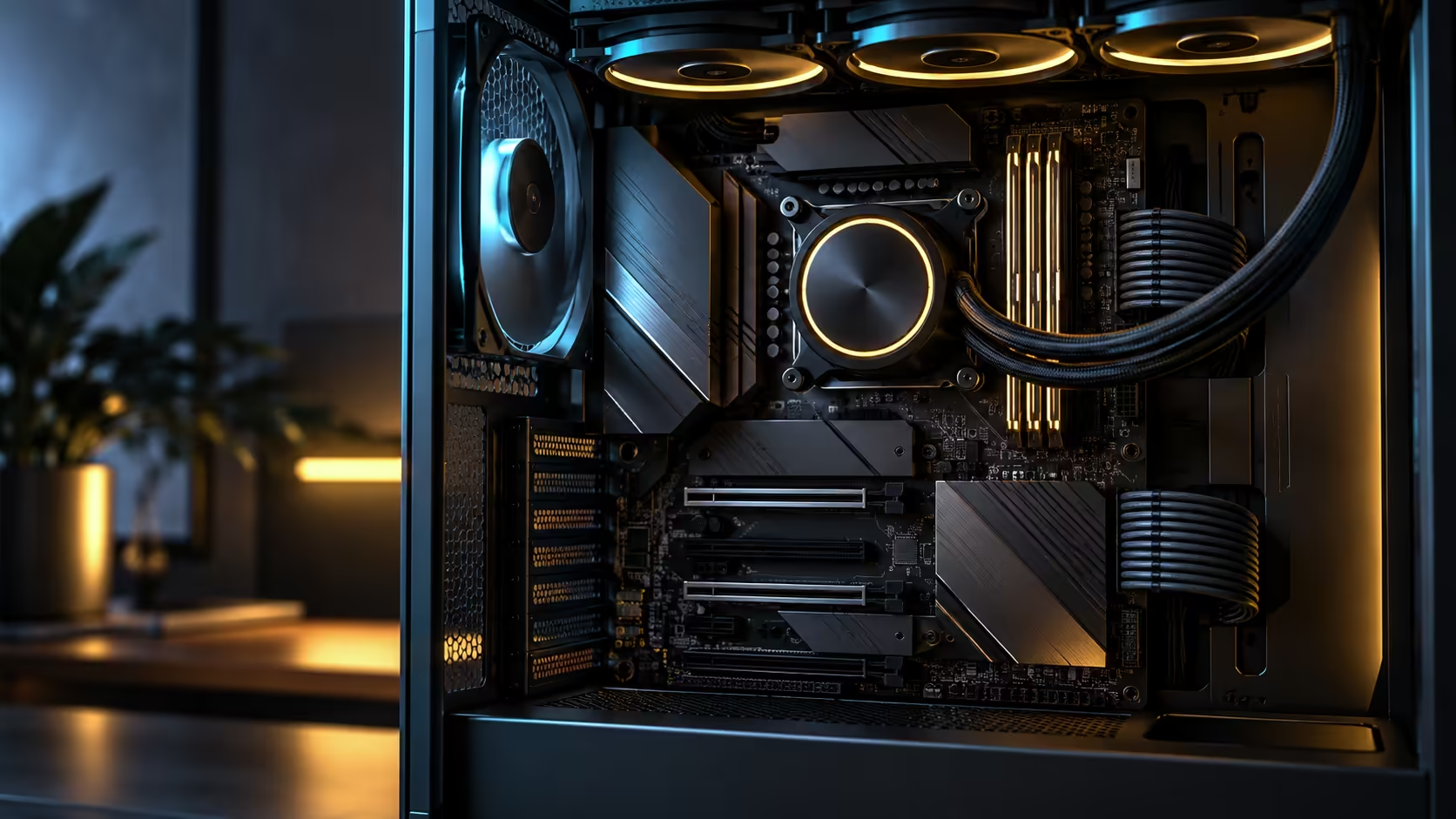
The honest answer to whether a new wireless standard helps splits cleanly along a line most marketing skips over: does it improve what happens between your own devices, or does it improve your connection to the wider internet. Wi-Fi 7 for wireless gaming and large file transfers, a feature now common across the AMD motherboard range, sits mostly on the first side of that line, and knowing which side matters saves a South African buyer from expecting the wrong result.
Quick Answer
Yes for local wireless latency and large local transfers, no for your actual browsing and streaming speed, since your fibre package alone decides that number no matter what radio standard either end is running. Wi-Fi 7 adds a 6GHz band alongside the familiar ones, and using it at all needs a router or access point built for that band. Most homes in South Africa still run an ISP-supplied router on 5GHz only, so the improvement waits on the router side catching up.
🎮 What Wi-Fi 7 actually changes for gaming
Wireless gaming performance depends heavily on latency consistency rather than raw throughput, since a game needs small packets delivered predictably rather than large amounts of data moved quickly. Wi-Fi 7 introduces multi-link operation, letting a device use more than one band simultaneously, which reduces the chance of a single congested channel causing a spike in latency at exactly the wrong moment.
That benefit is real but conditional. It helps most in a busy wireless environment, an apartment block with dozens of overlapping networks, or a household with many connected devices competing for the same channel. In a quiet wireless environment with little interference, the practical gaming benefit over a well-configured Wi-Fi 6 setup is much smaller.
Put a rough number on it: a congested 5GHz channel in a crowded apartment block can show latency spikes of 20-40ms above baseline during peak evening hours, exactly when most online gaming happens. Multi-link operation on Wi-Fi 7 reduces the frequency of those spikes by giving the connection a second band to fall back to rather than waiting out congestion on the same channel.
📁 Large file transfers benefit more directly, but only between local devices
Moving a large file to another device on your own network is where Wi-Fi 7's wider channels and higher theoretical throughput show up most clearly, since this traffic never leaves your own home and is not capped by anything your ISP controls. A big media library, a game installation shared to a second PC, or a large photo backup to a networked drive all move faster over a genuinely capable Wi-Fi 7 link than over an older standard, provided the receiving device supports the same standard on its own end.
This is a distinct claim from internet speed, and conflating the two is where expectations go wrong. A local transfer between two Wi-Fi 7 devices on the same 6GHz network can comfortably exceed what most South African fibre packages deliver to the internet, precisely because it never touches the fibre line at all.
🌐 Why your internet speed does not move
Your ISP package sets a hard ceiling on internet-bound traffic that no wireless standard on your own hardware can raise. A 100Mbps fibre line delivers roughly 100Mbps whether the device receiving it connects over Wi-Fi 5, Wi-Fi 6 or Wi-Fi 7, because the bottleneck sits upstream of your own network entirely, at the point where your router meets the fibre line.
Where Wi-Fi 7 can help indirectly is reducing local network congestion that was previously eating into your effective internet speed, if multiple devices competing for airtime on an older standard were the actual cause of slow browsing rather than the fibre line itself. That is a real but different mechanism from raising the ceiling.
A household running a 200Mbps fibre package with six or seven devices, several streaming 4K video at once over a crowded 5GHz band, can genuinely see browsing speed on any single device drop well below what the package promises, purely from airtime contention. Wi-Fi 7's wider channels and multi-link handling ease exactly that kind of contention, which can look like a faster internet connection even though the package itself never changed.
🎮 Setting up a gaming rig to actually benefit from any of this
Wired Ethernet remains the safest default for competitive online gaming, since a cable typically holds ping variance under 1ms while a busy Wi-Fi channel can spike by 20ms or more at the wrong moment. Reserve Wi-Fi 7 for situations where running a cable genuinely is not practical, a desk in a room without easy access to the router, for example, rather than treating it as an automatic upgrade over a wired connection for gaming specifically.
Where Wi-Fi 7 earns its place alongside gaming is everything else running on the same machine at the same time: a second monitor streaming a video call, a phone or tablet syncing in the background, or a download queued for after the session ends. Keeping that traffic off the same channel as a wired gaming connection is one of the quieter benefits of having both technologies available on one board.
📶 The router is the part that decides whether any of this matters
A board's Wi-Fi 7 radio is only half of the equation. Pair it with a router that has no 6GHz radio of its own, and the connection simply negotiates down to whatever the router actually supports, most commonly 5GHz today. Checking your router's own supported bands before expecting a Wi-Fi 7 upgrade to change anything is the single most useful step, and browsing the current wireless networking range or a dedicated fibre router is the practical next step if yours does not. That single check settles more expectation mismatches than any spec sheet comparison ever will.
Frequently Asked Questions
Will Wi-Fi 7 make my internet connection faster?
No. Your fibre package alone decides that figure, and no wireless standard on either end of the local connection can push past it.
Does Wi-Fi 7 improve gaming even without a 6GHz router?
Partially. Some efficiency improvements apply on existing bands, but the largest latency and congestion benefits are locked behind a 6GHz-capable router.
What is the clearest real-world benefit of Wi-Fi 7 in a home network?
Files moving faster between two of your own devices, since that traffic stays entirely on your local network and never touches your internet connection's speed ceiling.
Do most South African routers already support Wi-Fi 7's 6GHz band?
Not yet, in most homes. The majority of ISP-supplied routers still operate on 2.4GHz and 5GHz only.
Is it worth having Wi-Fi 7 on a board before upgrading the router?
Yes, since the hardware is future-proofed for when a matching router arrives, and it still improves efficiency on existing bands in the meantime.
Ready to separate what Wi-Fi 7 actually fixes from what your fibre package still controls?
Check your router's supported bands first, then judge the upgrade by local transfer speed rather than internet speed.