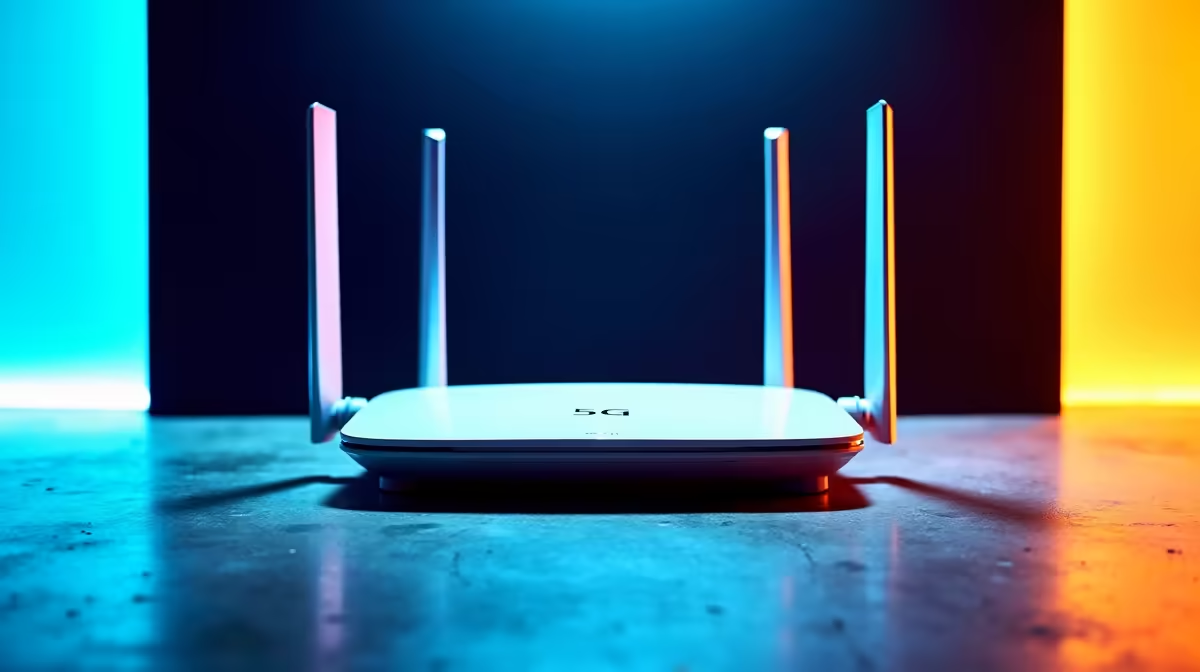
Buying a slick 5G router online and assuming it will happily take any SIM is a fast route to frustration in South Africa. A 5G router that works perfectly on one network can be refused, throttled, or auto-suspended on another, because the providers here run approved-device lists, SIM locks, and band requirements that a generic box may not satisfy. Knowing the rules before you buy saves a return and a lot of wasted airtime.
Quick Answer
No, you cannot use just any 5G router on Rain, MTN, or Vodacom. Bundled routers are frequently SIM-locked to one network, and providers maintain approved-device lists for third-party hardware used with their SIMs. For South Africa, your router must support the n78 band at 3.5GHz, and for MTN it should handle carrier aggregation, or your speeds will suffer. Always check the network's approved list before buying.
The three rules that decide compatibility
Three separate things determine whether a 5G router will work on a given South African network. A device can pass one and fail another, which is why a router that runs beautifully on one provider stalls on the next.
The first is the SIM lock. Routers that come bundled with a network's package are often locked to that network, so the SIM from another provider simply will not connect. The second is the approved-device list. Networks track which routers they will allow on their service, and an unapproved device can be refused or have its service suspended. The third is band and feature support, the technical layer that decides whether the router can even use the network's 5G spectrum properly.
If you want a router you can move between networks or pair with your own SIM, you need an unlocked device that clears all three hurdles. The networking range at Evetech is a sensible place to compare unlocked CPE options against these requirements.
The band that matters most: n78
Whatever else you check, get the bands right. Both MTN and Vodacom added 5G on the n78 band at 3500MHz in 2024, and that 3.5GHz spectrum is the backbone of their 5G service. A router that does not support n78 will fall back to slower 4G even where 5G is available, defeating the purpose of buying a 5G device in the first place.
So the non-negotiable spec is n78 support, and ideally n77 alongside it, since n77 covers a broader slice of 3.5GHz spectrum that some deployments use. When you read a router's datasheet, look specifically for these 5G NR bands listed. A box that advertises "5G" without naming n78 is a warning sign, because plenty of imported routers are tuned for other regions' bands and will underperform here.
Carrier aggregation for MTN
MTN adds a further requirement that catches people out. Its network leans on carrier aggregation, which bonds multiple frequencies together to reach full speed. MTN expects routers in the Category 6 class or higher so they can do this aggregation. A router that cannot aggregate carriers can lose half its potential speed or more on MTN, even if it technically connects. If MTN is your network, check for that capability specifically rather than assuming any 5G router will do.
How each network handles third-party routers
The three big providers police compatibility in different ways, and it helps to know how each one behaves.
Vodacom is the strictest in enforcement. It tracks the TAC code, the first eight digits of a router's IMEI, and matches it against approved devices. Insert a Vodacom fixed SIM into a router that is not on the list, and the service is often suspended automatically. With Vodacom, checking the approved list is not optional housekeeping; it is the difference between a working connection and a dead one.
MTN publishes an approved-routers list for its home deals, and combines that with its carrier-aggregation expectation. Check both the list and the Cat6 capability before committing.
Rain takes a different shape. Its SIMs are locked to device types pre-approved for the Rain network, and its plans bundle a 5G smart router rather than encouraging bring-your-own hardware. That makes Rain the least flexible of the three for using a router you bought yourself.
What to actually buy
If your goal is flexibility, the device to look for is an unlocked 5G router with explicit n78 and n77 support, carrier-aggregation capability, and a presence on the approved lists of whichever networks you might use. That combination gives you the best chance of moving between providers or pairing with the SIM of your choice without a nasty surprise.
Before you order, do two quick checks. Confirm the router is not SIM-locked to a single network, and confirm your intended provider lists it as approved. Those two steps catch the vast majority of compatibility problems. To round out a home internet setup once the router is sorted, the accessories best sellers at Evetech cover cabling, mounts, and the extras that get a 5G connection performing at its best.
Frequently Asked Questions
Will any 5G router work on Vodacom?
No. Vodacom checks the TAC code from the router's IMEI against its approved-device list, and a fixed SIM inserted into an unapproved router is often suspended automatically. You need a router on Vodacom's approved list, and it must support the n78 band.
What 5G bands does my router need in South Africa?
Look for n78 at 3500MHz as the essential band, ideally with n77 support as well. Both MTN and Vodacom run their 5G on n78, so a router without it will drop to slower 4G even where 5G coverage exists.
Why is my router slow on MTN despite connecting?
Most likely it cannot do carrier aggregation. MTN bonds multiple frequencies together for full speed and expects Category 6 class routers or higher. A router that cannot aggregate carriers can lose half its potential speed or more, even though it connects fine.
Can I use my bundled router on a different network?
Usually not. Routers supplied with a network's package are frequently SIM-locked to that network, so another provider's SIM will not connect. To switch networks you need an unlocked router that is also approved on the network you want to use.
Is Rain flexible about third-party routers?
Less so than MTN or Vodacom. Rain locks its SIMs to device types pre-approved for its network and bundles its own 5G smart router with plans, so bringing your own hardware is harder. Check Rain's current device rules directly if you intend to use your own router.
Match the router to the network before you buy, n78 support, no SIM lock, and a spot on the approved list. Compare unlocked options in the networking range at Evetech and pick one that fits the provider you actually use.