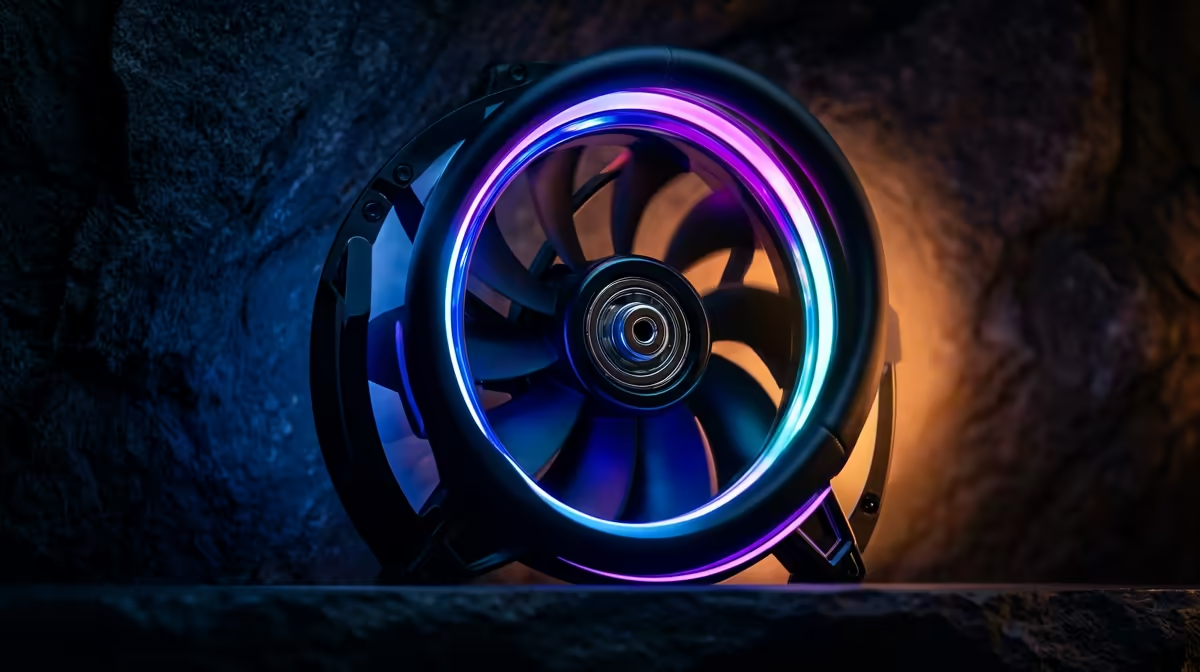
Quick Answer
The case fan checklist for a racing wheel cockpit where the tower sits close to your legs comes down to five things SA buyers should compare: size (120mm or 140mm), connector (3-pin or 4-pin PWM), airflow (50-70 CFM), noise (under 30 dBA) and bearing type. Budget R250-R450 per quality fan and you will not need to upgrade soon.
Size And Fit First
Check your case mounts before anything else - most SA-stocked towers take 120mm, many also take 140mm. A 140mm fan moves more air at lower RPM, so it runs quieter for a racing wheel cockpit where the tower sits close to your legs if your case supports it. Confirm clearance around the GPU and cables so the fan actually fits.
Connector And Control
A 4-pin PWM fan lets the motherboard idle it low and ramp it only under load, which keeps a racing wheel cockpit where the tower sits close to your legs quiet. A 3-pin fan runs at a fixed voltage-set speed. Match the connector to your board headers and check how many fan headers you have before buying a multi-fan set.
Airflow, Noise And Bearing
Aim for 50-70 CFM at under 30 dBA, with static pressure if the fan sits on a filter or radiator. Choose a rifle or fluid-dynamic bearing over a cheap sleeve for durability under the sustained load of a racing wheel cockpit where the tower sits close to your legs. That combination, around R250-R450 a fan or roughly R1,100 for a matched set of three, is the sweet spot.
FAQ
How do I know what fan size my case takes?
Measure the mount holes or check the case spec sheet - 120mm and 140mm are standard. Many cases accept both sizes in the same position, with 140mm being the quieter option where it fits.
Should I choose PWM or fixed-speed fans?
PWM (4-pin) is worth it for a quiet, responsive build because the board controls speed by temperature. Fixed-speed (3-pin) fans are simpler and cheaper but run at one set speed.
What is a good airflow-to-noise target?
Aim for 50-70 CFM at under 30 dBA. That moves enough air for most builds while staying quiet enough that you will not notice the fans during normal use.
motherboard fan headers before buying - if you only have two, grab a PWM splitter or a hub so every fan can be temperature-controlled instead of running flat out.