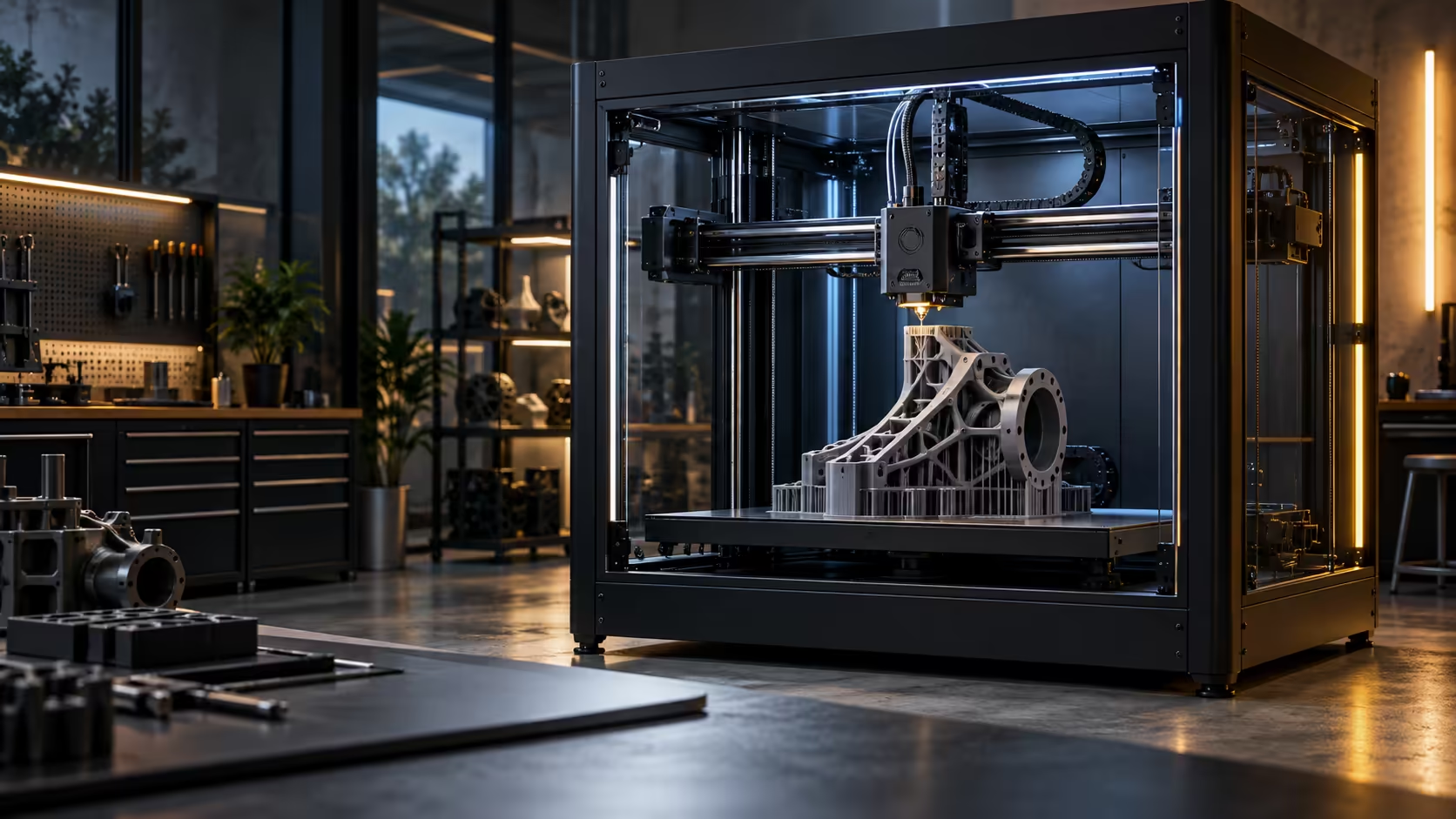
A design studio, a school and a small business all end up shopping the same shelf for a large 3D printer, but they are actually buying for three completely different reasons, and it is worth naming those reasons plainly before comparing any specification sheets side by side.
Quick Answer
A design studio buys for turnaround, since client work moves on deadlines a slow printer cannot meet. A school buys for supervision, since a classroom of learners needs a machine that fails safely and obviously rather than quietly. A small business buys for repeatability, since the tenth part has to match the first one exactly. All three land on the same short list: a 300 x 300 x 300mm enclosed machine at R13,999, backed by a warranty handled inside South Africa that keeps a classroom or workshop running rather than waiting on an overseas repair.
🎨 Design studios: turnaround decides the win
A client revision requested on a Tuesday needs to be in hand by Thursday, and that timeline is set by print speed and reliability, not by any single feature on a spec sheet. 20000mm/s2 of acceleration matters here because it compresses the wait between a design change and holding the physical part.
Monitoring matters just as much in this context, since a studio running back-to-back jobs cannot afford a failure that runs unnoticed overnight and pushes a deadline by a full day.
🏫 Schools: supervision and failing safely
A classroom setting changes the risk profile entirely. Learners are not going to babysit a print the way a hobbyist would, so a machine that keeps its moving parts and heat inside an enclosure, and that catches its own failures with an AI camera rather than needing an adult present at all times, fits the environment better than an open-frame machine ever would.
Reliability outweighs raw speed here, since a school project ruined the night before a deadline is a bigger problem than one that took an extra 1 or 2 hours to print.
🏭 Small businesses: repeatability over everything
A business selling printed parts needs the tenth unit to match the first, which puts consistent bed levelling and stable flow ahead of top speed on the priority list. A South African warranty resolved locally also matters more here than it does for a hobbyist, since downtime on a production machine has a direct cost attached to it.
Whichever category fits, check the 3D printer range against your actual failure tolerance rather than the headline speed number, browse filament suited to the parts you are making, and consider resin printing alongside FDM if some of the work needs finer detail than a large-format machine is built for.
🧑🏫 What actually changes in a classroom setting
Beyond safety and supervision, a classroom setting changes how a printer gets used day to day in ways a studio or business rarely deals with. Multiple learners sharing one machine means jobs queue up constantly, and a printer that finishes a small project in 20 to 30 minutes rather than 2 hours keeps a whole class moving through an exercise in one 45-minute lesson rather than spilling into the next.
Wear and tear also climbs faster in a shared teaching environment, since more hands are touching the bed, the filament and the settings than in a single-owner setup. Favour a machine with a genuinely simple, hard-to-misconfigure interface here, since a learner accidentally changing a temperature setting mid-print costs a lesson's worth of material and time on a printer that makes that mistake easy to make, and a wasted lesson is harder to recover than a wasted hour anywhere else.
🏭 What changes for a growing small business
A small business printing to sell parts eventually runs into a different problem entirely: demand outpacing what one machine can turn around. At that point, the buying decision shifts from "which single printer" to "how many of this printer," and consistency between units becomes as important as consistency within one machine's own output.
Standardising on one model across a growing print farm keeps training, spares and troubleshooting simple as the business scales, which is a real cost saving that only shows up once the fleet grows past 2 or 3 machines running side by side. Planning for that possibility from the first purchase, even if it takes 12 months to become relevant, avoids ending up with a mismatched fleet of different machines each behaving slightly differently, each with its own quirks a new hire has to relearn from scratch.
Frequently Asked Questions
Do schools need a different printer to a design studio?
Not a different machine necessarily, but reliability and safe failure matter more in a classroom than raw speed does.
What matters most for a small business printing parts to sell?
Repeatability between prints matters most, since a customer receiving a finished part rightly expects it to match the original sample or the last order exactly.
Is local warranty support really worth paying attention to?
Yes, especially for a business or school relying on the machine daily, since downtime has a real cost that an overseas repair timeline makes worse.
Can one printer genuinely serve all three use cases?
Often yes, provided it covers reliable monitoring, consistent output and enough speed for turnaround; the differences are mostly in priority order rather than needing separate machines.
How do I stop learners from ruining a shared classroom printer's settings?
Lock down or hide advanced settings where the interface allows it, keep a written standard profile posted near the machine, and check the printer's saved settings at the start of each lesson rather than assuming the previous class left everything the way it was found, since one curious learner is often all it takes.
At what point should a small business buy a second machine?
Once jobs are regularly queuing longer than a client is willing to wait, or once a single machine's downtime for routine maintenance is visibly costing turnaround time on live orders, both are clear signs that one printer has quietly become the bottleneck in the whole operation.
Does standardising on one printer model actually save money for a growing business?
Yes, over time, since one shared spares inventory, one slicer profile set and one training process across every added machine costs noticeably less than managing several different models individually, especially once a fleet grows past two or three units.
Buying for a studio, a classroom or a small business?
Match the machine to what actually matters for your use case, not just the biggest plate on the shelf.