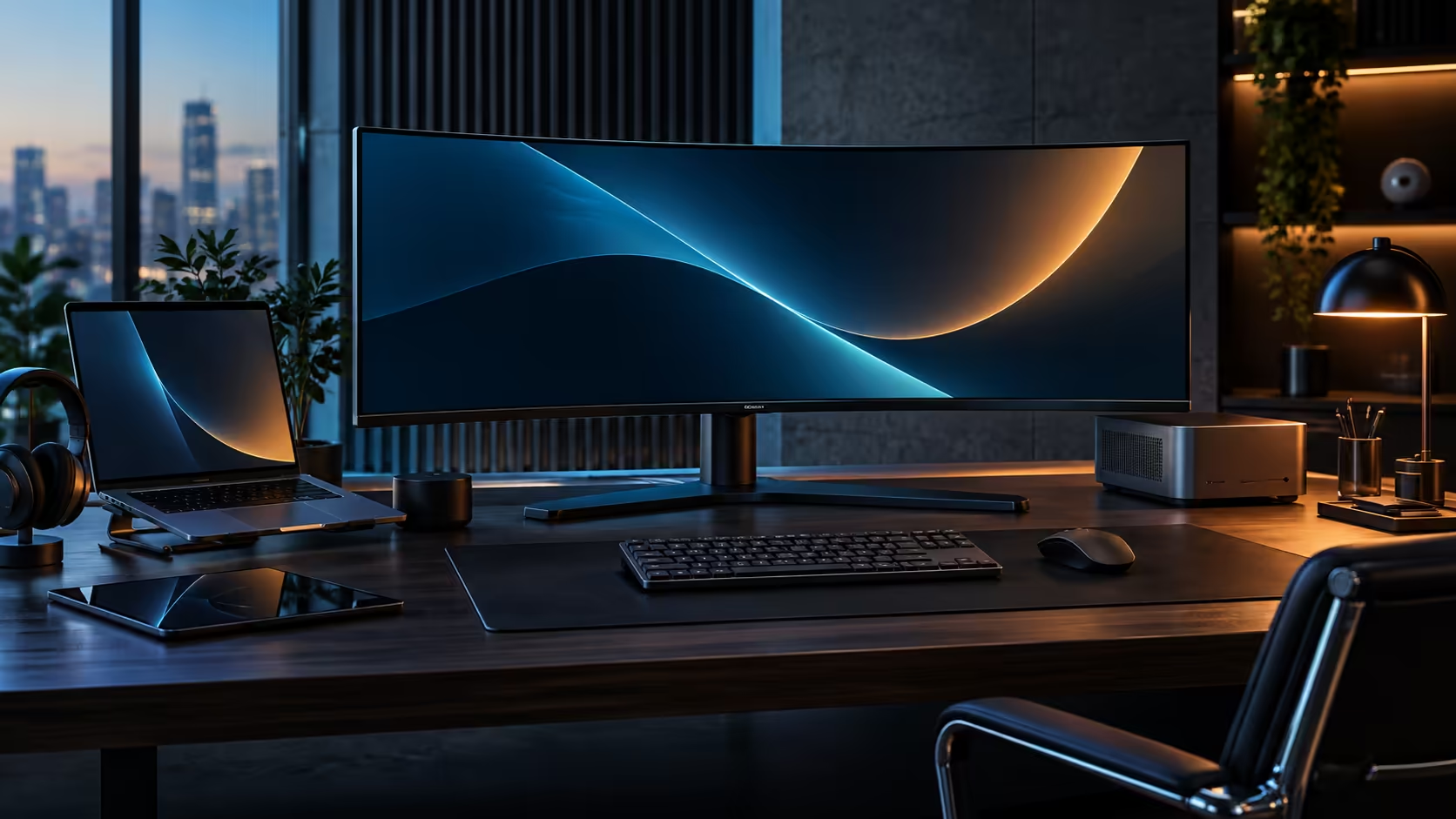
A screen that has to survive meetings by day, editing in the evening and a game at the weekend is a different buying decision from choosing a monitor for just one of those jobs. For South African remote workers stacking all three onto one desk, the question is not which single feature matters most, it is whether one ultrawide monitor can genuinely carry all three without becoming a compromise on every one of them.
Quick Answer
The CU34E4CW answers this with 3440x1440 resolution at 120Hz for smooth everyday use and casual gaming, a built-in camera and speakers for calls, and a wired network socket that keeps a shared home fibre line from interfering with your meetings. At R7,999 it is genuinely built to be one screen for three roles rather than doing one job well and the others poorly.
💼 The meetings job
Video calls put specific demands on a monitor that pure productivity work does not.
A camera built into the top bezel at eye level solves the downward-angle problem a laptop's own webcam always has, and the CU34E4CW's 5MP module is positioned exactly there once the stand is raised correctly. The wired RJ45 network port matters more here than in almost any other use case, since a call is the moment a shared household fibre line most visibly struggles, and moving your work laptop onto a dedicated wired connection removes it from that contention entirely. The built-in KVM is a bonus for anyone running a personal machine alongside a work laptop on the same desk, letting one keyboard and mouse serve both without a switch box.
Meetings are also the role where a poor setup is most visible to other people, unlike editing or gaming where any compromise stays private. A camera at the wrong angle or audio breaking up mid-call reflects directly on how a colleague or client perceives the meeting, which is exactly why this particular role is worth weighing most heavily of the three when deciding whether a single screen genuinely suits your week.
🎬 The evening editing job
Content creation asks different things of the same panel, mostly around screen space and colour behaviour.
3440x1440 gives a genuinely wide timeline for video editing or a large canvas for photo work, and the VA panel's deeper native contrast suits colour grading and review in a dimly lit room in the evening, which is when a lot of home editing sessions actually happen. Where this role has a real limit is professional colour-accurate work: a VA panel is not built for print-accurate colour matching, so treat this screen as excellent for general content creation and casual grading rather than as a calibrated reference monitor for print output.
A wide timeline specifically helps with the kind of editing most home creators actually do: reviewing a rough cut with several tracks stacked vertically while still seeing enough horizontal timeline to scrub around without constantly zooming in and out. Photo editors get a similar benefit laying reference images beside the working canvas, rather than switching between full-screen views of each.
🎮 The weekend gaming job
The same specification sheet that suits productivity also happens to suit relaxed gaming reasonably well.
120Hz is a genuine, noticeable step up over 60Hz for anything with motion on screen, and a 21:9 aspect ratio is supported natively by a large share of modern games, filling the full width of the panel with a wider field of view than a standard 16:9 screen offers. This is not a dedicated esports monitor built around the fastest possible response times, so a competitive player chasing every millisecond of advantage in a fast shooter would still be better served by a panel purpose-built for that. For weekend and evening gaming rather than competitive ranked play, the CU34E4CW handles it comfortably.
The distinction that matters here is casual versus ranked, not genre. A relaxed weekend session in a racing title, an open-world game, or a story-driven shooter benefits fully from the 120Hz and wide field of view without needing anything faster, while a player grinding ranked matches in a twitch-reflex competitive title genuinely gains from the extra investment a dedicated gaming monitor represents.
🇿🇦 Why one screen for three jobs matters more here than elsewhere
The case for consolidating onto one panel is stronger in a South African home office than the specification sheet alone suggests.
Running one wired connection instead of relying on Wi-Fi for work calls matters more where a single fibre line serves an entire household rather than a dedicated office connection. A single local warranty covering one piece of equipment that handles all three roles is simpler to manage than three separate purchases, particularly if any of those alternatives would otherwise have been sourced through a private import. Compare the office monitor range against dedicated gaming monitors if your weekend gaming leans more competitive than casual, and check the webcam range if calls are the priority and you would rather choose a dedicated camera.
Frequently Asked Questions
Can one monitor genuinely handle work calls, editing and gaming well?
For general everyday use across all three, yes. Each role has a more specialised alternative that outperforms this one panel at that specific job, but the CU34E4CW covers all three competently at once on a single desk.
Is this monitor suitable for professional colour-accurate editing work?
Not for calibrated print-accurate output. It suits general content creation and casual colour grading well, but a colour-accurate reference monitor is a different category of product.
Is 120Hz enough for competitive gaming?
It is enough for enjoyable casual and weekend gaming. Competitive players chasing the fastest possible response times are generally better served by a monitor purpose-built for that specific priority.
Does the wired network port really improve video call quality?
Yes, primarily by removing your work connection entirely from Wi-Fi contention with the rest of the household, rather than by increasing the raw internet speed itself in any way.
Does the built-in KVM help if I only use one computer for all three roles?
No, not at all. The KVM specifically helps only when two separate computers genuinely share the desk. With a single machine handling everything, it offers no practical benefit whatsoever.
Ready to see if one screen can carry your whole week?
Weigh how much each of the three roles matters to you before deciding a single ultrawide is the right call.