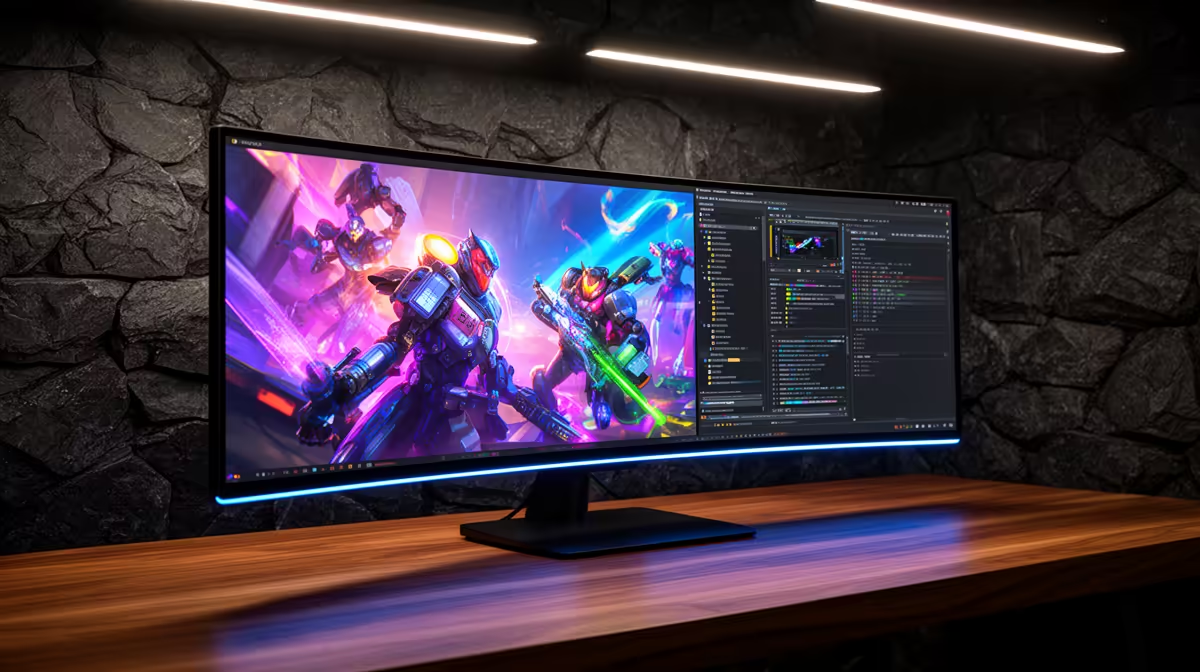
The MSI MAG 274F at R3,006 suits players who want a colour-conscious gaming monitor that can still keep up with fast competitive matches at 200Hz. It makes sense when one screen has to handle school work, content viewing, casual editing, and ranked play without turning the desk into a specialist setup.
Best Short Answer
For a balanced desk, the MSI MAG 274F at R3,006 is the clean middle ground because its 200Hz refresh rate is fast enough for serious esports while still feeling sensible for everyday use. If you care about colour as well as speed, this is the kind of screen that makes one-monitor buying easier.
The ViewSonic VX2779A at R2,350 pushes higher with 240Hz, so it is the sharper pick for players who mainly care about response feel in competitive esports. The tradeoff is simple: choose it when match smoothness matters more than chasing a more rounded creator-style setup.
The Dell SE2726H at R1,797 is the budget-friendly route with 144Hz, which is still a real upgrade over basic office screens. It suits a student or home gamer who wants smoother play, cleaner browsing, and a bigger 27-inch-style desk experience without jumping straight to the higher-speed options.
SA Gaming Room Reality
In a shared gaming room or student desk setup, the AOC 27in QHD 200Hz at R3,200 makes sense when the screen must feel crisp for work and quick for play. The Dahua LM25 at R1,850 brings 200Hz at a lower price, which is useful if the desk is mainly for fast matches and general viewing.
Ready to choose the right gaming monitor?
Use Dell SE2726H 144Hz at R1,797 as the gaming room benchmark, then check whether its listed spec matches the space, workload, and upgrade path.