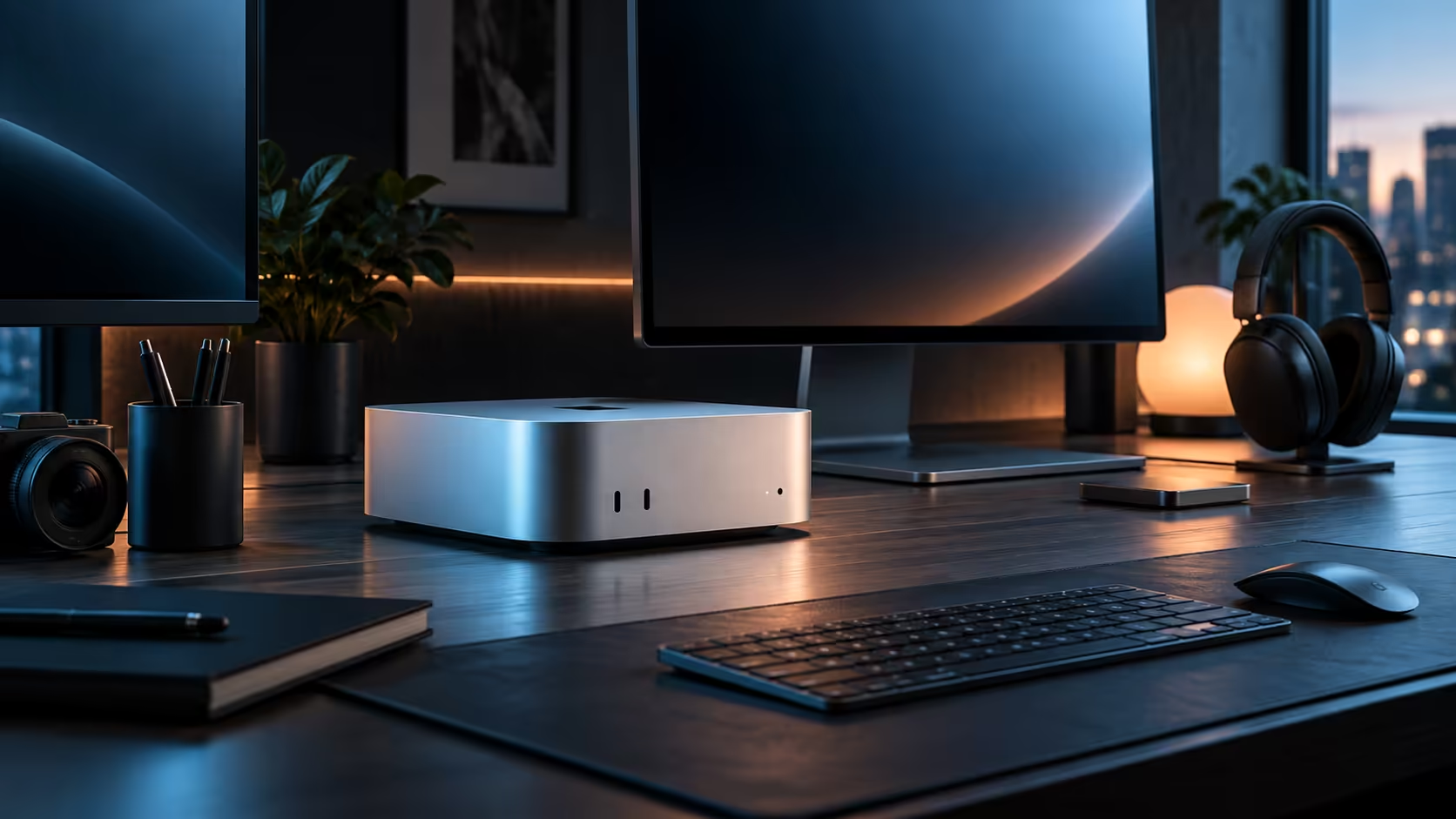
Three quick questions settle the compact desktop versus laptop decision faster than any spec comparison: do you need to carry it anywhere, do you already own a decent screen, and does your work run in short bursts or long, continuous stretches?
Quick Answer
Answer yes to needing portability and a laptop wins regardless of anything else. Answer no, and R21,699 spent on a Mac Mini M6 stretches further, since none of it is wasted on a built-in screen you would replace anyway, and a fixed workstation carries on through a long, continuous job without ever slowing down partway.
❓ Question one: does the work genuinely need to travel?
Not "would it be nice to have it along," but does the actual job happen at a client's office, on a commute, or across several locations for 3 or more hours a week. If the honest answer is no, portability is not buying you anything, and every rand spent on it is a rand not spent on capability at your one fixed desk.
❓ Question two: do you already have a screen worth using?
A laptop's price includes a built-in display whether you want it or not; a desktop's does not. If a decent monitor around 24 inches is already sitting on your desk, or you were planning to buy one either way, a desktop configuration puts more of its price into the machine itself rather than a screen you may barely use once it is docked.
❓ Question three: short bursts or long, continuous sessions?
A laptop chassis manages heat well for a burst of work but commonly reduces its own speed, called thermal throttling, once a task runs continuously past the 5-minute mark. A compact desktop with more internal volume for cooling holds its pace through hours-long exports and renders without that same fade.
🧮 Scoring your own answer
2 or 3 "desktop" answers out of 3 points clearly toward a machine like the R21,699 Mac Mini; 2 or 3 "laptop" answers point the other way just as clearly. A genuine split usually means the honest solution is one of each, a desktop at a fixed desk and a laptop reserved for when the work truly travels.
🔊 A fourth question worth adding: how quiet does it need to be
A laptop's fan spins close to your hands and ears by design; a desktop like a Mac Mini sits further away on the desk, so a sustained workload feels noticeably quieter in practice even when both machines are working equally hard. Anyone sharing a room, on frequent calls, or simply sensitive to fan noise during a long session should weigh this alongside the three questions above, since it rarely shows up on a specification listing at all, and a fan holding steady for 30 minutes or more of sustained work is genuinely hard to notice during a call.
💰 What the honest price comparison actually looks like
A laptop capable of similar sustained performance to a R21,699 Mac Mini typically costs more once a comparable screen, keyboard and battery are bundled into that single price, since none of those three come separately priced the way a desktop's accessories do. That is not a reason to dismiss a laptop outright when the work genuinely needs to travel, but it is worth knowing the desktop side of this decision is very often also the cheaper one, not just the more capable one for sustained work.
🧳 A genuine middle ground worth naming
Plenty of buyers land on owning both eventually rather than picking one side permanently: a fixed Mac Mini desk at home for daily heavy work, and a modest, older laptop kept solely for the handful of days a month that actually require leaving the desk. Framed that way, the three-question test above is really about which machine deserves the bigger share of the budget first, not a permanent, exclusive choice between the two.
If the desktop side won this argument, Mac Mini, the broader mini PC category and the wider mini PC range are all worth comparing; if the laptop side won instead, MacBook is where to look.
Frequently Asked Questions
What if I travel only once or twice a month?
Rare travel usually still favours a desktop at the fixed desk, with a laptop borrowed or a phone handling the occasional trip rather than the reverse.
Does owning both a desktop and a laptop ever make sense?
Yes, this is a common and sensible split when work genuinely needs both a fixed heavy-duty desk and occasional mobility.
Is a desktop's total cost really lower once a monitor is included?
Often close to equal or lower, since a laptop's screen, keyboard and battery are all baked into its price whether you need the mobility or not.
What if my honest answer changes between seasons, busy at a client site sometimes and desk-bound other times?
Score it against your typical month rather than your busiest week; a genuine seasonal split is exactly the case where owning both, weighted toward whichever situation is more common, tends to work out better than committing fully to one.
Does the desktop option lose value if I eventually do need to travel more?
Not necessarily; the desktop stays exactly as useful at the fixed desk, and a modest laptop can simply be added later once travel actually becomes a regular part of the work, rather than needing to be guessed correctly upfront on day one.
Is it a mistake to buy the desktop first and figure out the laptop question later?
No, this is generally the safer order, since the fixed desk covers the majority of most people's actual work while the mobility question, being harder to predict, benefits from waiting until it becomes genuinely concrete rather than being guessed at too far in advance of actually needing it.
🔌 What actually changes if the answer is "mostly desktop, occasionally mobile"
A fixed Mac Mini setup with a laptop reserved purely for occasional travel works best when the laptop stays genuinely occasional, 3 or 4 days a month rather than a regular weekly habit, since a laptop used constantly for real work deserves its own proper specification rather than being an afterthought bought cheaply. Keeping expectations honest about how often the laptop will actually leave the house prevents both an overspend on a laptop that mostly sits idle and an underspend on one that quietly becomes the primary machine.
Ready to settle desktop versus laptop for your own situation?
Answer the three questions above honestly before comparing prices.