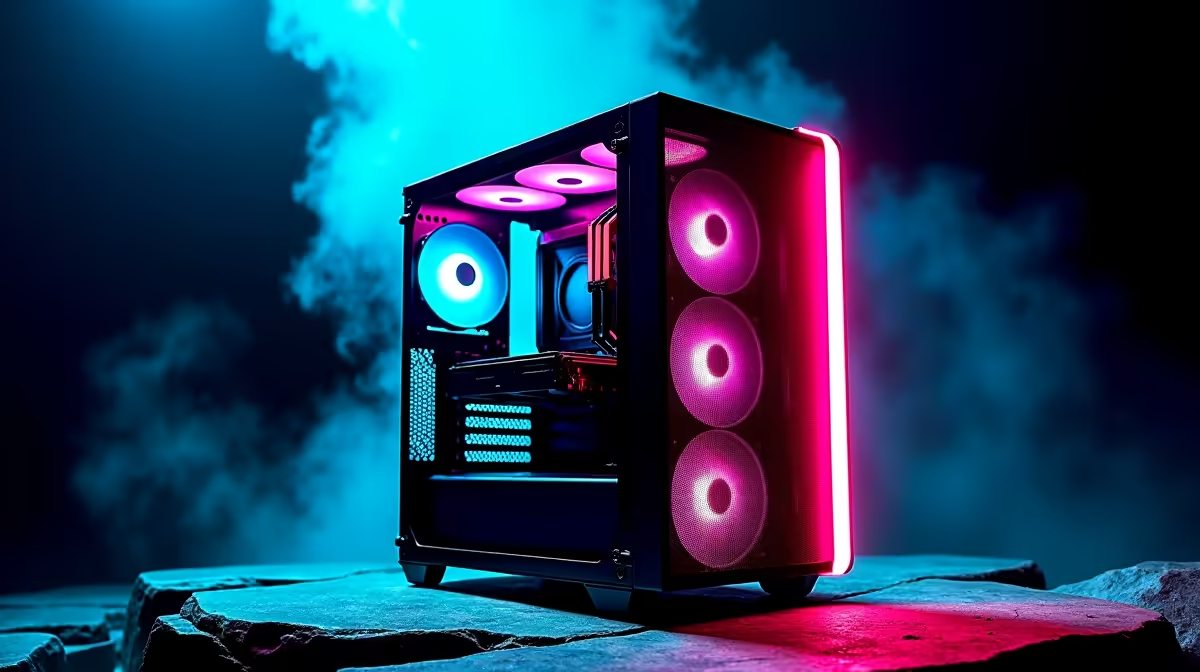
A competitive gamer should choose a high-airflow case by component clearance, measured heat and noise at the desk. Mesh and many fan mounts do not guarantee good cooling. The enclosure needs a clean intake-to-exhaust route around the graphics card and processor while remaining easy to service between tournaments or long practice blocks.
Fit every component on paper
Check motherboard size, graphics-card length and thickness, cooler height, radiator position, power-supply length and cable space. The verified case options include the R650 Gamemax Aeris 330 mATX and the R770 Deepcool CG330. Confirm current fan inclusion and front-panel ports because the case price may not represent the final cooling setup.
Test frame times and fan behaviour
Run the main esports title at competitive settings until temperatures stabilise. Log processor and graphics clocks, frame times and noise. Clean current filters and correct fan direction before blaming the enclosure. Add fans in controlled steps, using motherboard headers or a compatible controller within their current limits. More fan speed can increase noise without lowering the hotspot that matters.
Choose removable filters and accessible panels for regular cleaning. A compact case may suit travel or a small room, while larger volume can ease upgrades. Replace the enclosure when heat, clearance or service access creates a measured problem, not because a mesh pattern looks faster.
Building a competitive PC? > Ask Evetech to verify case clearance, fan support and airflow around the exact components.