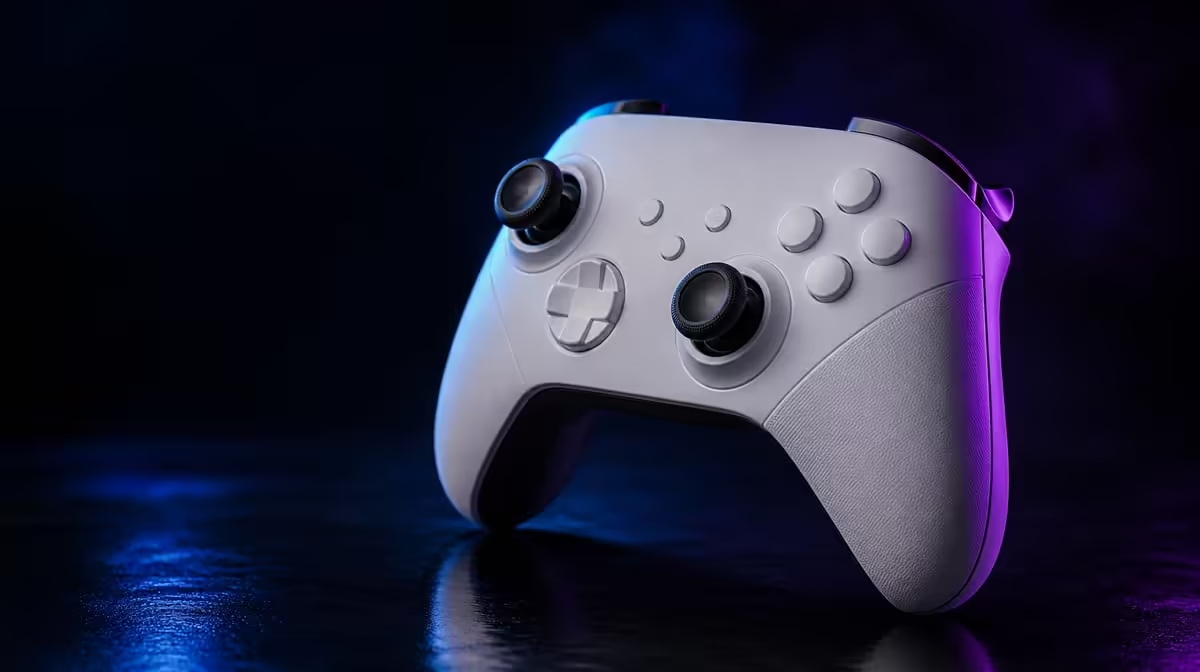
Magnetic sensing can appear in several controller inputs without making those controls interchangeable. TMR sticks and Hall Effect triggers both use magnetic principles on the GameSir G7 Pro, but one reads two-axis thumb movement and the other measures trigger travel.
Quick Answer
The R1,499 GameSir G7 Pro pairs Mag-Res TMR sticks with Hall Effect triggers and micro switch stops. TMR modules support drift-resistant aiming and movement, while the triggers provide graduated pulls or a shorter stopped action depending on the game.
🧲 Follow the movement each sensor reads
Thumbsticks move around a central point across two axes. The G7 Pro's TMR modules sense that position magnetically and avoid the conventional resistive contact used by potentiometer designs.
That difference addresses one contributor to drift, but it does not make the whole mechanism fault-proof. Calibration, springs, moving parts and physical damage remain possible influences.
Triggers travel along a pull. Hall Effect sensing can read that movement magnetically so a game receives a graduated value. The micro switch stops change the available physical travel when the player wants a quicker, more digital-style actuation.
The shared word "magnetic" should not collapse these jobs into one performance claim. A TMR aim result says nothing about throttle control, and a smooth trigger does not establish stick centring.
Think of the sensors as separate measuring instruments. The stick follows direction and magnitude around a centre. The trigger follows distance along a pull. Both can send analog values, but their neutral positions, movements and game assignments differ.
Physical feel belongs in another layer. Cap texture, spring force, finger angle and controller grip can affect the player without changing the underlying sensing principle. Use the technology label to understand measurement, then use play to judge ergonomics.
Browse Evetech's gaming controller selection with separate columns for thumb and finger controls.
🎯 Test the sticks for centre and range
Place the controller on a stable surface and observe both sticks at rest in a suitable input view or game. Move each one slowly along the main directions, trace its outer range and release it from several points.
Use an aiming drill for fine input near centre. Track a slow target, make a small correction and allow the stick to return. Record unexpected movement rather than increasing dead zones immediately.
Run a larger movement test next. Turn, steer or move through a full range and settle on a target. This checks whether the player's preferred sensitivity and physical feel work with the magnetic sensing.
Calibrate when needed and keep the starting settings documented. "Drift-resistant" is a design benefit; "never needs checking" would ignore the rest of the input system.
Repeat the centre check after reconnecting on another supported platform. Keep the game settings comparable where possible and note any software dead-zone difference. The exercise helps distinguish a platform profile from a persistent stick behaviour.
Test diagonal movement as well as the cardinal directions. Draw slow circles, stop at several positions and return to centre without snapping the stick. Smooth, controllable input matters more than making a claim from one release.
The swappable D-pad and faceplate affect other parts of the controller. They do not change the TMR measurement, so appearance and directional-control preferences should be scored separately.
Review related equipment in Evetech's gaming accessories department once the input priorities are clear.
🏎️ Give trigger travel a job
Start with the stops disengaged. In a racing game, press gradually and watch how throttle or brake changes. Full travel should be judged by control over intermediate values, not only the time to reach maximum.
Move to an action game and identify a trigger command that acts like on-off input. Engage the micro switch stop and compare the shorter pull with the full movement. Count errors and hand tension alongside perceived speed.
The best profile may mix behaviours. One trigger can keep analog travel while another uses a stop if the game assigns different control types and the configuration supports it.
Do not change connection, sensitivity and trigger position in the same run. Xbox uses a cable, PC offers wired or 2.4GHz and Android connects over Bluetooth. Establish one platform baseline before modifying the physical control.
Four macro buttons can move other actions beneath spare fingers. Test them after the stick and trigger baselines, because a new rear-button grip can change how the index fingers rest.
Run one mixed drill that requires aiming, accelerating or braking, and a face-button action. The goal is to see whether the player's grip can use both magnetic control types without tension or accidental trigger movement.
Then restore the default controls and repeat. If the specialised trigger stop improves an FPS action but harms a driving sequence, save it by game instead of choosing one permanent configuration.
🧩 Combine features without blending claims
Build a four-row scorecard: stick centre, stick range, full trigger control and stopped trigger access. Use a named game scene for every result so another session can repeat it.
At R1,499, the G7 Pro may appeal to a player who wants drift-resistant thumb sensing and adjustable trigger travel together. A buyer focused only on one input should still judge whether the other features, platform routes and dock add enough value.
The included charging dock supports storage and charging habits for wireless routines. It does not increase magnetic precision. Likewise, 1000Hz PC polling changes report timing rather than the sensor method.
Finish with a default profile and genre-specific notes. Restoring full travel, ordinary mappings and standard sensitivity should be easy when switching games or handing the controller to another person.
Include the controller link in every note. The wired Xbox route, PC cable or 2.4GHz mode, and Bluetooth Android path can place the same controls in different game ecosystems. The sensing remains part of the pad, while titles may interpret ranges differently.
Score the R1,499 purchase across four needs: drift-resistant stick sensing, analog trigger control, short-trigger option and platform reach. This reveals whether both magnetic systems matter or one is carrying most of the value.
Keep future troubleshooting specific. "Aim moves after release" should trigger the saved stick test. "Throttle will not vary" should trigger the full-travel and game-mapping check. Precise symptoms prevent one magnetic label from becoming a catch-all diagnosis.
Repeat the paired test after reconnecting to the main platform. A stable baseline should survive an ordinary start, not depend on settings left over from the first experiment.
Use Evetech's accessory best-seller page to compare current choices after the separate tests are complete.
Frequently Asked Questions
Do TMR sticks and Hall Effect triggers do the same job?
No. TMR sticks read two-axis thumb position, while Hall Effect triggers measure pull travel.
What stick technology appears in the G7 Pro?
It uses GameSir Mag-Res TMR thumbsticks.
How are the G7 Pro triggers configured?
They use Hall Effect sensing and include micro switch stops for a shorter pull.
Why use magnetic sensing for controller inputs?
It avoids the conventional resistive contact path in the relevant position measurement.
Does magnetic technology make a controller fault-proof?
No. Calibration, moving components, settings and damage can still influence behaviour.
Which feature matters more for aiming?
The thumbstick sensing and its complete physical feel are more directly relevant to aim.
Which games benefit from full analog trigger travel?
Games that use graduated throttle, braking or another variable trigger action can benefit from the full range.
Want magnetic controls to answer the right questions?
Explore Evetech's controller choices and test the G7 Pro sticks for centre before comparing full and stopped trigger travel.