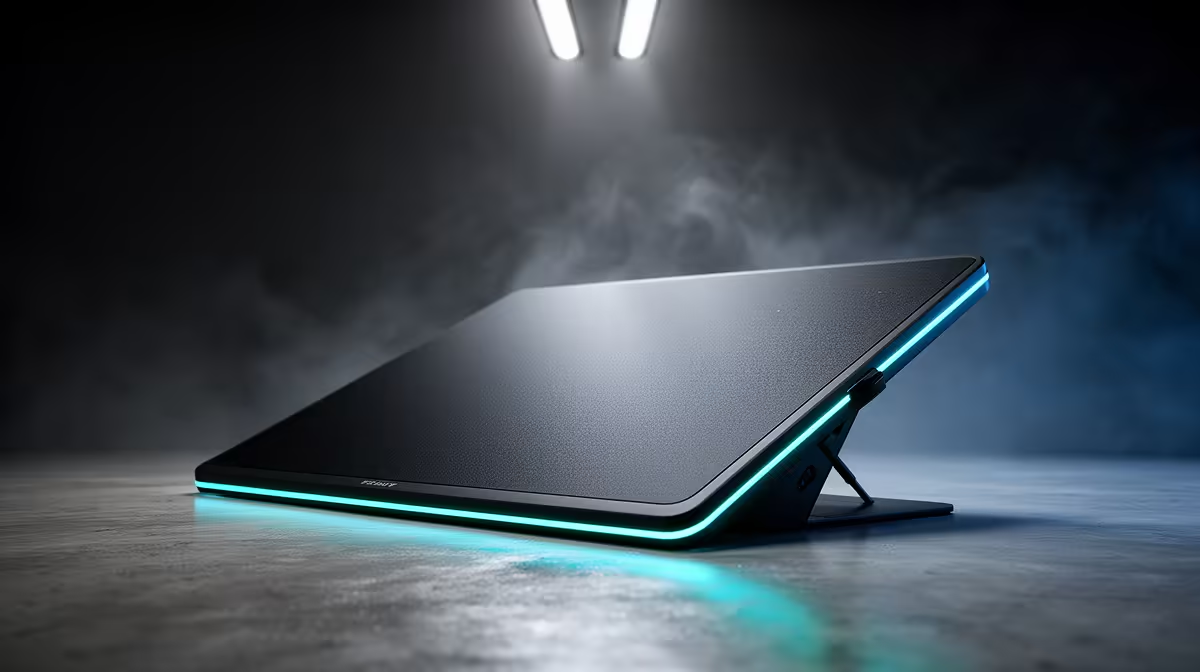
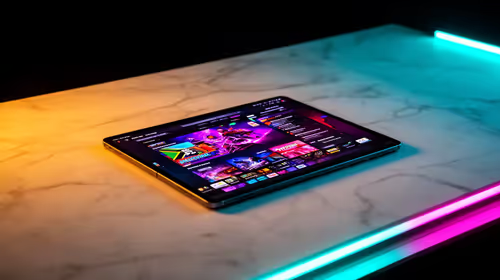
A content creator should choose a drawing tablet from the repeated pen actions in the actual application, not pressure-level numbers alone. Illustration, masking, retouching and frame-by-frame animation can benefit, while camera-led video and caption editing may not. No currently priced drawing tablet appears in the factpacks.
Trial one complete real content-creator project carefully
Borrow or test a pen device on a representative illustration, thumbnail or retouching job. Check line control, pressure response, shortcut use, driver stability and shoulder comfort. Decide whether a screen tablet is necessary or a simple pen surface already solves the mouse limitation.
Compare live models by active area, pressure support, tilt if needed, pen power, shortcut controls, operating-system drivers, application compatibility, cable length, replacement nibs and warranty. Confirm desk space and whether the tablet maps correctly to one or several displays.
Place the device where the drawing arm stays relaxed, save custom shortcuts and keep the driver installer. Test the pen after major operating-system updates. Preserve layered project files and exported versions in independent backups, and take movement breaks during long illustration sessions.
Buy when the project trial shows faster, more natural repeated work. Direct the allocation toward display, storage or camera needs when pen input would be occasional novelty rather than a core creator tool.
Adding pen input to creator work? > Browse Evetech tablets by application, active area and desk fit.